Using the Scanner Function
52
2
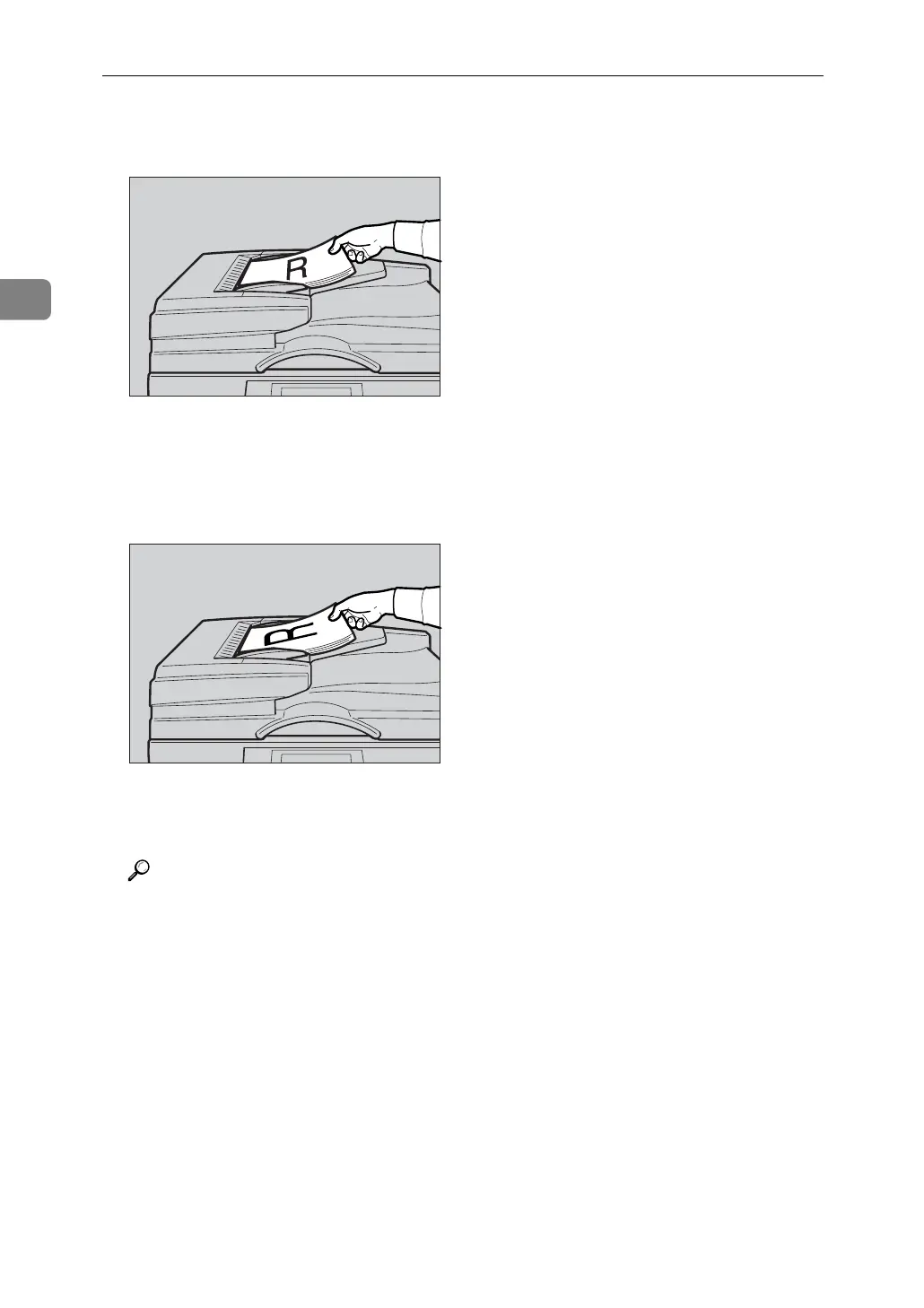
❖ When placing the originals so that the top edges touch the back of the ARDF
❖ When placing the top edges of the originals first
When using the machine as a network TWAIN scanner, this orientation is
the standard setting for the TWAIN driver. This orientation is suitable for
most originals.
C Select the original orientation according to the orientation of the placed
originals.
Reference
For information about placing originals in the ARDF, see Copy Reference.
p.49 “Specifying original orientation and setting originals”
AYM011S
AYM012S









 To Next Page