Paper and Other Media
18
The paper selection menu appears.
C Press the {U} or {T} key to display “Tray Paper Size”, and then press
the {# Enter} key.
The paper tray selection menu appears.
D Press the {U} or {T} key to display the target paper tray, and then press
the {# Enter} key.
The paper size selection menu appears.
E Press the {U} or {T} key to display the loaded paper size, and then
press the {# Enter} key.
After about two seconds, the display returns to the menu.
F Press the {Online} key.
“Ready” appears on the display.
This completes the setting change.
❒ After printing on a paper size that was not selected automatically, to print
on an automatically selectable paper size again, load the new paper, pro-
ceed to the next step , and return the setting to “Auto”.
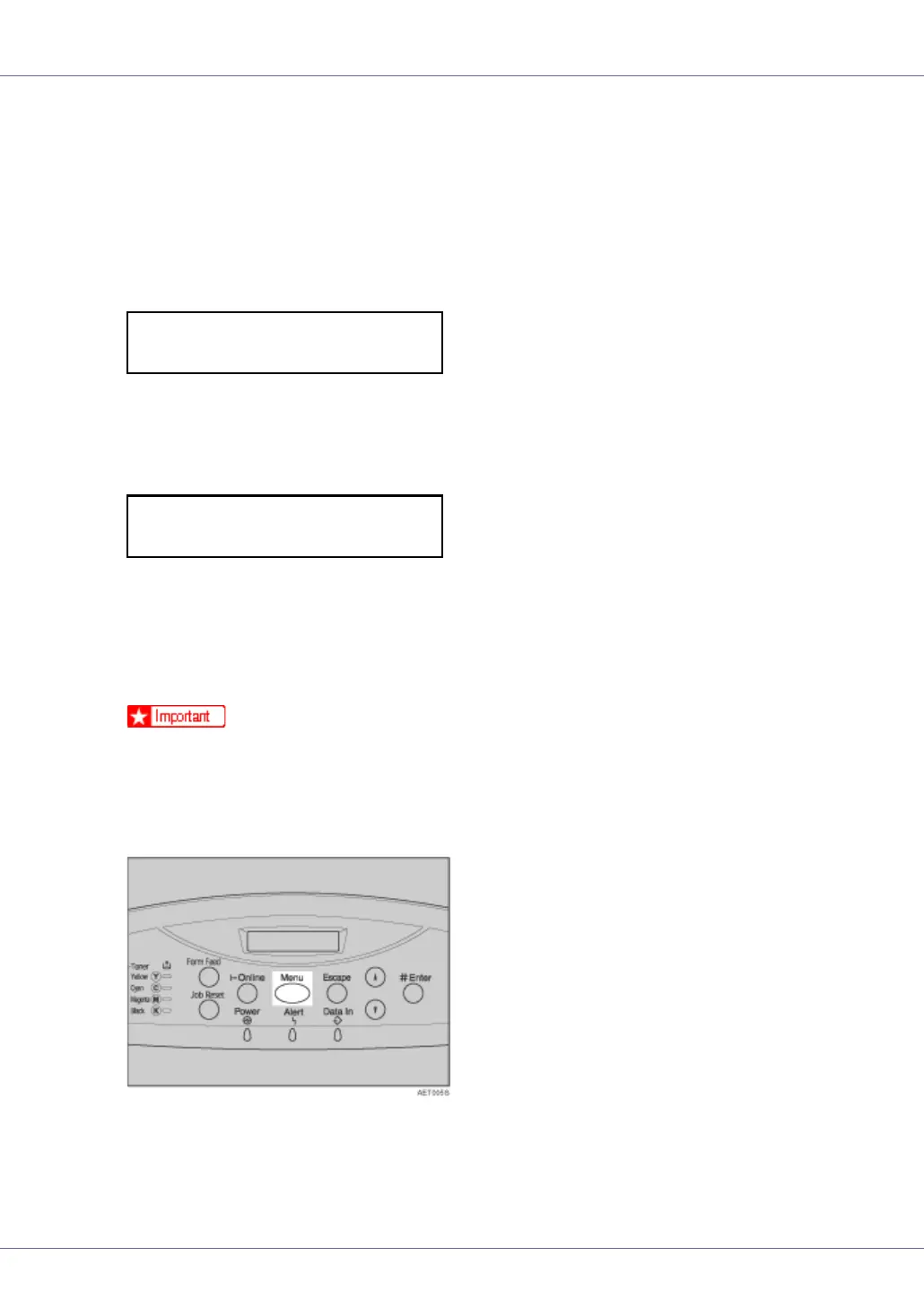
G Press the {Menu} key.
“Menu” appears on the display.
H Press the {U} or {T} key to display “Paper Input”, and then press the {#
Enter} key.
Tray Paper Size:
Tray 2
Tray 2:
8 1/2 x 13










 To Next Page