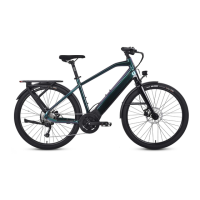
For the most up to date documents, bike models, additional information, instructional videos,
And more visit us at Ride1UP.com
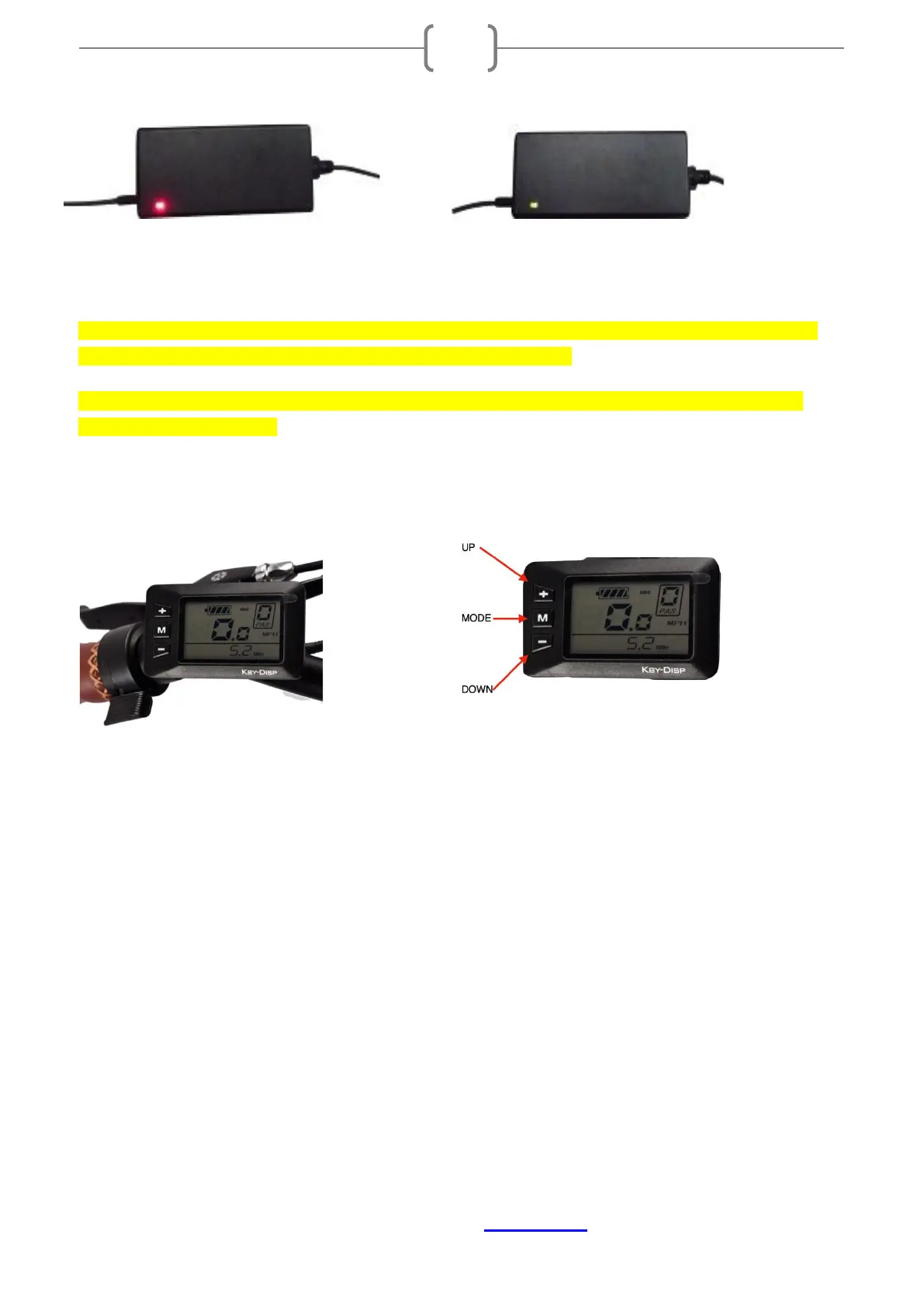
(A) (B)
NOTE: Depending on the charge level when plugged in, It takes 3-6 hours for the battery to fully
charge when using the standard charger supplied with the bike.
Do not leave the battery unattended while plugged into the charger. Do not store the batteries
connected to the charger.
5. KD21C LCD Display Instructions
5.1 Power On/Off
Press and hold MODE button for 2 seconds to power on and off. The Display automatically shuts down
when the bike is not used for 10 minutes.
5.2 Assist Level Operating
The assist level ranges from Level “0” to Level “5”. Level “1” is the minimum power and Level “5” is the
maximum. To change the assist level, press the UP or DOWN buttons until desired level is displayed in the
top right corner.
5.3 Speed & Mileage Mode Switch
Pressing the MODE button displays the following in this order: RUNNING SPEED→TRIP DISTANCE→TRIP
TIME→ MAXIMUM SPEED→AVERAGE SPEED→MOTOR POWER.
5.4 Backlight On/Off


 To Next Page