声明:本说明书著作权归杭州睿登科技有限公司所有,未经允许任何单位或个人不得用于商业用途。
28
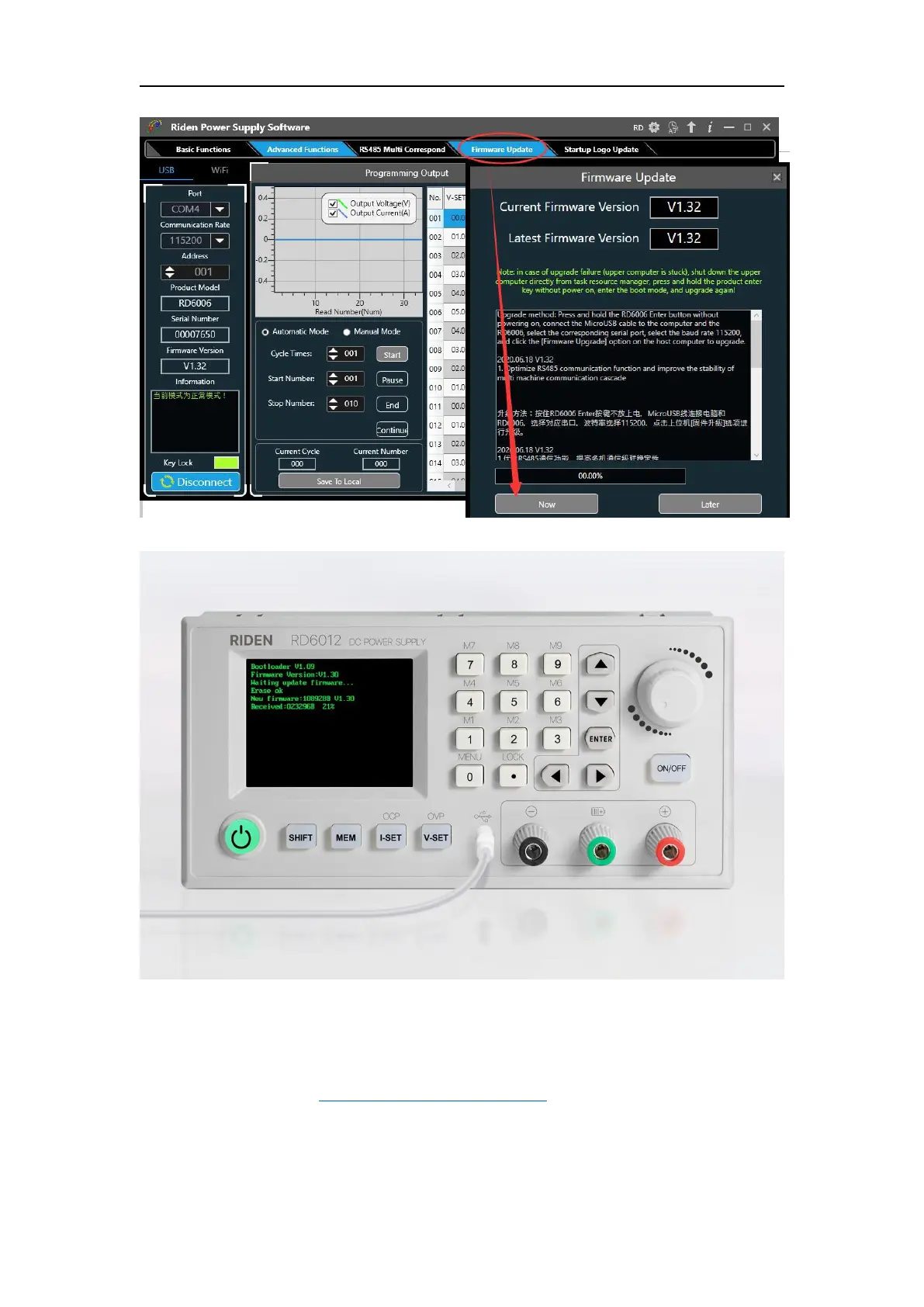
During the firmware upgrade process, the interface is displayed as follows:
4.3.6 Boot Logo Update
Boot logo setting video:https://youtu.be/vuVhBsohWts
Click “Start Logo Update”, a Logo upgrade prompt will pop up on the page,
please select a picture with a size of 320x240 and a resolution of 96dpi. Some logo
samples can be used in the installation package.



 To Next Page