EasyManua.ls Logo

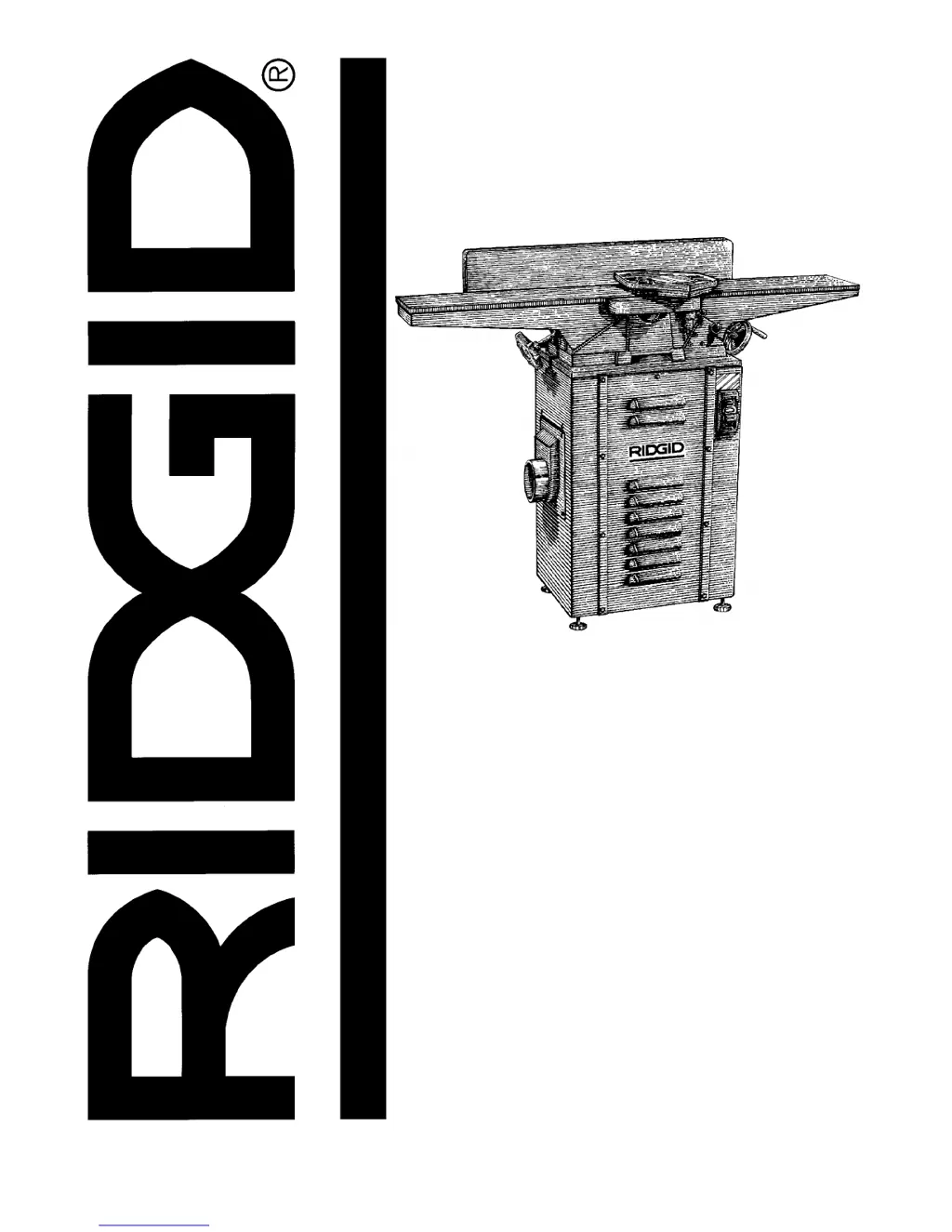
RIDGID JP0600 - User Manual

RIDGID JP0600
44 pages
Print Icon
To Next Page IconTo Next Page
Loading...
2:1(5·60$18$/
$VVHPEO\
2SHUDWLRQ
5HSDLU3DUWV
)RU<RXU6DIHW\
5HDGDOOLQVWUXFWLRQVFDUHIXOO\
48(67,21625&200(176"
&$//5,'*,'
ZZZULGJLGZRRGZRUNLQJFRP
Part No. SP6173 Printed in Taiwan
-3
-2,17(53/$1(5

Table of Contents

Questions and Answers

  • T
    Troy KingAug 12, 2025
    Why RIDGID JP0600 Power Tool motor will not run?
    • N
      Nicholas GallagherAug 12, 2025
      If the RIDGID Power Tool motor won't run, there could be several reasons. It might be a defective on-off switch, capacitor, or the motor itself. In this case you should consult an Authorized Service Center, because any attempt to repair this electrical device may create a hazard unless repair is done by a qualified service technician. Another potential cause is low line voltage, refer to the “Troubleshooting (Motor)” section. Also, check if the belt tension is too high and adjust it accordingly.
  • S
    Sandra VasquezAug 15, 2025
    How to prevent ripples on planed surface and kickbacks with RIDGID Power Tool?
    • H
      Haley PierceAug 15, 2025
      Ripples and kickbacks during planing with your RIDGID Power Tool can occur if one blade is set higher than the others. To fix this, readjust the blades, see “Maintenance” section. Also, feeding the wood too fast can cause this issue, so try feeding the wood slower. Another reason might be that the cutting blades are set too high above the outfeed table or are not leveled with it, so readjust the blades, see “Maintenance” section.
  • B
    Brian FitzpatrickAug 19, 2025
    Why are 90° and 45° cuts inaccurate on my RIDGID JP0600?
    • J
      Jeffrey MorenoAug 19, 2025
      Inaccurate 90° and 45° cuts with your RIDGID Power Tool can be due to fence stops not adjusted properly, so readjust the fence stops, see “Getting to Know Your Jointer/Planer” section. Another possible cause is wood chips under the fence bottom preventing it from being even with the outfeed table. Make sure to clean wood chips from underside of fence.
  • B
    Brian FloresAug 23, 2025
    What to do if wood strikes outfeed table after passing over cutterhead on RIDGID JP0600?
    • C
      clarknoahAug 23, 2025
      If wood strikes the outfeed table after passing over the cutterhead of your RIDGID Power Tool, it means the outfeed table is improperly adjusted above the cutter blades. Readjust the table, see “Outfeed Table Adjustment” section.
  • L
    Larry NelsonAug 27, 2025
    Why planed surface is not straight with RIDGID Power Tool?
    • J
      Jennifer AnthonyAug 27, 2025
      If the planed surface isn't straight when using your RIDGID Power Tool, the outfeed table is likely out of adjustment. Readjust the table, see “Outfeed Table Adjustment” section.
  • M
    michellewhiteAug 31, 2025
    What causes excessive gouging at end of cut with RIDGID Power Tool?
    • R
      Robin TaylorAug 31, 2025
      Excessive gouging at the end of a cut with your RIDGID Power Tool is usually because the outfeed table is set too low. Readjust the table, see “Outfeed Table Adjustment” section.
  • M
    Mr. Alexander MaddenSep 3, 2025
    What to do if cutter guard does not function properly on RIDGID JP0600?
    • J
      john39Sep 3, 2025
      If the cutter guard on your RIDGID Power Tool isn't working right, the return spring might be broken or need adjustment. If broken, consult an Authorized Service Center immediately. You can also try to adjust the spring.
  • R
    Ryan WilsonSep 7, 2025
    How to fix loose infeed or outfeed table on RIDGID Power Tool?
    • T
      Thomas PattersonSep 7, 2025
      If the infeed or outfeed table on your RIDGID Power Tool feels loose, it's likely due to a loose gib. Tighten the gibs to resolve this.

Summary

Safety Instructions

Safety Signal Words

Definitions of DANGER, WARNING, and CAUTION safety terms.

Major Hazards

Identification of key risks like kickback and thrown pieces.

Before Using the Jointer;Planer

Pre-operation checks and understanding the tool's functions.

Reduce Risk of Injury from Jams, Slips, or Thrown Pieces

Safety measures for preventing accidents involving jams, slips, or thrown pieces.

Personal Protection and Safe Practices

Safety attire and planning for eye, hand, face, and ear protection.

Operation and Bystander Safety

Safety during running, keeping children away, and before leaving the machine.

Motor Specifications and Electrical Requirements

Assembly

Getting to Know Your Jointer;Planer

Alignments

Cutter Knife Alignment;Adjustments

Procedure for setting and adjusting the cutting knives.

Cutter Knife Sharpening

Method for sharpening the jointer knives.

Basic Jointer;Planer Cutting Operations

Maintenance and Lubrication

Troubleshooting Guide

General Troubleshooting

Common issues and their solutions for the jointer/planer.

Motor Troubleshooting

Specific problems related to the motor and their remedies.

RIDGID JP0600 Specifications

General IconGeneral
BrandRIDGID
ModelJP0600
CategoryPower Tool
LanguageEnglish

Related product manuals