17
PRODUCT DESCRIPTION
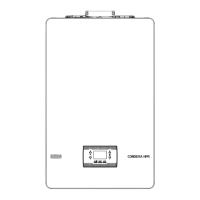
2.15 Service panel
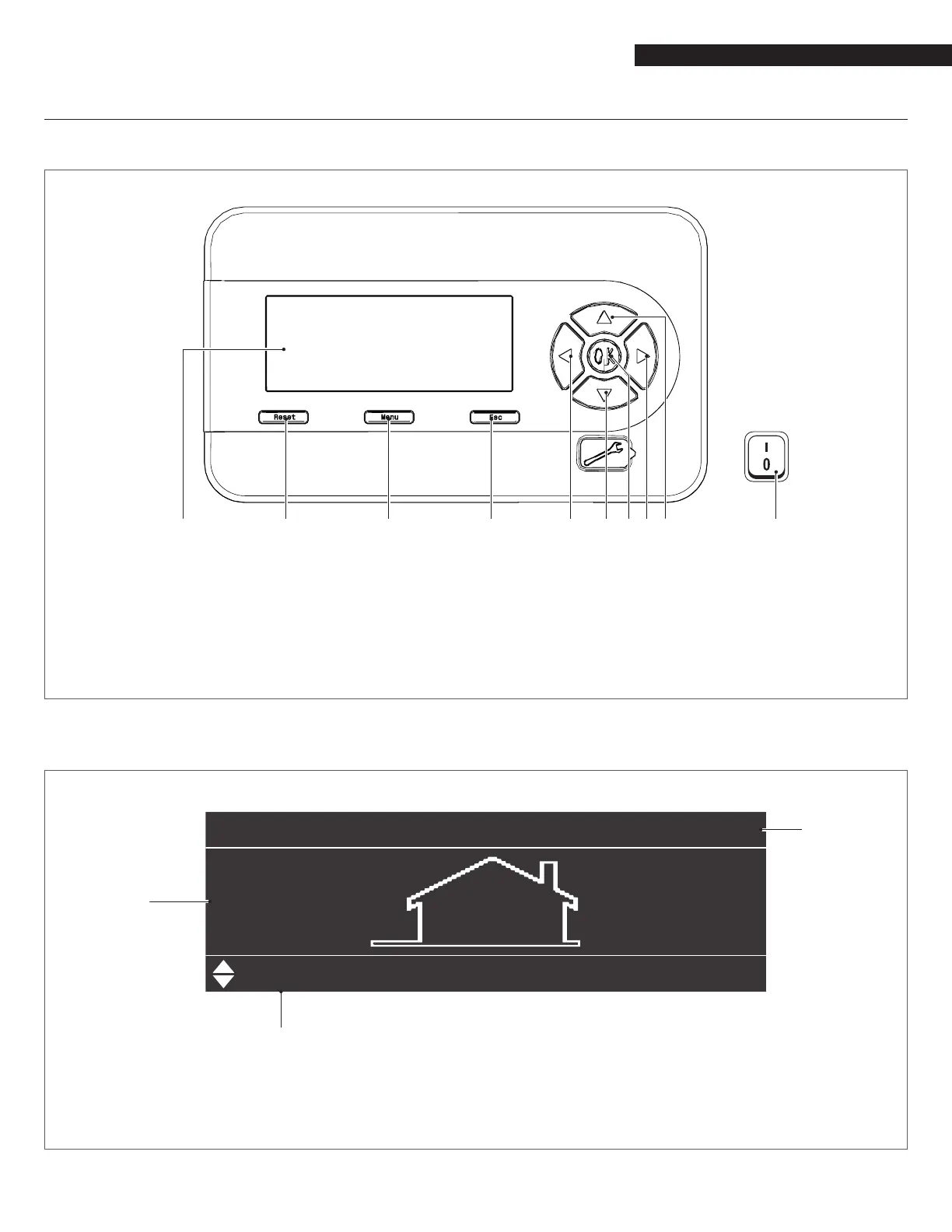
CONTROL PANEL AND SYMBOLS
1 Backlit display (4 13/16" x 1 1/2" / 255mm x 80mm)
2 RESET key: restores normal operations after a safety lock-out
3 MENU key: switches on the main menu
4 ESC key: in menu navigation, it enables you to exit a menu item and go back to the previous one
5 - 9 Navigation keys ◄, ▼, ●, ►, ▲
10 Power switch (located on the top left of the appliance)
Fig. 9
Control panel
SECONDARY INFORMATION/DISPLAY VISUALISATION
04:29
77.0”°F”
“
”
” ”
1 Outdoor temperature
2 Set-point
3 Clock
Fig. 10
Display visualisation



 To Next Page