44
Smart Link
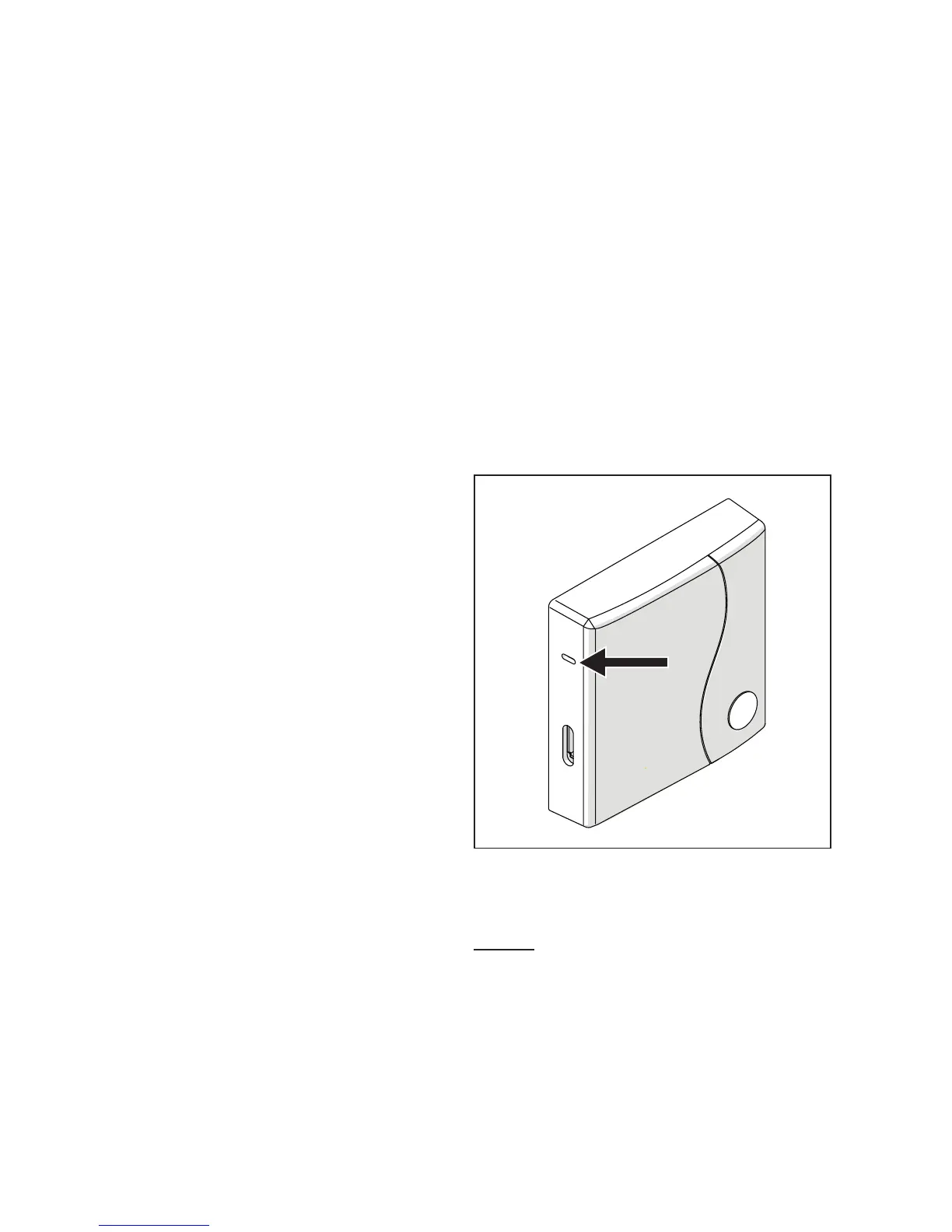
− Press the Smar
t Link button on
the WiFi Box once with an ap-
propriate implement.
− The green and red LEDs start
flashing frequently.
− Select the “Configure WiFi”
field fr
om the drop-down menu
in the APP, insert your home
modem password and press
the “Connect” button.
The process is complete if the APP
displays the message “Connection
complete”.
9
Once online, the system
requires up to 4 minutes to
auto-configure.
WPS (only for modems with this function)
− Set your home modem to
WPS mode.
− Press the WPS button on the
WiFi Box using an appropriate
implement and hold for 5 sec-
onds until the red and green
LEDs flash frequently.
The link has been made if the red
LED on the WiFi Box flashes fre-
quently after a few seconds.
9
Once online, the system
requires up to 4 minutes to
auto-configure.
WPS/Smartlink
Outputs Boiler
Restart the WiFi router at the end of
the operation.
NOTE
For further information, please see
the BeSMART APP manual.


 To Next Page