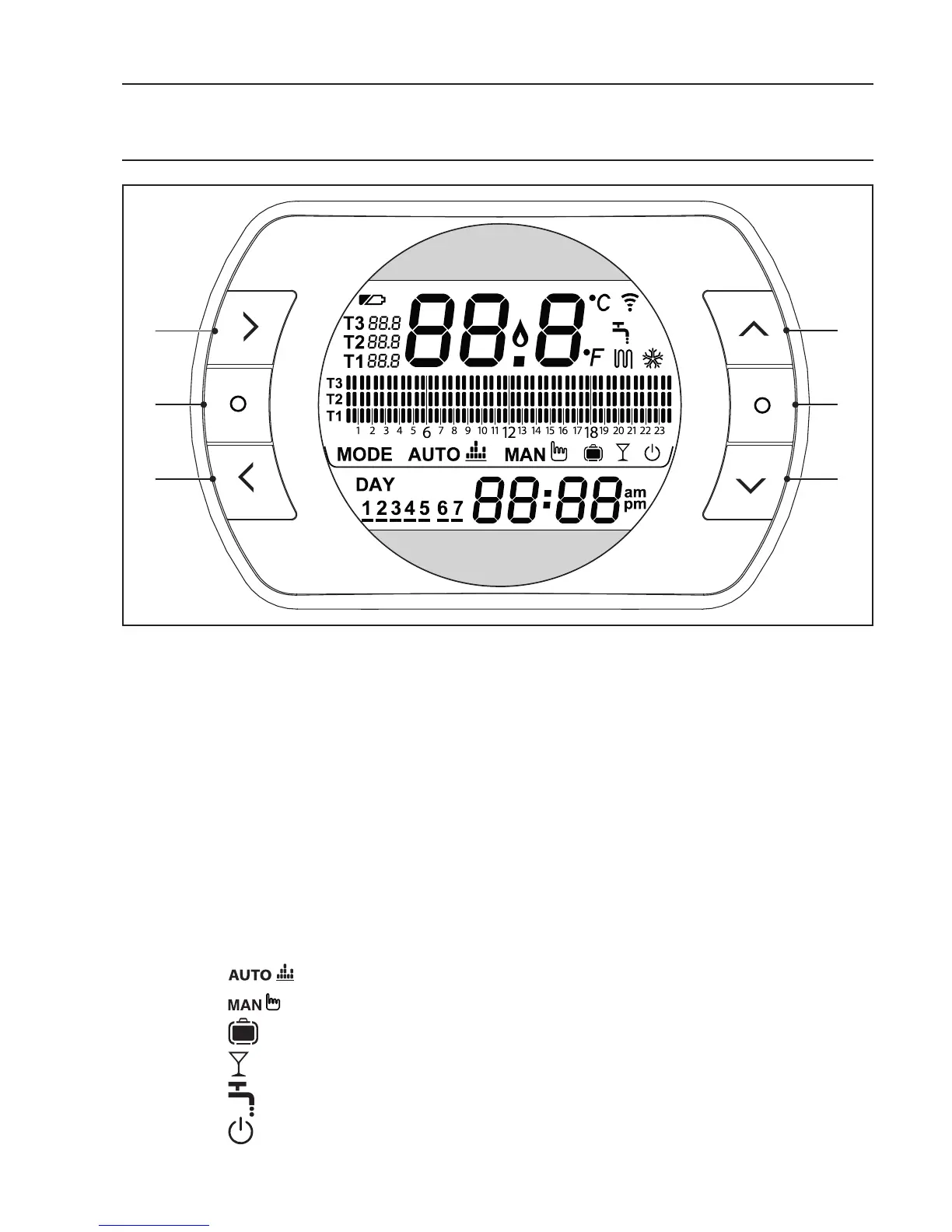
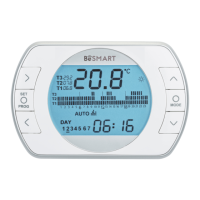
1 BACK button = allows you to select the desired field, reset an alarm or
activate the ONE HOUR BOOSTER function
2
SET/PROG b
utton = allows you to access the menus or selected field
and save
3
FORW
ARD button = allows you to select the desired field or activate the
special ADVANCE function
4
UP but
ton = increases the field selected or displays the room tempera-
ture for the current time period
5 ESC/MODE button = allows you to select the operating mode, exit pro-
gramming, activate the link function or activate the special SEMI-AUTO-
MATIC FILLING function
ESC = escape
MODE = select the operating mode:
AUTO
MANUAL
HOLIDAY
PARTY
SUMMER (if OTBus available)
OFF
6
DOWN
button = decreases the field selected or displays the room tem-
perature for the current time period


 To Next Page