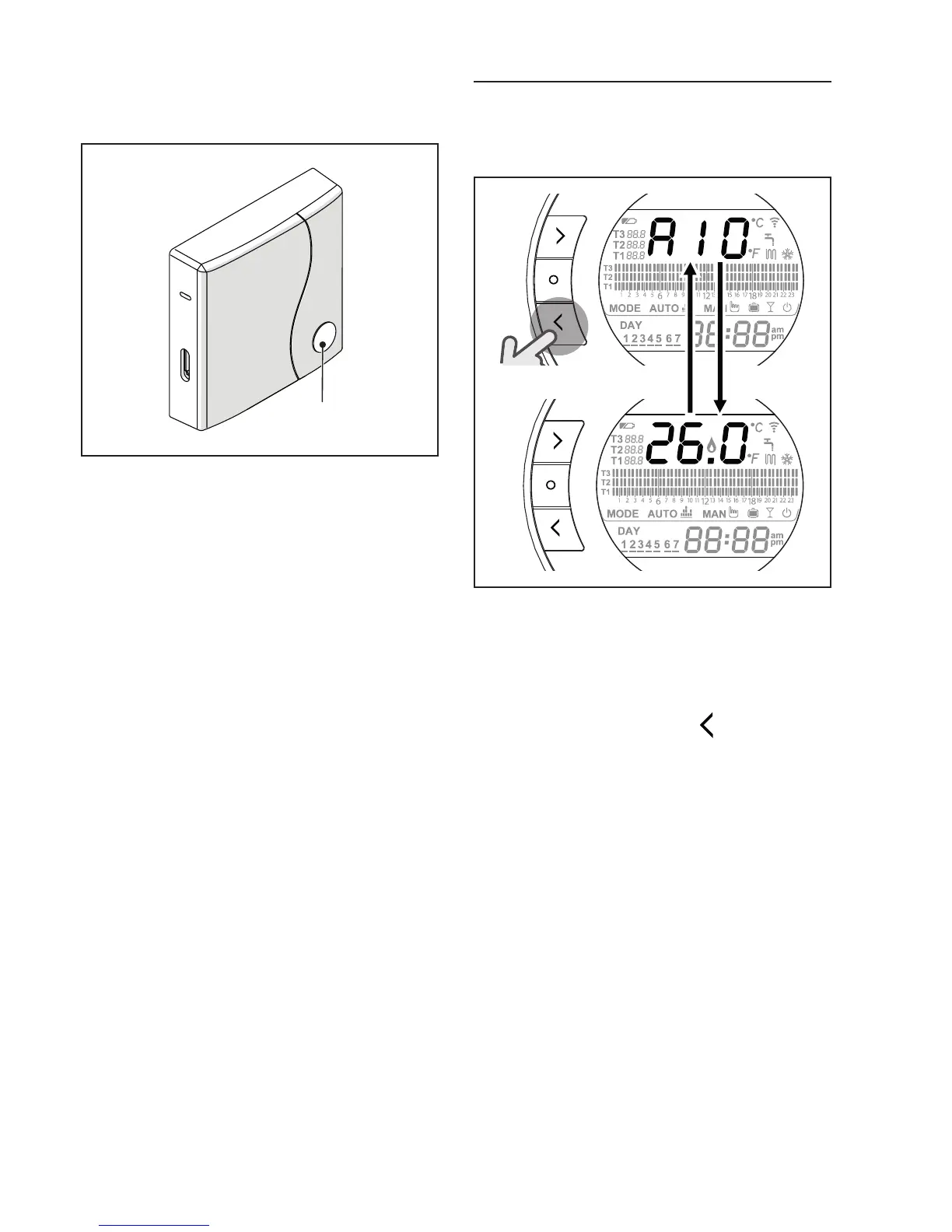
In case of a boiler alarm (available
with OTBus connection between
the WiFi Box and the boiler or the
RF receiver and the boiler or the
BeSMART and the boiler, if provid-
ed for by the OTBus protocol), the
alarm can be reset by pressing the
prismatic dome clear LED button (A)
(for alarm A99, reset from the boiler).
9
The reset performed by the boi-
ler RF receiver could differ from what
has been described.
With an ON/OFF connection, the
relay can be activated or deactivat-
ed by pressing the prismatic dome
clear LED button (A).
4.2
Boiler and BeSMART alarms
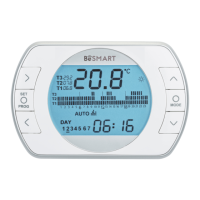
The alarm is shown in alternation
with the room temperature detected
by the BeSMART on the display.
SET
PROG
RESET
SET
PROG
RESET
In case of a boiler alarm (available
with OTBus connection between the
WiFi Box and the boiler, if provid-
ed for by the OTBus protocol), the
alarm can be reset by pressing the
BACK/RESET button
(for alarm
A99, reset from the boiler).
9
The BeSMART alarms (rIE,
E82, E83) and the temporary boiler
alarms may be automatically reset
once the fault has been resolved.


 To Next Page