63
3.12 Technical menu –
Advanced programming
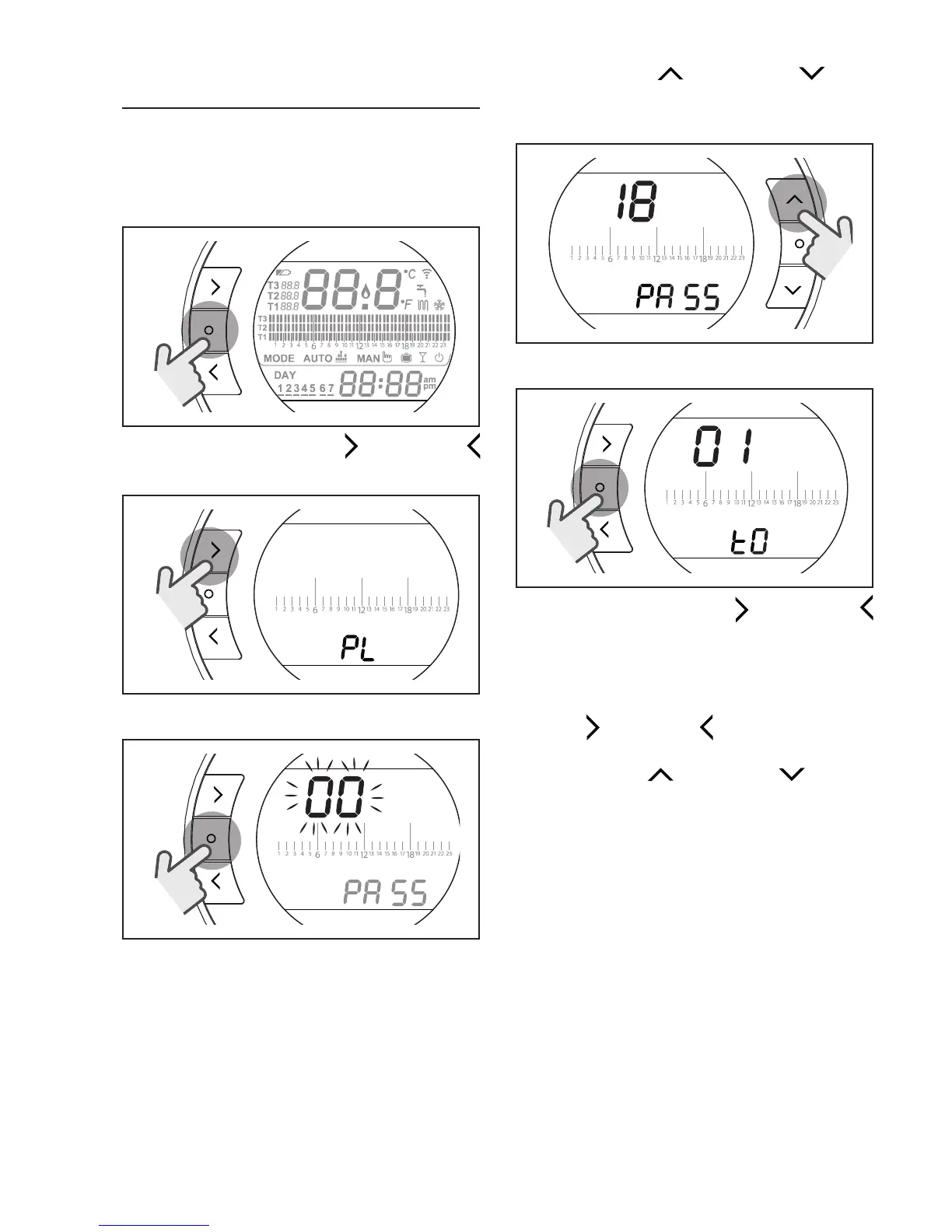
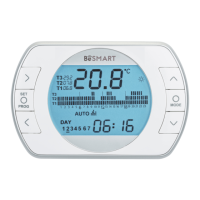
From the HOME screen, press the
SET/PROGRAM button to open the
user menu.
SET
PROG
RESET
Press the FORWARD or BACK
button to select the field PL.
SET
PROG
RESET
Press the SET/PROG button to set.
SET
PROG
RESET
Press the UP or DOWN but-
ton to insert the installer password
(password = 18).
ESC
MODE
Press the SET/PROG button to set.
SET
PROG
RESET
Press the FORWARD or BACK
button to select the desired parameter.
Press the SET/PROGRAM button
to set the selected parameter. For
parameters 08 to 19, use the FOR-
WARD
or BACK button to select
the 2 sub-parameters.
Press the UP
or DOWN button
to modify the selected parameter.
Press the SET/PROG button to save
and return to the technical menu,
press ESC/MODE to save and exit
the technical menu, or wait 120 sec-
onds to automatically save the value
and return to the HOME screen.


 To Next Page