Press the SET/PROGRAM button
to confirm the day or period of the
week to be changed.
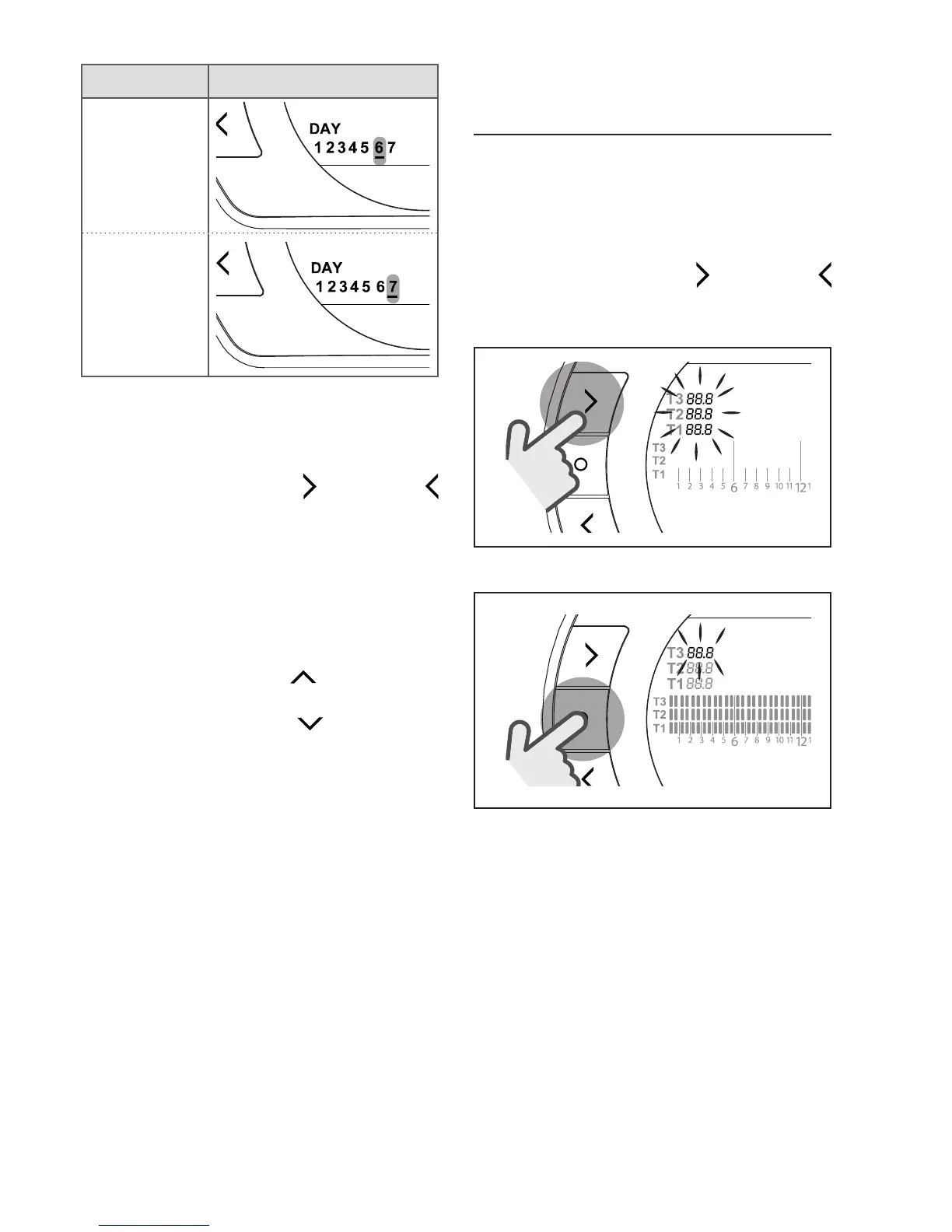
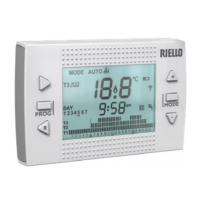
Press the FORWARD
or BACK
button to select the time segment to
be changed.
Press the ESC/MODE button to acti-
vate or deactivate the domestic hot
water function.
Press the UP button
to copy the
previous setting to the following time
segment (the DOWN
button can
be used to go back or copy the set-
ting to the previous time segment).
Press the SET/PROG button to save
and return to the programming menu,
press ESC/MODE to save and exit
the programming menu, or wait 30
seconds to automatically save the
value and return to the HOME screen.
3.9 Setting the heating/
cooling room setpoint
temperature
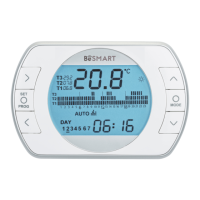
To change the T1/T2/T3 room set-
point temperature, press the SET/
PROGRAM button from the HOME
screen to enter the user menu.
Press the FORWARD
or BACK
button to select the field HEATING/
COOLING TEMPERATURE.
SET
PROG
Press the SET/PROG button to set.
SET
PROG


 To Next Page