EasyManua.ls Logo

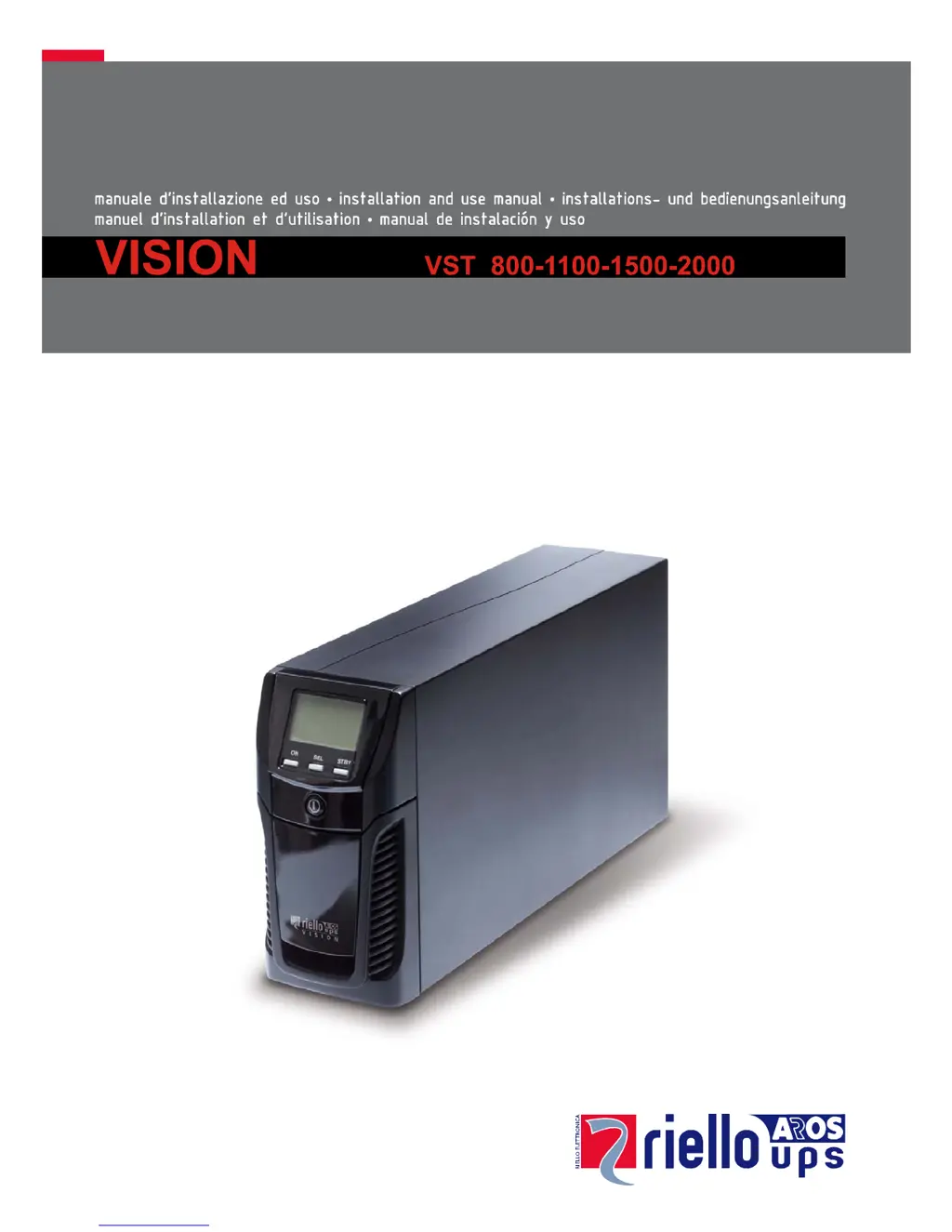
Riello VST 1500 - User Manual

Riello VST 1500
23 pages
Print Icon
To Next Page IconTo Next Page
Loading...

Questions and Answers

Summary

Introduction to UPS Vision

Environmental Protection Measures

Product Disposal Guidelines

Product Presentation

UPS Views and Components

Front Panel View

Details the components and indicators visible on the UPS front panel.

Rear Panel View

Illustrates the various ports, connectors, and ventilation on the UPS rear panel.

Display Panel Overview

Installation Procedures

Initial Content Check

Ensures all required items are present in the UPS package upon receipt.

Installation Environment Requirements

Specifies the recommended ambient conditions for safe and optimal UPS placement.

Using the UPS

First Time Connections and Power-On

Provides step-by-step guidance for initial UPS setup and power activation.

Switching On from Mains Power

Instructions for starting the UPS when connected to the main power supply.

Switching On from Battery Power

Procedure for powering the UPS and connected loads using battery power.

Switching Off the UPS

Details the safe methods for turning off the UPS and its connected equipment.

Display Panel Messages Explained

UPS Status Messages

Explains the meaning of various icons and messages displayed on the UPS panel.

Measurement Display Area

Configuring Operating Modes

Available Operating Mode Settings

Outlines the different operating modes available for the UPS, such as L.I. and ECO.

Additional UPS Functions

Describes extra UPS features like 'BATTERY SWAP' and programmable 'EnergyShare' sockets.

UPS Software

Monitoring and Control Software

Information on using PowerShield³ software for UPS monitoring and management.

Configuration Software

Guidance on utilizing UPStools software for UPS configuration and status display.

UPS Configuration Options

Communication Ports

RS232 Connector Details

Technical details and pinout for the RS232 serial communication port.

Communication Expansion Slot

Overview of the expansion slot for optional communication interface cards.

Battery Pack Replacement Guide

Troubleshooting Common Issues

UPS Alarm Codes

Fault Codes

Details fault codes categorized as Anomalies and Alarms with their descriptions.

Active Command Codes

Lists specific codes indicating the presence of active remote commands for the UPS.

Lock Codes

Describes lock codes, their causes, and the corresponding solutions or actions.

Technical Data Specifications

Summary

Introduction to UPS Vision

Environmental Protection Measures

Product Disposal Guidelines

Product Presentation

UPS Views and Components

Front Panel View

Details the components and indicators visible on the UPS front panel.

Rear Panel View

Illustrates the various ports, connectors, and ventilation on the UPS rear panel.

Display Panel Overview

Installation Procedures

Initial Content Check

Ensures all required items are present in the UPS package upon receipt.

Installation Environment Requirements

Specifies the recommended ambient conditions for safe and optimal UPS placement.

Using the UPS

First Time Connections and Power-On

Provides step-by-step guidance for initial UPS setup and power activation.

Switching On from Mains Power

Instructions for starting the UPS when connected to the main power supply.

Switching On from Battery Power

Procedure for powering the UPS and connected loads using battery power.

Switching Off the UPS

Details the safe methods for turning off the UPS and its connected equipment.

Display Panel Messages Explained

UPS Status Messages

Explains the meaning of various icons and messages displayed on the UPS panel.

Measurement Display Area

Configuring Operating Modes

Available Operating Mode Settings

Outlines the different operating modes available for the UPS, such as L.I. and ECO.

Additional UPS Functions

Describes extra UPS features like 'BATTERY SWAP' and programmable 'EnergyShare' sockets.

UPS Software

Monitoring and Control Software

Information on using PowerShield³ software for UPS monitoring and management.

Configuration Software

Guidance on utilizing UPStools software for UPS configuration and status display.

UPS Configuration Options

Communication Ports

RS232 Connector Details

Technical details and pinout for the RS232 serial communication port.

Communication Expansion Slot

Overview of the expansion slot for optional communication interface cards.

Battery Pack Replacement Guide

Troubleshooting Common Issues

UPS Alarm Codes

Fault Codes

Details fault codes categorized as Anomalies and Alarms with their descriptions.

Active Command Codes

Lists specific codes indicating the presence of active remote commands for the UPS.

Lock Codes

Describes lock codes, their causes, and the corresponding solutions or actions.

Technical Data Specifications

Riello VST 1500 Specifications

General IconGeneral
Apparent Power1500 VA
Active Power1350 W
TechnologyLine Interactive
Output Voltage WaveformSinewave
Input Voltage230 V
Output Voltage230 V
Input Frequency50/60 Hz
Output Frequency50/60 Hz
Typical Recharge Time4-6 hours
Operating Temperature0-40 °C
Humidity0-95% non-condensing
OutletsIEC C13
Communication InterfaceUSB
Battery TypeSealed Lead-Acid (SLA)
Storage Temperature-15-45 °C

Related product manuals