EasyManua.ls Logo

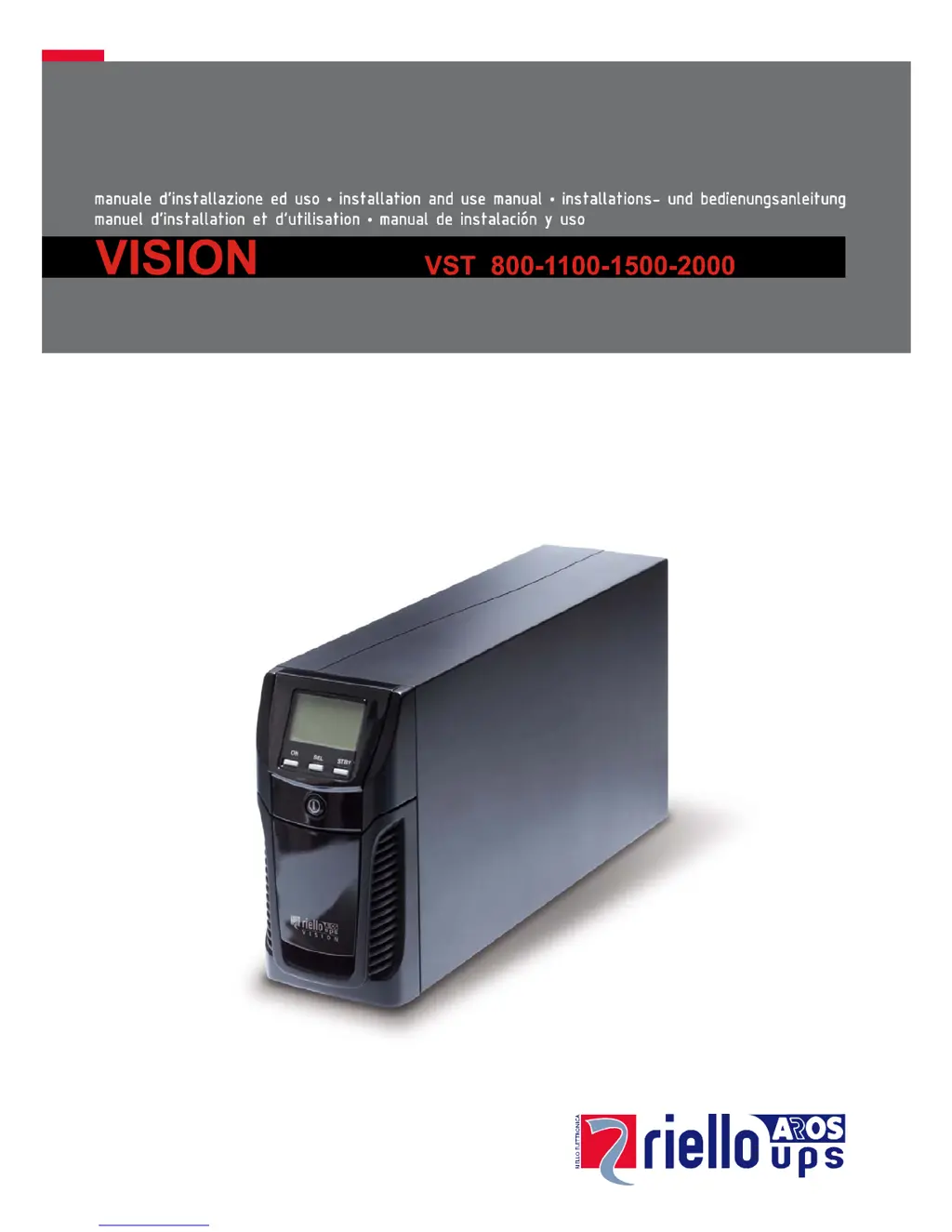
Riello VST 800 - User Manual

Riello VST 800
23 pages
Print Icon
To Next Page IconTo Next Page
Loading...

Questions and Answers

Summary

Display Panel View

Display Panel Messages

Measurement Display Area

Configuring the Operating Mode

Possible Settings

Details the different operating modes (L.I., ECO, OTHER) the UPS can be configured to use.

Software

Monitoring and Control Software

Information on PowerShield software for monitoring, control, and automatic operations.

Configuration Software

Details on UPStools software for configuring UPS settings and viewing status.

UPS Configuration

Communication Ports

Battery Pack Replacement

Troubleshooting

Alarm Codes

Fault Codes

Details "Anomalies" and "Alarms" with specific fault codes and their meanings.

Lock Codes

Details "LOCK" alerts with specific codes and their meanings, indicating potential issues.

Technical Data

Summary

Display Panel View

Display Panel Messages

Measurement Display Area

Configuring the Operating Mode

Possible Settings

Details the different operating modes (L.I., ECO, OTHER) the UPS can be configured to use.

Software

Monitoring and Control Software

Information on PowerShield software for monitoring, control, and automatic operations.

Configuration Software

Details on UPStools software for configuring UPS settings and viewing status.

UPS Configuration

Communication Ports

Battery Pack Replacement

Troubleshooting

Alarm Codes

Fault Codes

Details "Anomalies" and "Alarms" with specific fault codes and their meanings.

Lock Codes

Details "LOCK" alerts with specific codes and their meanings, indicating potential issues.

Technical Data

Riello VST 800 Specifications

General IconGeneral
Power Rating800 VA / 480 W
Output Power Factor0.6
Humidity0-95% non-condensing
Input Voltage230 VAC
Frequency50/60 Hz
Typical Recharge Time4-6 hours to 90%
Communication InterfaceUSB
Operating Temperature0°C to 40°C
Storage Temperature-15°C to 45°C

Related product manuals