EasyManua.ls Logo

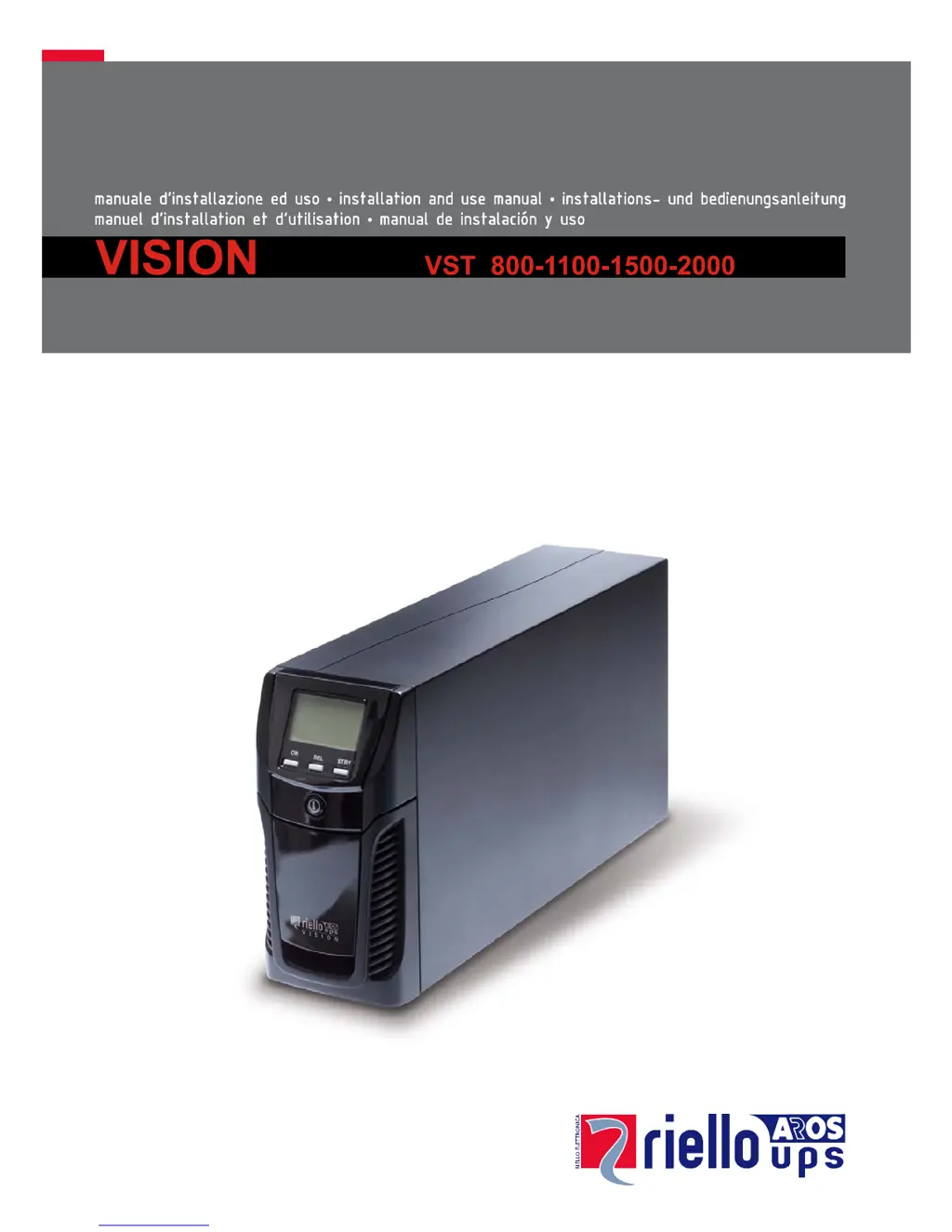
Riello VST 2000 - User Manual

Riello VST 2000
23 pages
Print Icon
To Next Page IconTo Next Page
Loading...

Questions and Answers

Summary

Introduction

Environmental Protection

Packaging Material

Identifies packaging materials like cardboard and polythene for proper disposal.

Disposing of the Product

Presentation

UPS Views

Front View

Identifies front panel components: Display, buttons, ON/OFF switch, and panel access.

Rear View

Details rear panel connections and ports for different UPS models.

Display Panel View

Installation

Initial Content Check

Ensures all necessary components are present in the package before installation.

Installation Environment

Specifies ideal environmental conditions for UPS placement and operation.

Use

Connections and Switching On for the First Time

Guides initial setup, power connection, and first-time UPS startup procedure.

Switching On from the Mains

Instructions for powering the UPS and connected loads from the mains supply.

Switching On from the Battery

Procedure for starting the UPS and loads using battery power.

Switching Off the UPS

Steps to safely shut down the UPS and return it to standby mode.

Display Panel Messages

UPS Status Messages

Explains various icons and their meanings displayed on the UPS panel.

Measurement Display Area

Configuring the Operating Mode

How to Proceed

Step-by-step guide to access and change UPS operating modes via the display.

Possible Settings

Overview of available operating modes: L.I. and ECO.

Additional Functions and Features

Details on Battery Swap mode and programmable EnergyShare sockets.

Software

Monitoring and Control Software

Information on PowerShield software for UPS monitoring and management.

Configuration Software

Guide to UPStools software for UPS configuration and status display.

UPS Configuration

Communication Ports

RS232 Connector

Details the RS232 port pinout and its programmable functions.

Communication Slot

Describes the expansion slot for additional communication cards.

Battery Pack Replacement

Troubleshooting

Alarm Codes

Fault Alerts

Details minor issues (Anomalies) and critical problems (Alarms) indicated by fault codes.

Active Commands

Lists codes indicating active remote commands for UPS control.

Lock Alerts

Explains codes indicating critical lock states, potentially causing inverter shutdown.

Technical Data

Summary

Introduction

Environmental Protection

Packaging Material

Identifies packaging materials like cardboard and polythene for proper disposal.

Disposing of the Product

Presentation

UPS Views

Front View

Identifies front panel components: Display, buttons, ON/OFF switch, and panel access.

Rear View

Details rear panel connections and ports for different UPS models.

Display Panel View

Installation

Initial Content Check

Ensures all necessary components are present in the package before installation.

Installation Environment

Specifies ideal environmental conditions for UPS placement and operation.

Use

Connections and Switching On for the First Time

Guides initial setup, power connection, and first-time UPS startup procedure.

Switching On from the Mains

Instructions for powering the UPS and connected loads from the mains supply.

Switching On from the Battery

Procedure for starting the UPS and loads using battery power.

Switching Off the UPS

Steps to safely shut down the UPS and return it to standby mode.

Display Panel Messages

UPS Status Messages

Explains various icons and their meanings displayed on the UPS panel.

Measurement Display Area

Configuring the Operating Mode

How to Proceed

Step-by-step guide to access and change UPS operating modes via the display.

Possible Settings

Overview of available operating modes: L.I. and ECO.

Additional Functions and Features

Details on Battery Swap mode and programmable EnergyShare sockets.

Software

Monitoring and Control Software

Information on PowerShield software for UPS monitoring and management.

Configuration Software

Guide to UPStools software for UPS configuration and status display.

UPS Configuration

Communication Ports

RS232 Connector

Details the RS232 port pinout and its programmable functions.

Communication Slot

Describes the expansion slot for additional communication cards.

Battery Pack Replacement

Troubleshooting

Alarm Codes

Fault Alerts

Details minor issues (Anomalies) and critical problems (Alarms) indicated by fault codes.

Active Commands

Lists codes indicating active remote commands for UPS control.

Lock Alerts

Explains codes indicating critical lock states, potentially causing inverter shutdown.

Technical Data

Riello VST 2000 Specifications

General IconGeneral
ModelVST 2000
CategoryUPS
Power Rating2000 VA
Output Power1600 W
Input Voltage230 V
Output Voltage230 V
Output Power Factor0.8
Frequency50/60 Hz
WaveformSine wave
Communication InterfaceUSB, RS232
Operating Temperature0 - 40 °C
Operating Humidity0 - 95% (non-condensing)
Battery TypeSealed lead-acid (maintenance-free)

Related product manuals