12 13
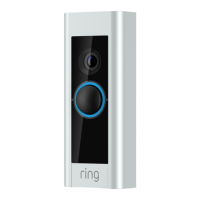
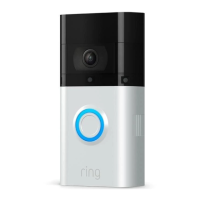
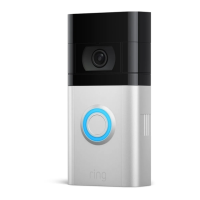
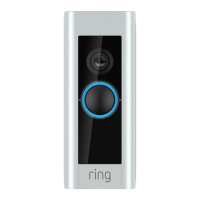
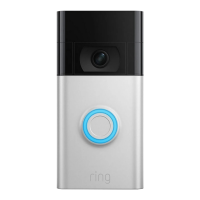
Mount your Ring Doorbell
to the Corner Mount.
Secure your Ring Doorbell to
the Corner Mount with the two
included short mounting screws.
Be sure to feed any excess wiring
back into the wall first. If you
used the wire nuts, push them
through the hole as well.
Once you’re done, skip
ahead to page 19.
Connect the doorbell wires.
Loop one doorbell wire around
each of the screw terminals on the
rear of your Ring Doorbell then
tighten the terminals to secure.
If your doorbell wires are too
short to reach your new Ring
Doorbell, you can attach the
included wire extenders using
the included wire nuts.


 To Next Page
 Loading...