Download the Ring app.
The Ring app walks you through setting up
and managing your Indoor Cam.
Download it on your iOS or Android device.
Power it up!
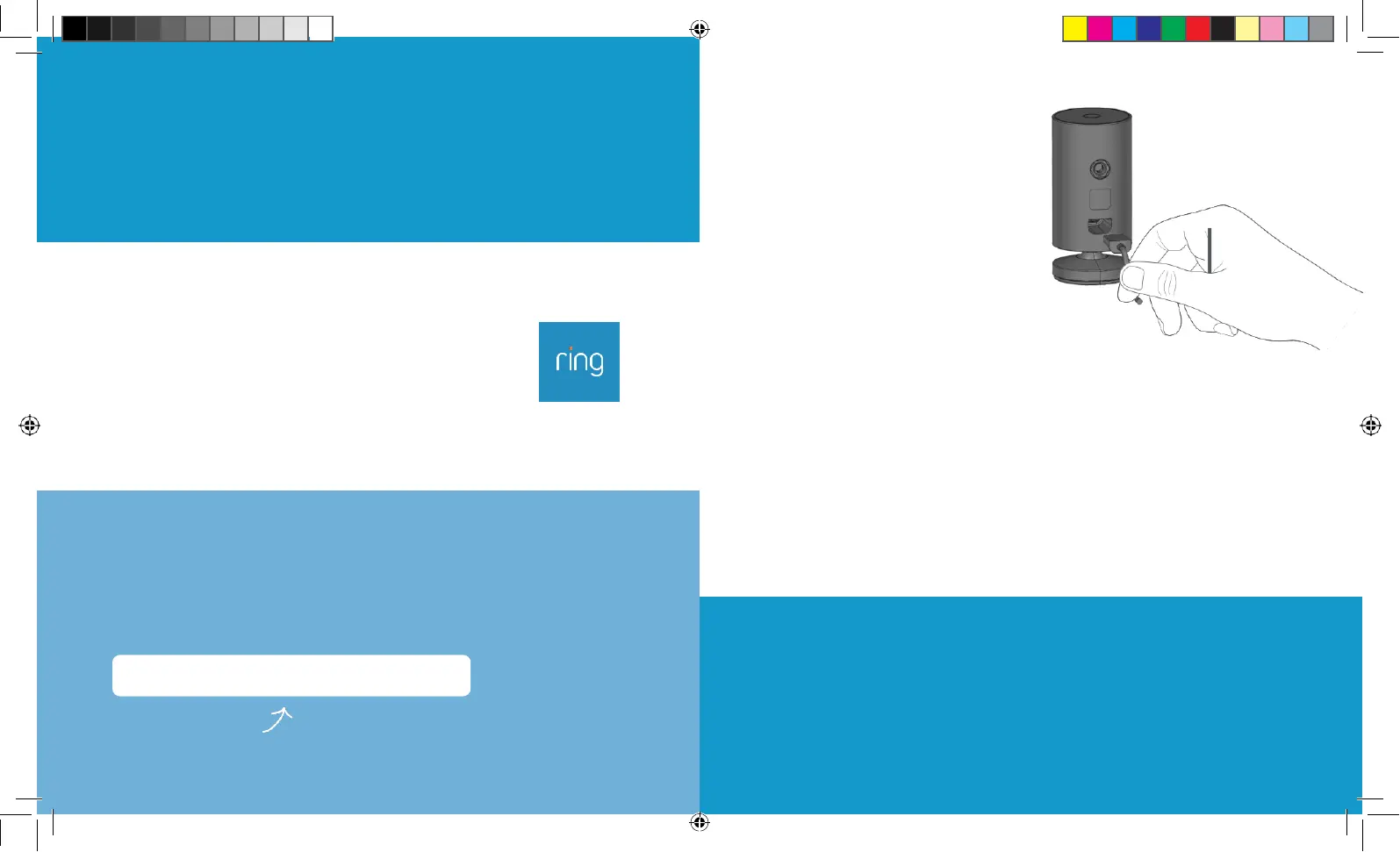
First, plug the included
power cable into the back
of your Indoor Cam.
Then plug the power
supply into an outlet.
Set up your Indoor Cam in the Ring app.
In the Ring app, select Set Up a Device.
When prompted, select
Security Cams
and follow the
in-app instructions.
Try it out!
After setup, tap the Live View button in the Ring app to see
live video from your Indoor Cam.
02_Indoor_Cam_MANUAL_BETA.indd 2-3 6/4/19 10:26 AM
Blue light flashing?
If the light on the front of your Indoor Cam is flashing after
setup, it’s updating its software.
Do not unplug your Indoor Cam while the light is flashing!
Grab your Wi-Fi password.
You’ll need it to set up your Indoor Cam.
Write it down below so it’s handy when you need it:






 To Next Page