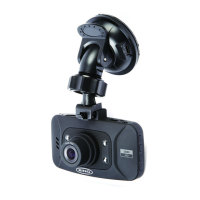
1. PresstoturndashcameraOn-O
2.OK–PresstoConrmaselecon/Start/Stoparecording
3.MENU–PresstoopentheMenuSystem/Lockcurrentrecording
4. s–PresstomoveUp/TurnonLEDlight
5. t–PresstomoveDown/SwitchOLCDdisplay
6.MODE–PresstoselectVideo/Photo/PlaybackModes
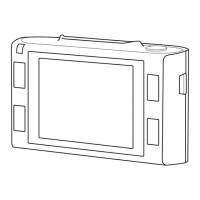
7.LCDDisplay
8.Speaker
9.Indicator–Green=Charging,O=Charged,Red=Inialising
10.Mounngslot–Aachwindscreenmounthere
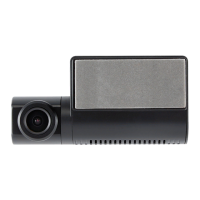
11.Lens
12.HighlightLED–TurnOn-Owithsbuontoassistobjectilluminaon
13.AVInterface–ForusewithAVcable(notincluded)
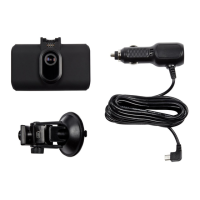
14.HDMIInterface–ForusewithHDMIcable(supplied)
15.USBInterface–UsetoconnecttoaPCwithUSBcable(supplied)
16.Microphone
17.MemoryCardSlot–InsertMicroSDcardhere
18.ResetHole–Usetoresetthedashcamera
19.PowerInterface–UsetoconnectCarpowercable



 To Next Page