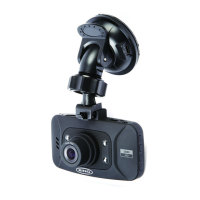
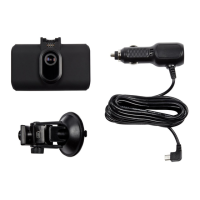
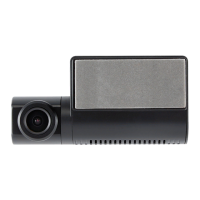
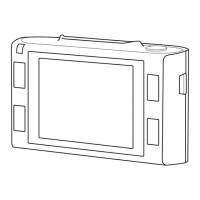
Cleardisplayforeaseofviewingrecordedvideosandphotos.
ProvideshighqualityFullHDrecordingupto1920x1080@30fps
Recordsthevehiclesposion,dateandmesothiscanbereviewedlaterusingthesupplied
playbacksoware.
Ifanaccidentisdetectedbytheshocksensor,thedevicewillautomacallylockthecurrentrecording,so
itcannotbeover-wrien.SensivityoftheGSensorcanbeadjusted.
Inthismodethedashcameracanfunconlikeanormaldigitalcamera
Whenthevehicleignionisswitchedonandpowerbecomesavailableatthe12Vaccessorysocket,the
dashcamerawillautomacallyswitchonandstartrecording.Whentheignionisturnedo,thedash
camerawillautomacallystoprecordingandswitcho.
Ifselectedintheoponsmenu,audiowillberecordedalongwithvideo.
ViewlesdirectlyonadisplayorTVusingthesuppliedHDMIcable.



 To Next Page