1110
Install the security screws (optional).
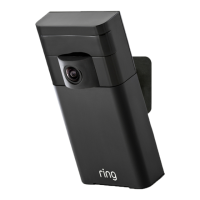
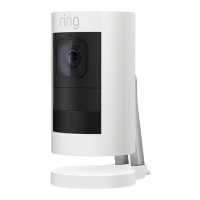
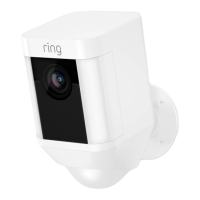
Your Stick Up Cam comes with two
optional security screw locations.
One secures the battery compartment,
and the other secures the mounting
bracket to the base. To use them, open
the battery compartment and/or remove
the mounting bracket, then pop out the
rubber plug(s).
1
2
3



 To Next Page
 Loading...