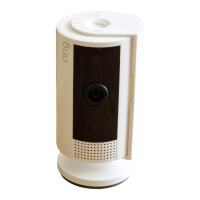
Blue light flashing?
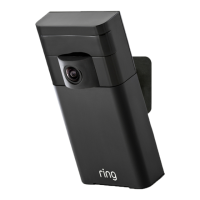
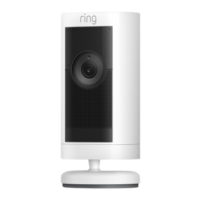
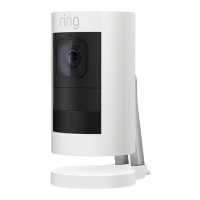
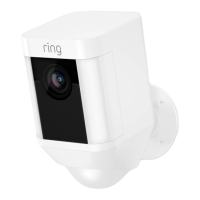
If the light on the front of your Stick Up Cam is flashing after
setup, it’s updating its software.
Do not unplug your Stick Up Cam while the light is flashing!
Set up your Stick Up
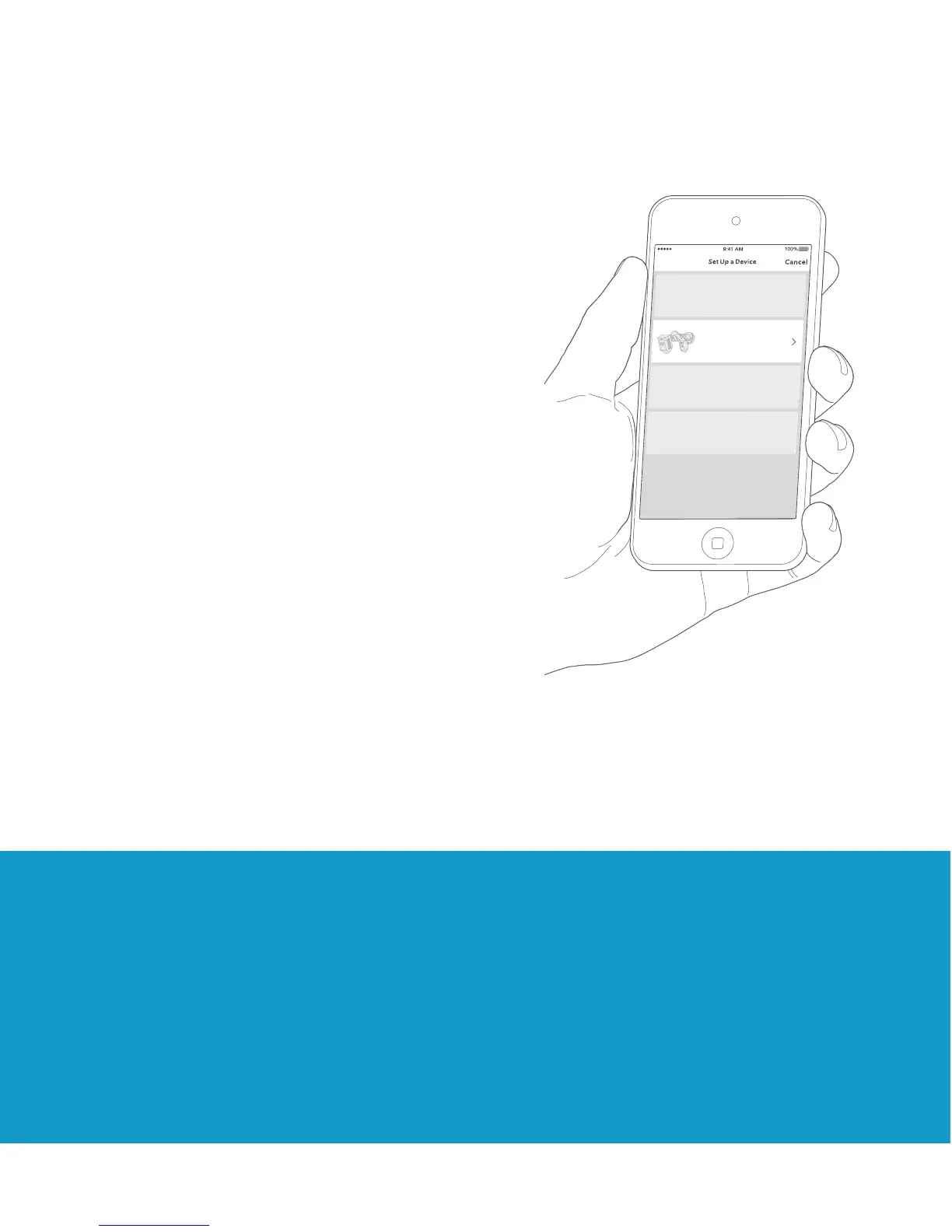
Cam in the Ring app.
In the Ring app, select
Set Up a Device.
When prompted, select
Security Cams and follow
the in-app instructions.
Try it out!
After setup, tap the Live View
button in the Ring app to
see live video from your Stick
Up Cam.



 To Next Page
 Loading...