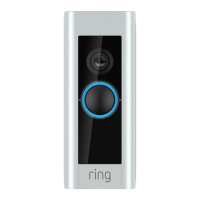
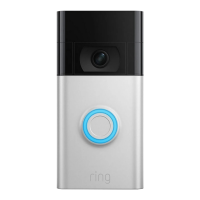
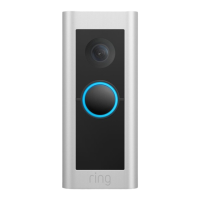
3
Set up your
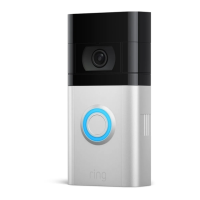
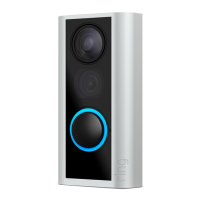
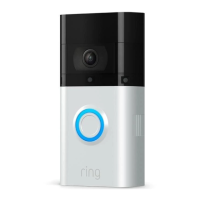
Video Doorbell
near your wifi
router.
In the Ring app, select
Set Up a Device.
When prompted, select Doorbells,
and follow the in-app instructions.
If you have problems with video quality after installation,
you may need to move your router closer to your door,
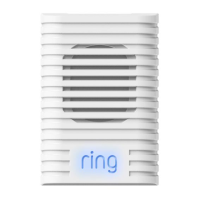
or add a Ring Chime Pro. Learn more at: ring.com/chime-pro
Try it out. After setup, push the button on
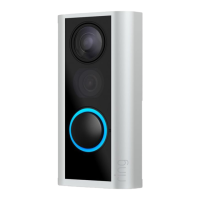
the front of your Video Doorbell
to see video from the camera in
the Ring app.
You’ll need it for the next step,
so write it down below.
Grab your
wifi password.
The Ring app walks you through
setting up and managing your
Video Doorbell.
Search for “Ring” in one of the app
stores below, or visit ring.com/app
Plug it into a USB power source with
the included cable. Once the light
ring is fully lit, it’s ready to use.
Download the
Ring app.
Charge your
Video Doorbell.


 To Next Page
 Loading...