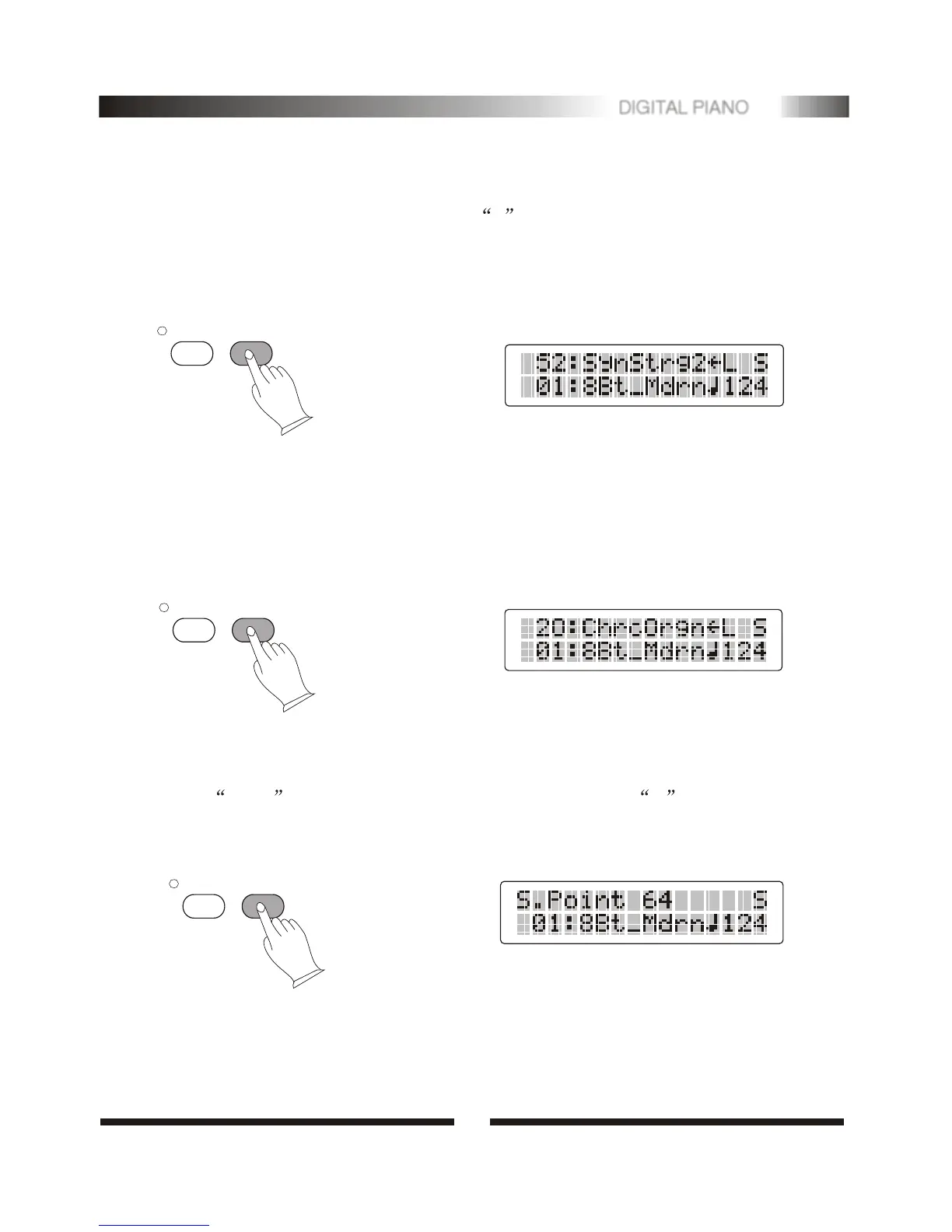
.Select a Split Voice
Press [MODE] button until the Split function is turned on ,the split voice will
appear in the message display . Use [0-9] to select the left voice.
TRANS.
TRANS.
MODE
MODE
.Changing the Split Point
Select chord mode first use [mode] button, LCD shows C . Then Press
[MODE] button about 3 seconds later. You can play any keys to change the split
point.
12. Select Split Mode
Press [MODE] button to select split mode, S will appear on the MULTI DISPLAY.
Your keyboard will be split into two sections which means different voices can be
played with the left and right hands at the same time.
TRANS.
MODE
4
7
DIGITAL PIANO


 To Next Page