2).Synchro Start
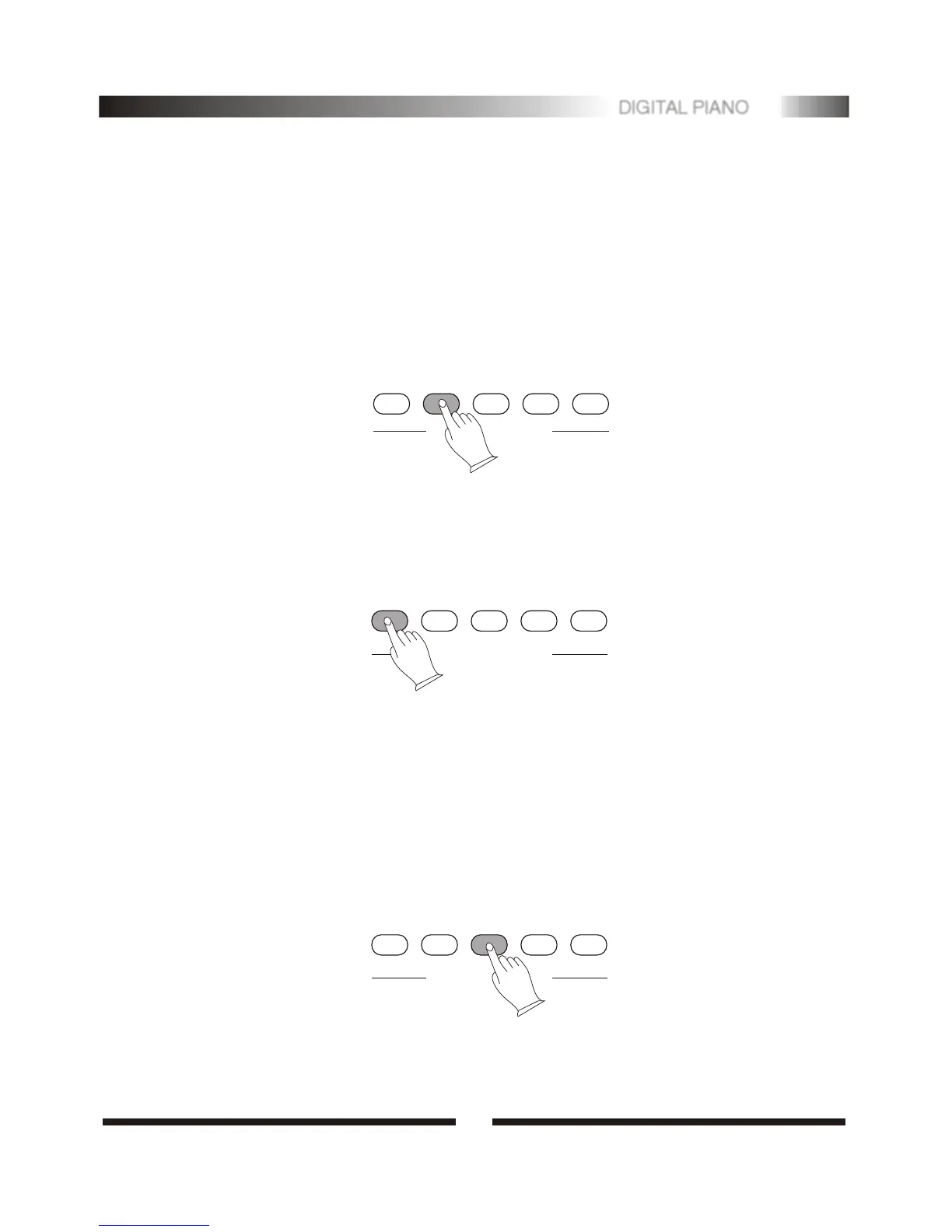
Press the [SYN] button, then the accompaniment will start when you play the first
chord on the AUTO ACCOMPANIMENT section of the keyboard.
SYNC
START/STOP
INTRO/ENDING
FILLIN
ACC.VOL
ACCOMPANIMENT CONTROL
3).Starting the Accompaniment with an Introduction
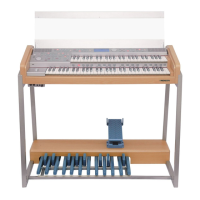
Any of your instrument accompaniment patterns can be started with an appropriate
introduction by pressing the [INTRO/ENDING] button directly.
If you press the [SYNC] button and then press the [INTRO/ENDING] button,
the accompaniment will start from the introduction as soon as a chord is detected
in the AUTO ACCOMPANIMENT section of the keyboard.
SYNC
START/STOP
INTRO/ENDING
FILLIN
ACC.VOL
ACCOMPANIMENT CONTROL
4
15
DIGITAL PIANO
6. Accompaniment Control
1).Straight Start
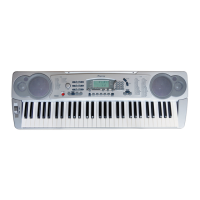
The [START/STOP] button starts the selected accompaniment style immediately.
Selecting the CHORD mode before starting the accompaniment. The accompani-
ment will start with the rhythm sound only when the [START/STOP] button is
pressed, then the bass and chord parts will playing as soon as the first note or
chord is played on the Auto Accompaniment section of the keyboard.
A different accompaniment style can be selected at any time while the accompa-
niment is playing.
SYNC
START/STOP
INTRO/ENDING
FILLIN
ACC.VOL
ACCOMPANIMENT CONTROL


 To Next Page