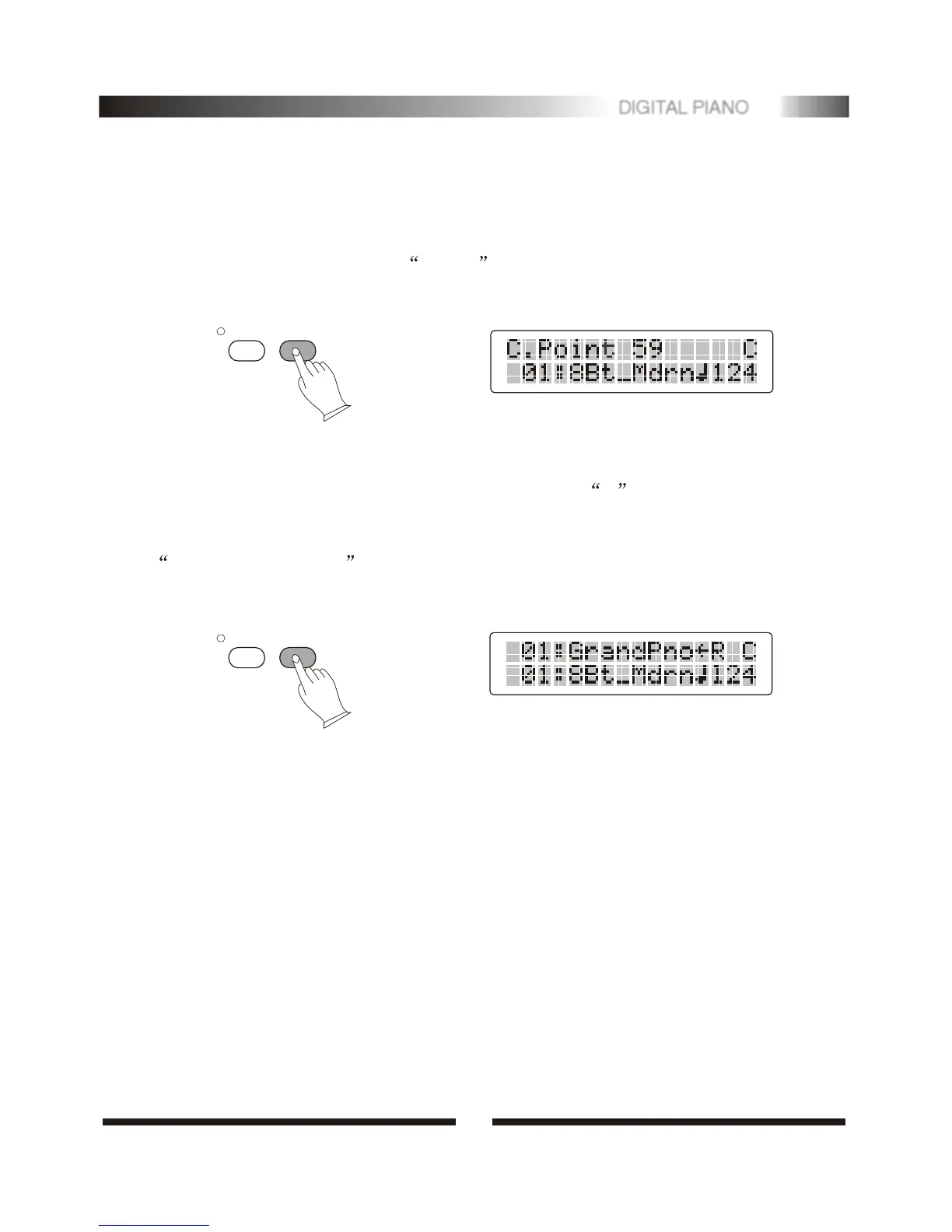
.Changing the Chord Point
Press [MODE] button to select normal , then press [MODE] button about 3
seconds later, play any keys to change the chord point.
2. Auto Accompaniment Chord
Press [MODE] button to select chord mode. The letter C will appear on the
MULTIDISPLAY.
Turn on this mode. The specified left-hand section of the keyboard becomes the
Auto Accompaniment section, and chords played in this section are automatically
detected and used as a basis for fully automatic accompaniment with the selected style.
TRANS.
MODE
TRANS.
MODE
4
10
DIGITAL PIANO


 To Next Page