9.Touch Effect
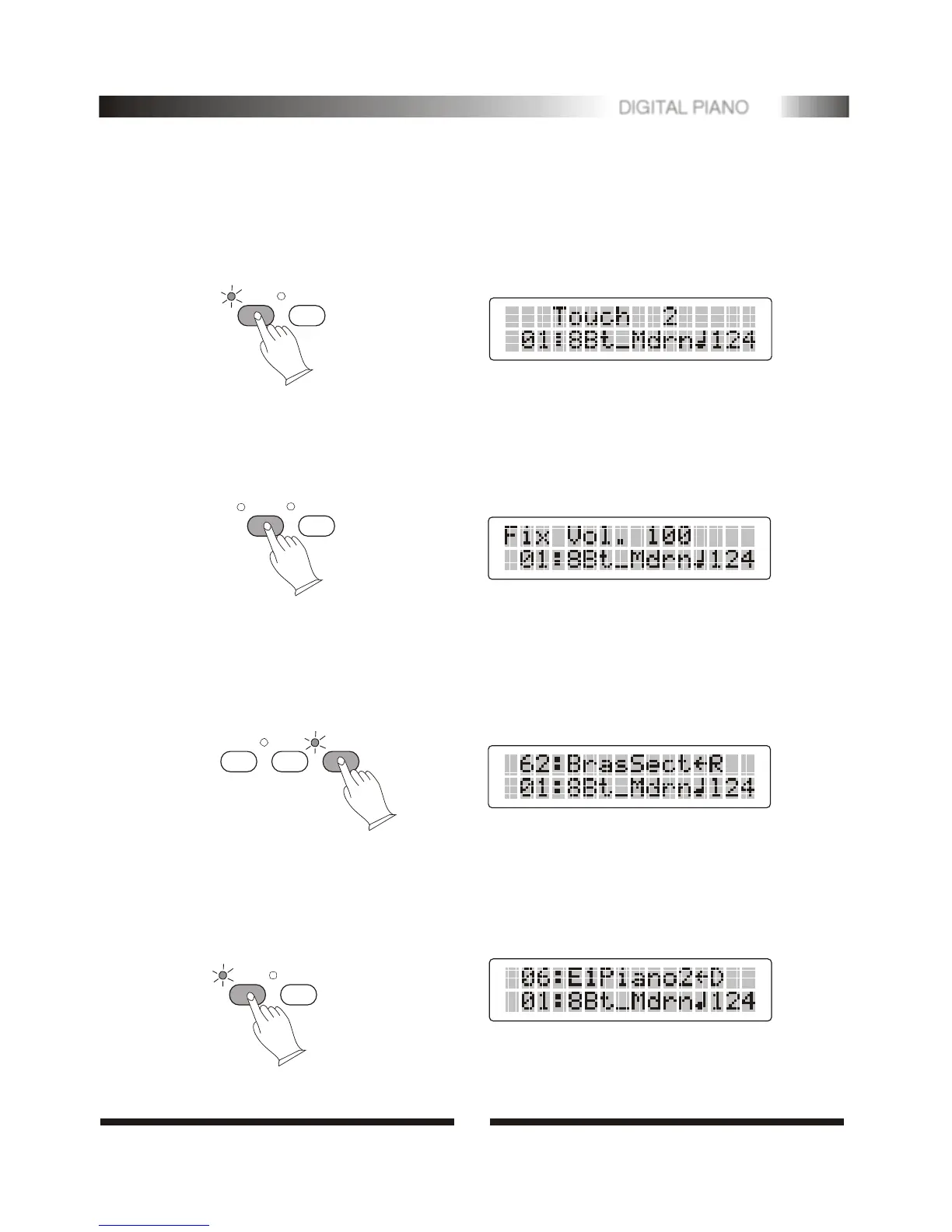
Press [TOUCH] button to turn touch sensitivity ON or OFF as required. When touch
sensitivity is ON. The sensitivity value [1-3] will appear on the Message Display
Area. You can select sensitivity value by [+] or [-] when value [1-3] are shown.
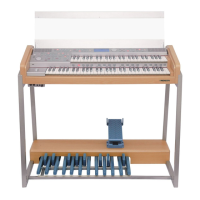
When touch is set to off, the same volume is produced no matter how strongly or
softly you play the keyboard. You can press [TOUCH] for few seconds. LCD will
show this volume value and you can adjust it by [+] or [-].
TOUCH
TRANS.
11.Select Dual Voice Mode
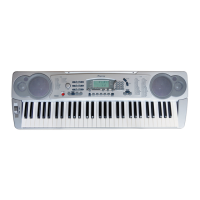
Press [DUAL] button to select layer voice mode, two voices will sound simulta-
neously when you play keyboards.
Press [DUAL] button , use the number [0]-[9] or [+]/[-] to select the second voice.
DUAL
TOUCH
10.One Touch Setting (O.TS)
Each style has its own panel settings to accommodate with. These settings can be
recall by press [O.T.S] button.
Press [O.T.S]button, turn ON/OFF the O.T.S mode.
TEMPO/TAP METRON
O.T.S
TOUCH
TRANS.
4
6
DIGITAL PIANO


 To Next Page