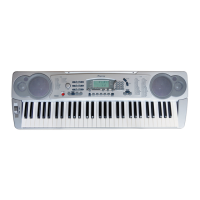
5).Stopping the Accompaniment
An accompaniment progress can be stopped immediately by pressing the
[START/STOP] button and also can be stopped with an appropriate ending
by pressing the [INTRO/ENDING] button.
SYNC
START/STOP
INTRO/ENDING
FILLIN
ACC.VOL
ACCOMPANIMENT CONTROL
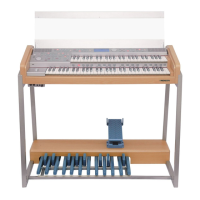
6). Accompaniment Volume
The [ACC.VOL] buttons can be used to adjust the volume of the selected accom-
paniment.
.Press the [ACC.VOL] buttons
Press the [ACC.VOL] buttons, The current accompaniment volume value will
appear on .
.Set the Volume
Use [+/-] buttons to set the desired volume. The volume range is from 0 (no
sound) to 31(Max volume). Default 28
SYNC
START/STOP
INTRO/ENDING
FILLIN
ACC.VOL
ACCOMPANIMENT CONTROL
4
16
DIGITAL PIANO
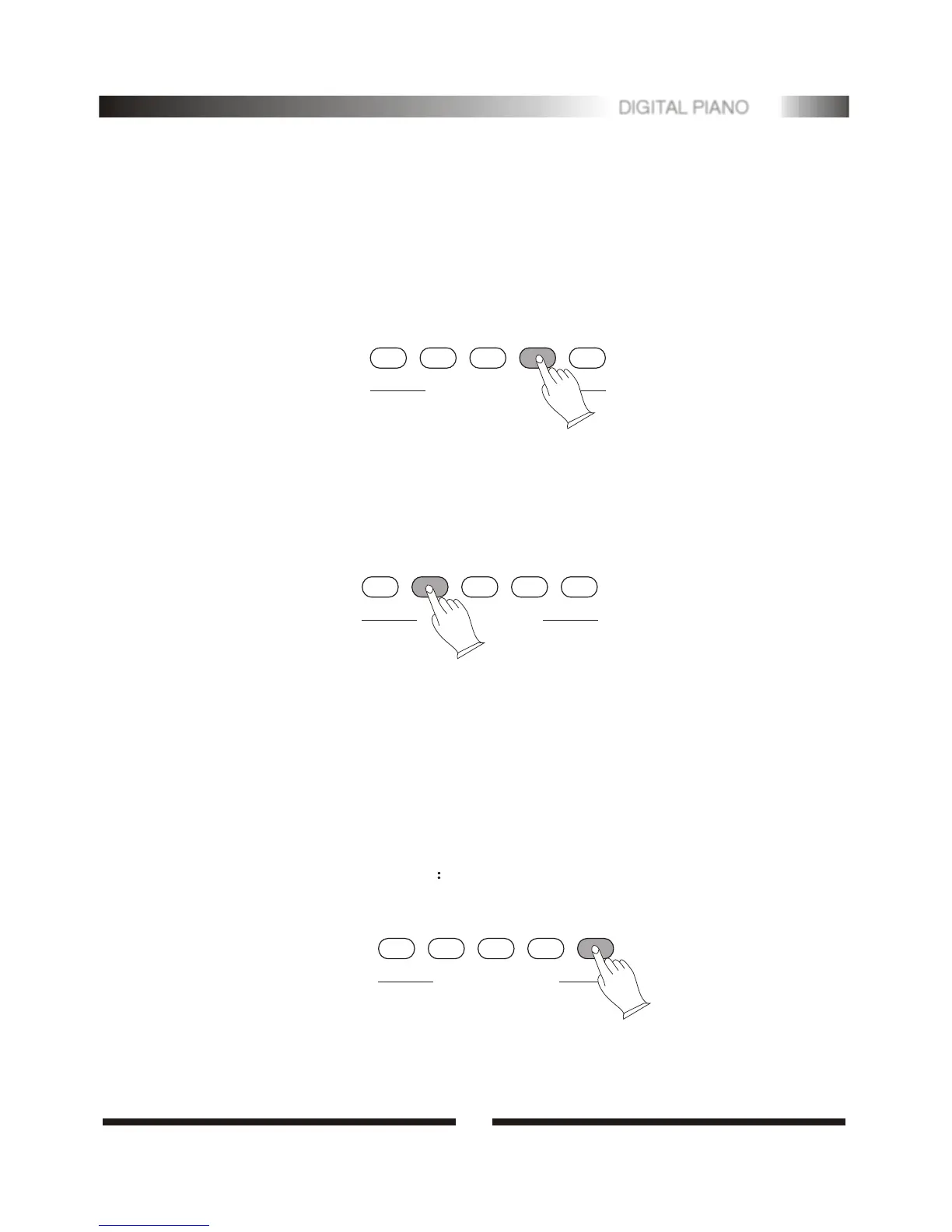
4).Adding Fill-In
Press [FILL IN] button at any time while the accompaniment is playing to add a
one-measure fill-in.
If you press the [SYNC] button and then the [FILL IN] button, the accompaniment
will start from the fill-in as soon as a chord is detected in the AUTO
ACCOMPANIMENT section of the keyboard.
SYNC
START/STOP
INTRO/ENDING
FILLIN
ACC.VOL
ACCOMPANIMENT CONTROL


 To Next Page