Installation and Programming Manual 3-3
C. Initial Programming:
8- Observe the Following and Perform these Initial Steps
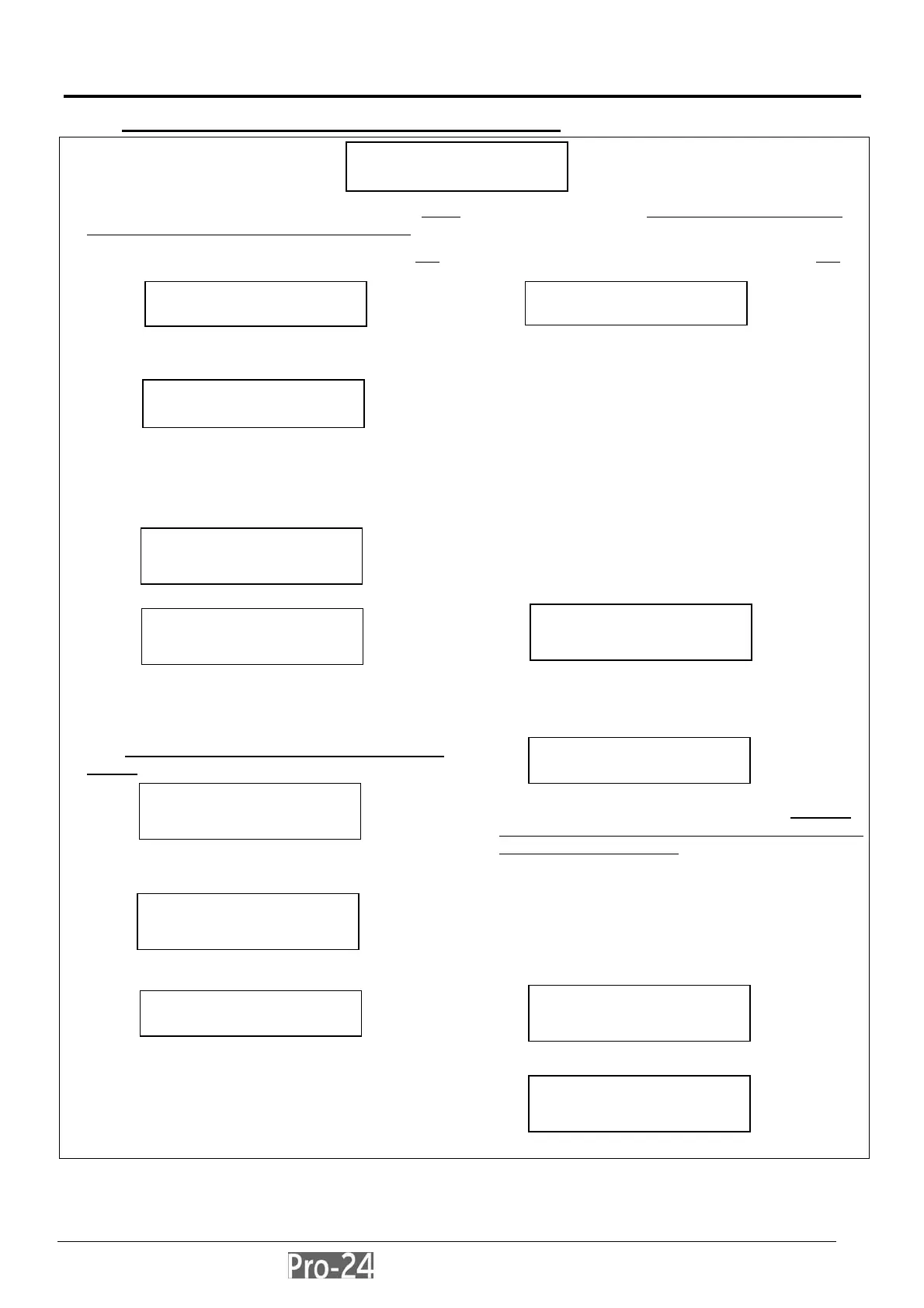
a) After about 20 seconds, the keypad will produce either of the two displays below. Follow the instructions in the
column which is applicable to what is displayed:
If this display appears, follow the instructions in this
column:
If this display appears, follow the instructions in this
column:
b) press the [,] key; the keypad will display:
c) carefully enter the Pro-24’s default Installer Code: [ 0
] [ 2 ] [ 9 ] [ 6 ] (which will appear as ,,,,) and
press [ENTER]
d) the keypad briefly displays:
and then, this display:
b) Above, the term “PARTITION 1” represents the name
given to a previously-programmed Pro-24, or to one of
its partitions. Its appearance, rather than the display at
the upper left, indicates that this Pro-24 has:
• already been programmed
• protected the programmed configuration
• disabled your ability to restore the factory defaults
To enable your ability to restore the factory defaults,
follow the steps below:
c) press [,], then [7], then [1]
•
note that the POWER LED will be flashing slowly,
indicating that the Programming Mode has been
entered
e) next, you must program the system to recognize the
keypad; to do so, press [7]; the display will show:
(Note: MDL=Module)
press the [ENTER] key; the keypad displays:
d) at this display:
• enter this Pro-24’s current Installer Code; note that
this must be the Installer Code assigned to this panel
when it was last in service
• if the Pro-24’s factory default Installer Code was
retained during the panel’s previous use, enter [0]
[2] [9] [6] (which will appear as ,,,,) and press
[ENTER]
f) press [ENTER] again; the display shows:
g)change the keypad’s TYPE to LCD by pressing the
[STAY] key until TYPE=LCD appears in the lower
right of the display
e) the keypad briefly displays:
and then, at this display:
press [ENTER], followed by [7]
PARTITION 1
--:-- ... .. ...
INSTALLER CODE:
RISCO
Please Wait ...
PARTITION 1
--:-- ... .. ...
INSTALLATION:
PLEASE, WAIT
INSTALLER PROG:
1)SYSTEM
↓
INSTALLATION:
PLEASE, WAIT
INSTALLER PROG:
1)SYSTEM
↓
INSTALLER CODE:
ACCESSORIES:
1)ADD/DEL MDL
↓
ADD A MODULE:
1)KEYPAD
↓
KEYPADS:
ID=01 TYPE=NONE
To Install
Press ,



 To Next Page