Installation and Programming Manual 3-51
5) Dialer
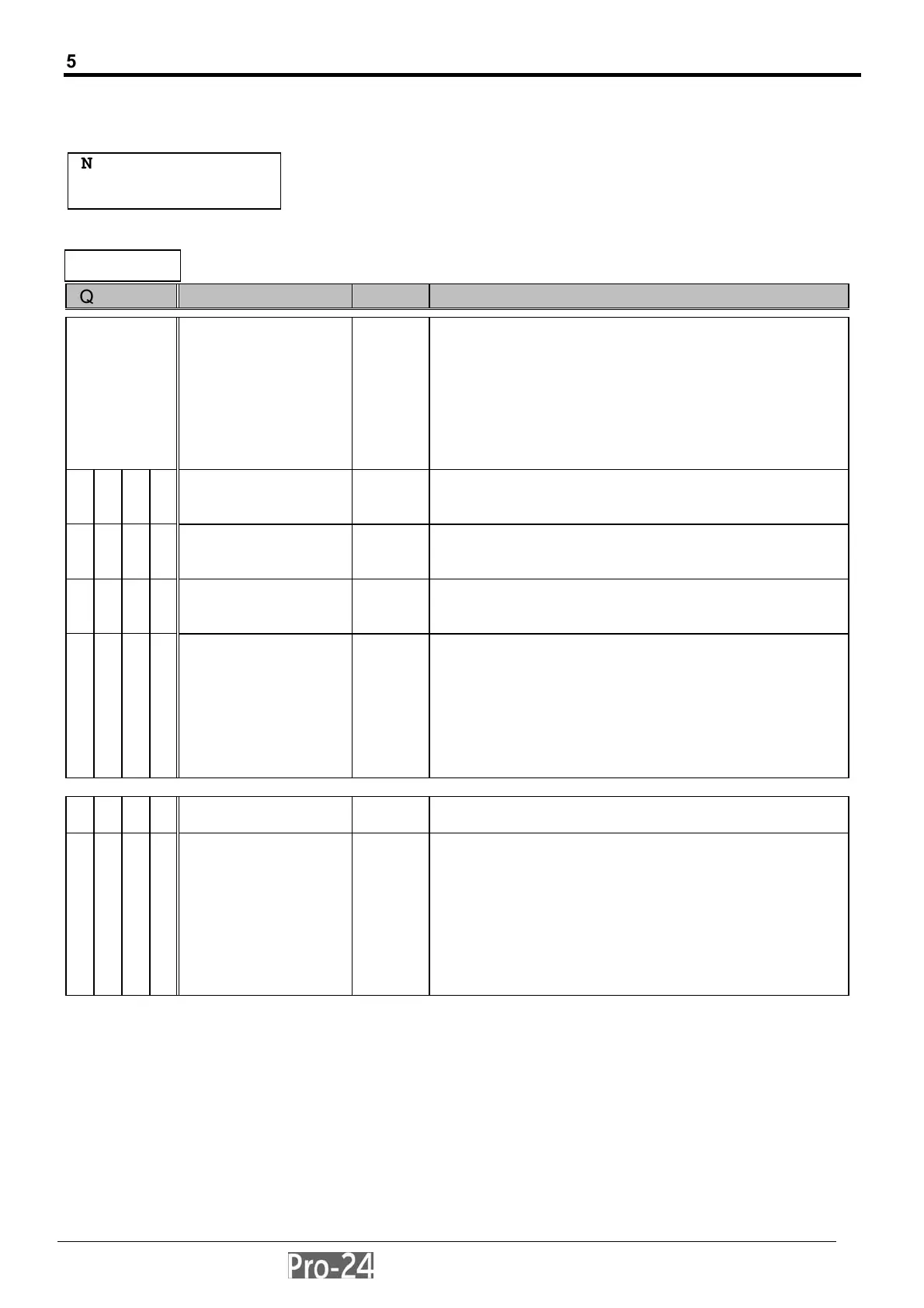
The following table provides instructions for programming all relevant information required for the Pro-24 to contact
the Central Station and successfully transmit data
With the display showing:
press [ENTER] to begin. The first sub-category, TEL. NUMBERS will appear on the display. You may enter it by
pressing [ENTER] OR by pressing the [1] key.
Quick Key Item Default Explanation
5 TELEPHONE
NUMBERS
---
• specifies the following telephone number(s):
• that of the Central Station(s) to which
• the Pro-24 will send its reports
• that used by the Pro-24 to call back
• the Alarm Company’s computer when
• remote Upload/Download operations are
• performed with the Call-Back U/D option
• (see below, and page 3-55)
5 1 1 MS Tel. No. 1 --- 1
st
Central (Monitoring) Station telephone number;
you may enter up to 16 digits; include any dialing
prefix(es) and area code
5 1 2 MS Tel. No. 2 --- 2
nd
Central (Monitoring) Station telephone number;
you may enter up to 16 digits; include any dialing
prefix(es) and area code
5 1 3 MS Tel. No. 3 --- 3
rd
Central (Monitoring) Station telephone number;
you may enter up to 16 digits; include any dialing
prefix(es) and area code
5 1 4 Remote U/D
Telephone No.
--- specifies the phone number used to provide for
higher security U/D operations (see Callback U/D) on
page 3-55)
this is the telephone number to which the alarm
company’s computer, equipped with the
Upload/Download software, will be connected
you may enter up to 16 digits; be sure to include any
calling prefixes and an area code if needed.
5 2 ACCOUNTS --- specifies the customer’s Central Station
Account Number.
5 2 Customer Account
Number(s)
--- for each of up to eight Central Station accounts
(e.g. one for each partition), specify the 6-digit
Customer Account Number assigned by the
Central Station
use the keypad’s (0-9) keys and, if necessary, the
UP- and DOWN-arrow keys, to select and enter the
account number
press [ENTER] when done
press the [.] key to return to the previous level
INSTALLER PROG:
5)DIALER: ¤
INSTALLER PROG:
5)DAILER
↓



 To Next Page