Installation and Programming Manual
3-62
DIALER: AUTO CODES
Quick Key Item Default Explanation
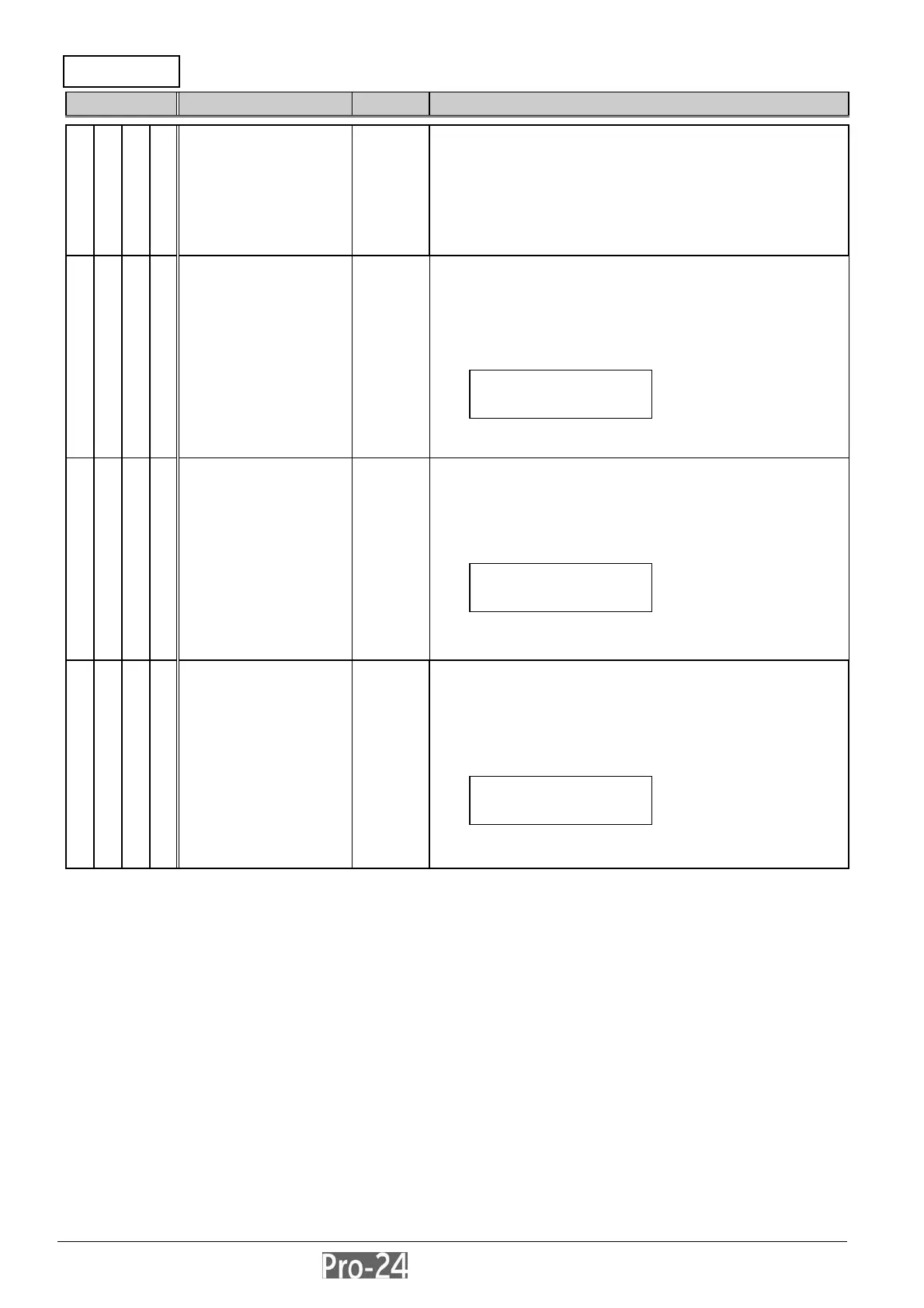
5 0 AUTO CODES ---
• applicable when using the following
Central Station formats:
• SIA
• ADEMCO Contact ID
• also provides a function to reset all Central
Station reporting codes to “00” without the need
to restore factory defaults (see below)
5 0 1 Contact ID --- if selected, automatically causes the Pro-24 to
allocate the relevant reporting codes supporting
ADEMCO Contact (Point) I.D.
pressing [ENTER] selects this option and “deselects”
SIA, below
at this display:
[STAY] and [ENTER] to confirm your choice
press [.] to return to the previous programming level
5 0 2 SIA --- if selected, automatically causes the Pro-24 to
allocate the relevant reporting codes supporting the
SIA (Security Industry Association) format
pressing [ENTER] selects this option and “deselects”
Contact I.D., above
at this display:
[STAY] and [ENTER] to confirm your choice
press [.] to return to the previous programming level
5 0 3 Delete All --- if selected, automatically causes the Pro-24 to reset,
to “00”, all previously-programmed Central Station
reporting codes (see pages 3-63 through 3-73)
doing so does NOT cause any other programmed
values to change
pressing [ENTER] selects this option and displays
press [STAY] and [ENTER] to confirm your choice
press [.] to return to the previous programming level
INSTALLER PROG:
5)DAILER
↓
POINT ID CODES
UTO ALLOCATe? N
SIA CODES
UTO ALLOCATE? N
CLEAR ALL CODES
RE YOU SURE? N



 To Next Page