Page 5
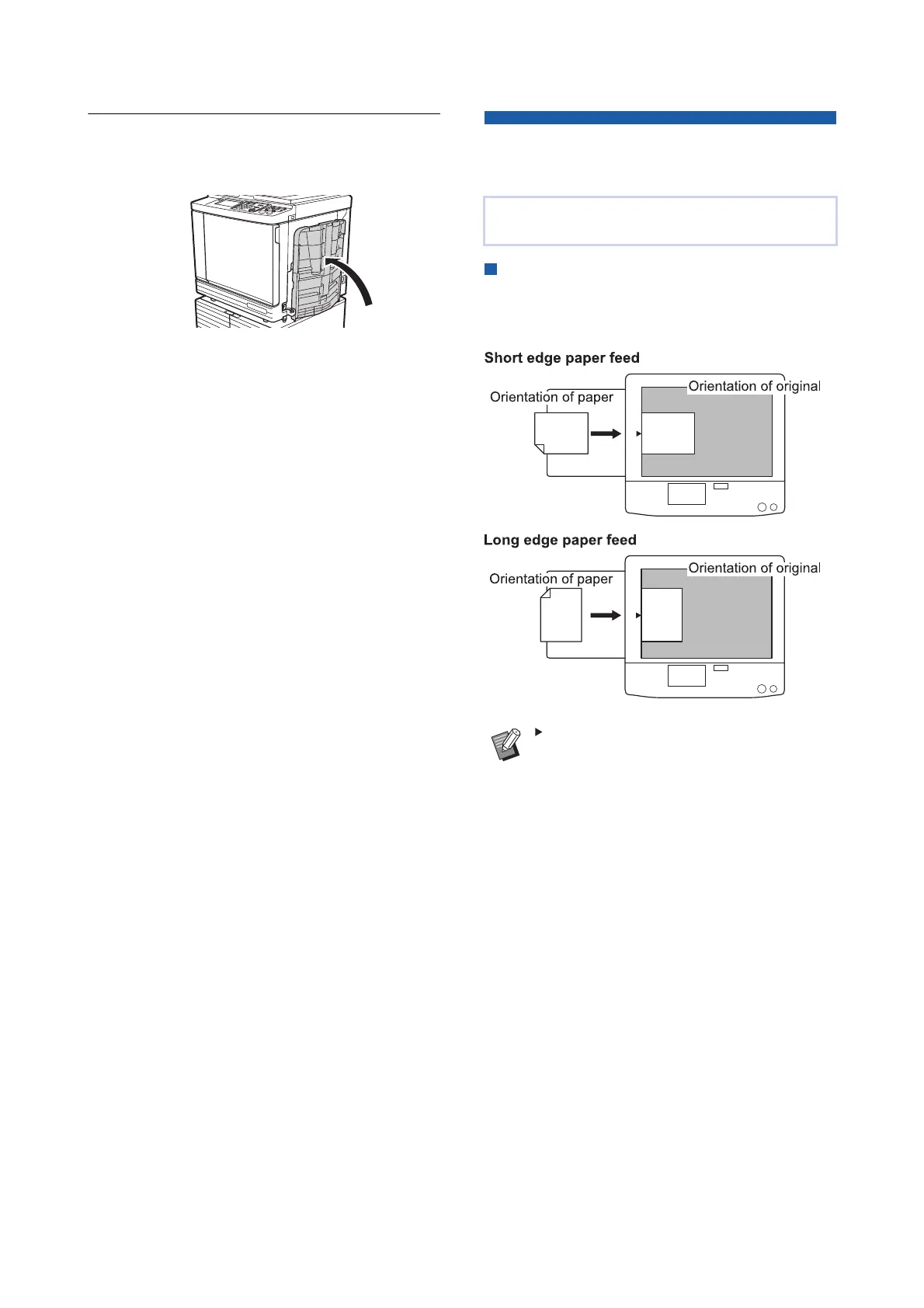
Step 6
Close the paper receiving tray.
Section 2:
Placement of Originals
Originals can be scanned by using the glass platen
or the optional auto document feeder.
Relation of original and paper orienta-
tions
Make sure that the orientations of the original and the
paper are the same.
When [Multi-Up Print] or [2 Up] is selected,
the orientations of the original and the
paper vary depending on the setting.



 To Next Page