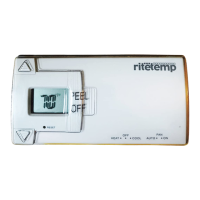
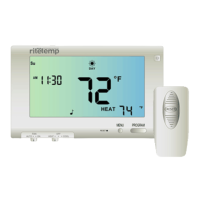
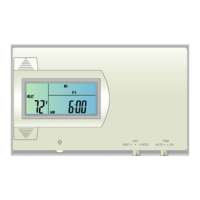
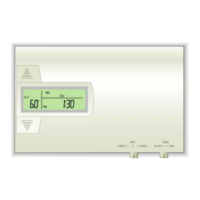
The MODE SWITCH of the
6036 must be in the HEAT or
the COOL position to access
all control functions. The 6036
Thermostat has 3 basic
screens.
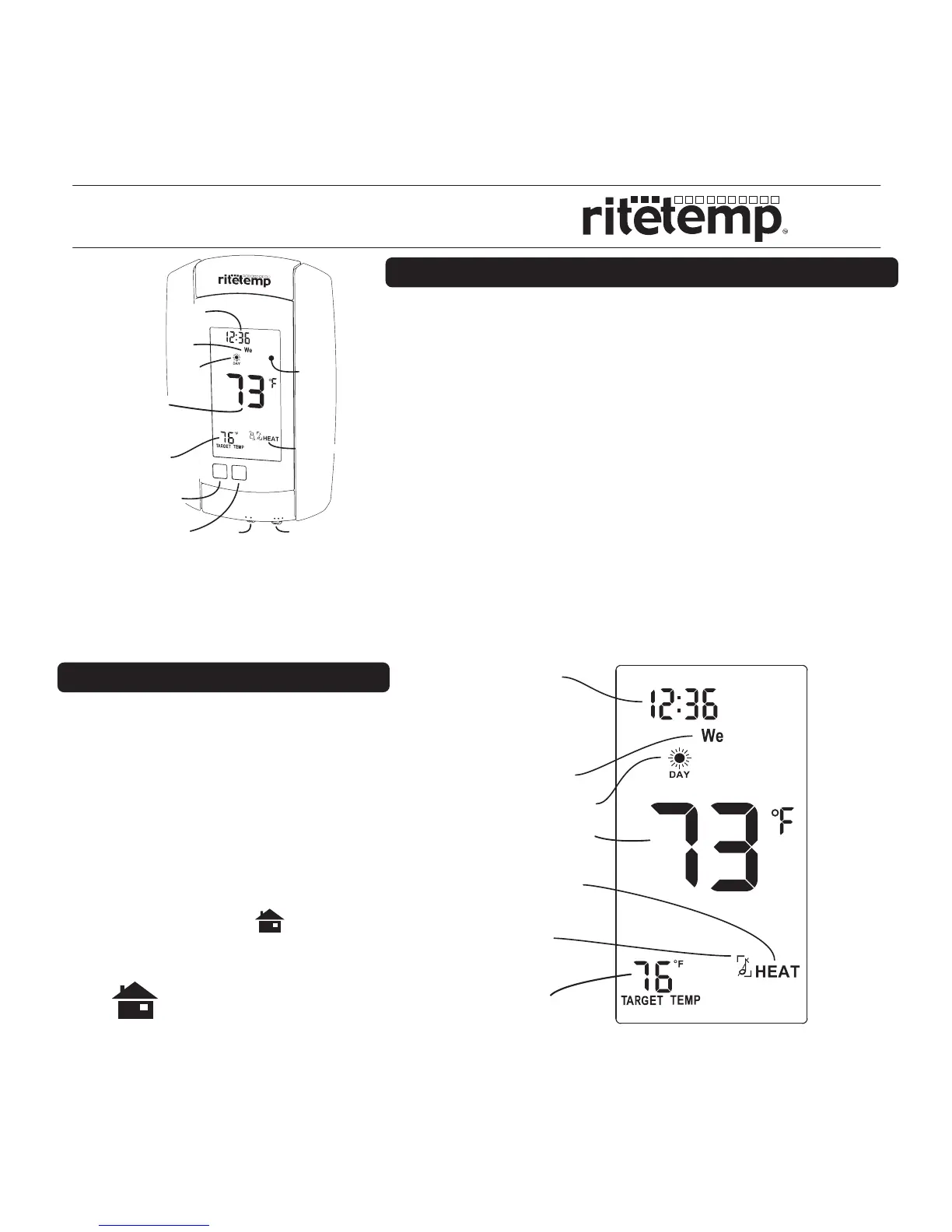
The HOME screen is displayed
when unit is operating your
system.
Touching the will
always return you to this
screen.
Statement of use: The 6036 can be used with millivolt, 24VAC, single and 2 stage
conventional systems, gas/oil/electric heat, 1 stage heat pumps, 2 stage heat
pumps, zoned hot water (2 or 3 wire), zoned forced air, single and 2 stage cooling
and hybrid systems.
Using a TOUCH SCREEN
P
2
P
1
Basic Screens
HOME screen
Operation 6036
Thermostat
Mode
Day
Time of day
Touch here
to change
from 12 to 24hr
clock display.
Time Slot
Current Room
Temperature
Chirp
indicator
Target
Temperature
PM
Menu
button
Mode
Switch
Fan
Switch
MENU
PROG
PM
AUTO
ON
COOL
OFF
HEAT
FAN
Thermostat
Mode
Program
button
Touch
Screen
Time
of day
Time
Slot
Current
Room
Temperature
Day
Target
Temperature
Please take a moment to try out your touch screen itself.
To select a function on the touch screen, place your
finger on the main temp display and give a short firm push.
Try a "tap" of the finger or stylus. Your input must last long
enough for the system to determine it is not an accidental
'bump'.
Using the stylus is more comfortable for some users.
Again allow the system enough time to recognize your
inputs.
When you are comfortable with touch inputs, proceed.


 To Next Page