P
3
P
4
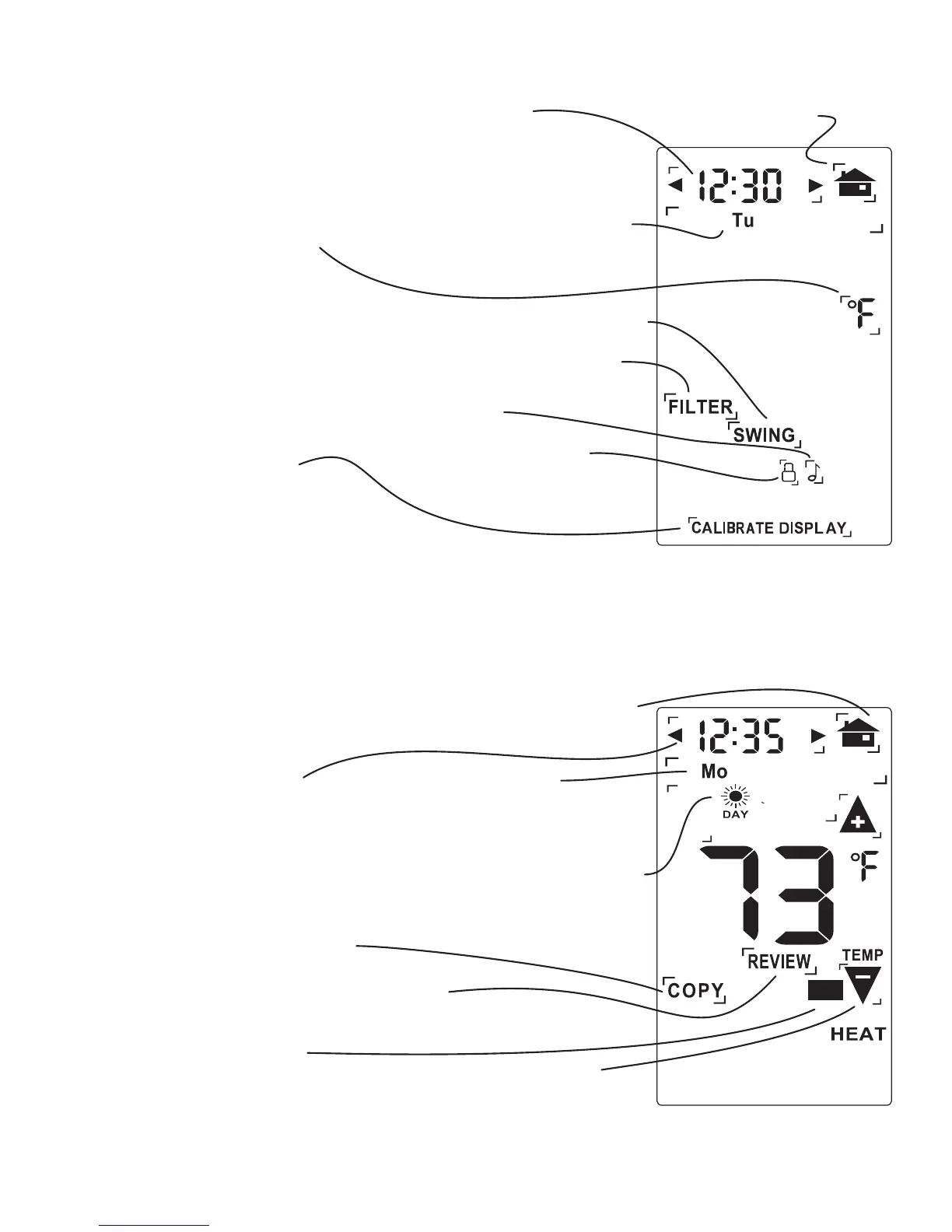
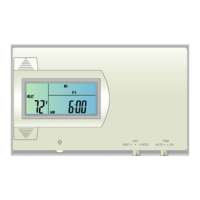
Set Day
Touch this area to set
the day of the week.
Set Time
Touch this area to set
the time of day.
Left arrow goes back,
right arrow goes forward.
Calibration indicator
This shows if you have altered
the calibration of your unit
Set
o
C -
o
F
Touch this to
set temperature
display.
Lock Program
Touch for 2 sec
to lock or unlock
Filter Timer set
Chirp set
Touch this to turn the
audible chirp on or off.
Temperature Swing set
Return HOME
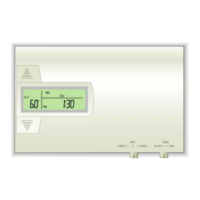
Set Program Day
Touch this area to set
the day of the week you
want to program Target
Temps for.
Set Time Slot
Touch this area to set
the Time Slot you
want to program.
Set Program Time
Touch this area to set the
time of day you want each
time period to start.
Left arrow goes back,
right arrow goes forward.
Copy
Touch this area to copy
current program to the
next day
Temp Up / Temp Down
arrows. Touch these to raise
and lower each Target Temp.
EPA
Touch and hold for
4 sec to return to
EPA Energy-Star prog
Review
touch this area to auto cycle
through your program
Displayed when the
MENU button is pressed.
Displayed when the PROGRAM
button is pressed.
MENU screen
PROGRAM screen
PM
EPA
PM
Return HOME


 To Next Page