Manual cont.
Manual
Temporary OVERRIDE -
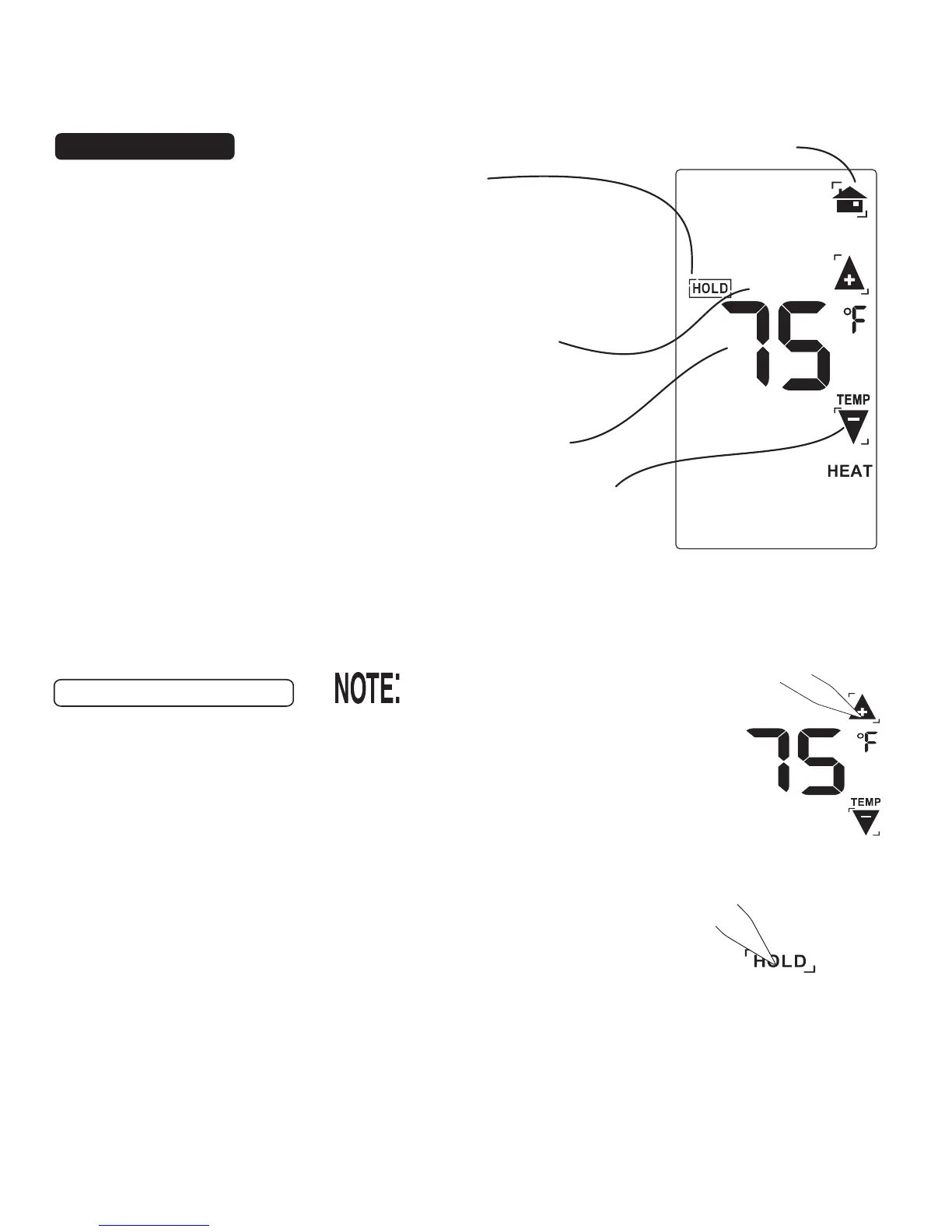
• At the Manual override screen, Touch the Temp Up / Temp Down
arrows to select your desired temporary Target Temperature.
• Touch HOME to return to operation.
The OVERRIDE icon will go on indicating you have modified the
Target Temp for the current Time Slot only
(see PG7-Time Slot)
. It
will return to the programmed target temp at teh next time slot.
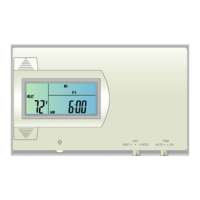
The 6036 has 3 manual
override commands.
These are accessed by
touching the Current
Temp Display at the
HOME screen (center of
screen).
P
9
P
10
Target Temperature
HOLD
Touch this area to set
a comfortable target
temp for the system
to hold until you return
and remove HOLD.
Return HOME
Temp Up / Temp Down arrows
Touch these to raise and lower
the manual override Target Temp.
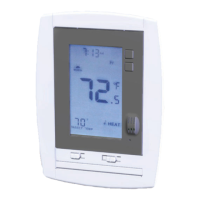
Manual Override indicator
Shows TEMPORARY when
you have modified the Target.
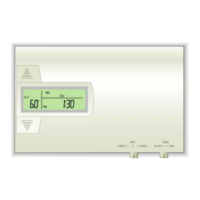
MANUAL override screen
HOLD -
• At the Manual override screen, Touch HOLD to initiate a hold
temperature.
• Touch the Temp Up / Temp Down arrows to select your
hold temperature.
• Touch HOME to return to operation.
The HOLD ON icon will flash indicating you have changed the
Target Temp.
The system will HOLD this temperature until you return to this screen
and de-select HOLD, by touching the HOLD icon again.
The Mode Switch must be in
HEAT or COOL mode to override.
TEMPORARY


 To Next Page