19
20
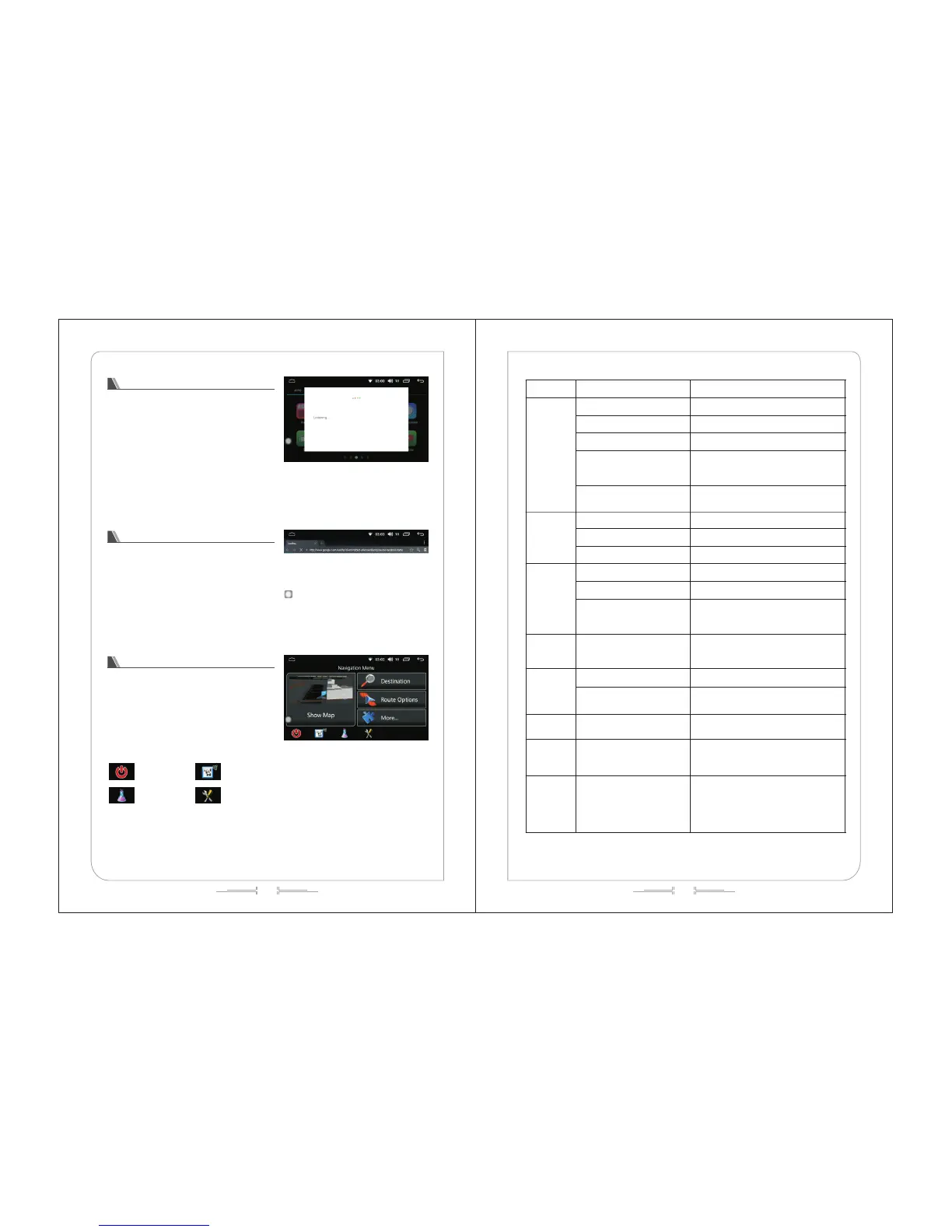
(图-43)
(图-42)
(图-44)
Shut
Voice search
Click the "voice search" icon in the menu
interface to enter the voice search interface; The users
can perform operation on the car by voice. (See figure
-42).
Browser
In the menu interface, click the "browser" icon to
enter the browser interface (see figure -43); this
feature requires a link to WIFI to search.
IGO
In the menu interface, click the "IGO" icon to
enter the IGO operation interface (see figure -44);
The users can enter the destination and select
the required driving route;
Click the Shoe map to display the map in full
screen;
Interface label
Traffic summary
Settings
Problems Reason Measures (see)
LCD screen
does not
display
Burnout of protective tube Replace with a new one
The car engine does not start Start engine
The connecting line is loose Reconnect
Voltage of the battery is too low
and the system automatically
protects
Charge the battery to 12V
Communication of the host and
control system failed
Press the host reset button to reconnect
Cannot play
sound
The system is in a mute state Adjust volume
The speaker cable is loose Reconnect
The speaker box is damaged Change the new speaker box
Do not display
the image
playback
The disc is not properly placed Re-put the discs
Disc is dirt / damaged Clean / try other discs
The vehicle is moving
When the brake cable is detected to be
open, it is unable to view the image while
the car is moving
The volume
level does
not increase
This machine runs still and
slow motion
There is no sound output during still and
slow motion
USB / SD
fails to play
Not connected Confirm that the connection is correct
File corruption or USB/SD
damage
Renew the file / test the SD/USB
connection under other devices
Occasional
sound jumps
Disc is dirt or damaged Try other discs
Bluetooth
Handsfree
has no effect
Not properly paired with the
host
Pairing again
Bluetooth
pairing is
unsuccessful
or cannot
be paired
The equipment fails to
support the specification
needed by the system
Change the equipment with other
specifications



 To Next Page