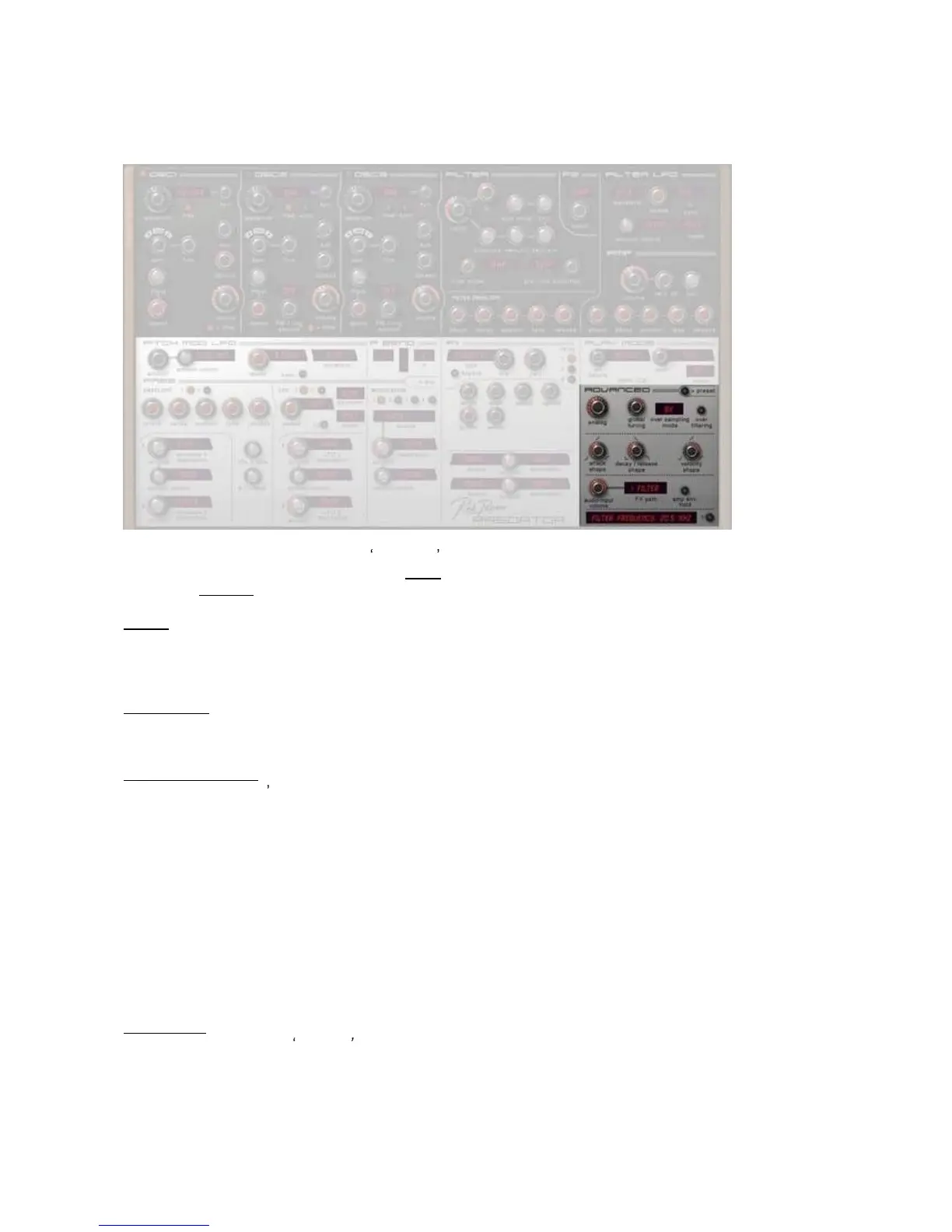
[ Advanced Panel ]
In this section you can set the special advanced parameters and settings for each preset.
If you are in the preset section, click on the
>
adv
button to go to this section.
Clicking on
> Preset
returns to the preset screen.
Analog
This sets the amount of
analog
drifting, as in an old
analog
synthesiz
er.
The higher this amount, the more that Predator's oscillators will drift in pitch over time.
The setting is stored inside each preset.
Global tuning
This sets the global tuning of a preset. Default is 440Hz.
Note: this setting is stored inside each pre
set.
Over sampling mode
This sets the Predator s oscillators over-
sampling mode.. You can select from 1x, 2x, 4x, 8x, 16x and up to
32x
oversampling
. The higher
oversampling
levels use more CPU but the sound produced is better and there
is less aliasing n
oise.
The settings you use depend on the type of sound you wish to make for Predator.
For lead sounds and sounds played in the higher keyboard region 8x and 16x is best.
If the sound is mostly played in the lower keyboard ranges (such as bass lines), the
setting 2x or 4x is
usually good enough.
Have a listen to preset "Predator SyncLead" in the first bank and switch to a lower setting, you can hear the
changes the oversampling level has on the sound.
Tip: this is also a nice tool in case you are running
out of CPU power. Set Predator to 1x as long as you work
on your song. The moment you are ready with the Predator track, freeze or record it by using 16x
oversampling.
Note: this function is not effective inside PredatorFX.
Over filtering
This is where y
ou can set
on
or
off
an additional oversampling filter.
It reduces the very high frequencies of the oscillators, thus reducing aliasing noise. You may want to turn this
on or off depending on the sound that you are using.
Default setting is
off.
Note: t
his function is not effective inside PredatorFX.



 To Next Page