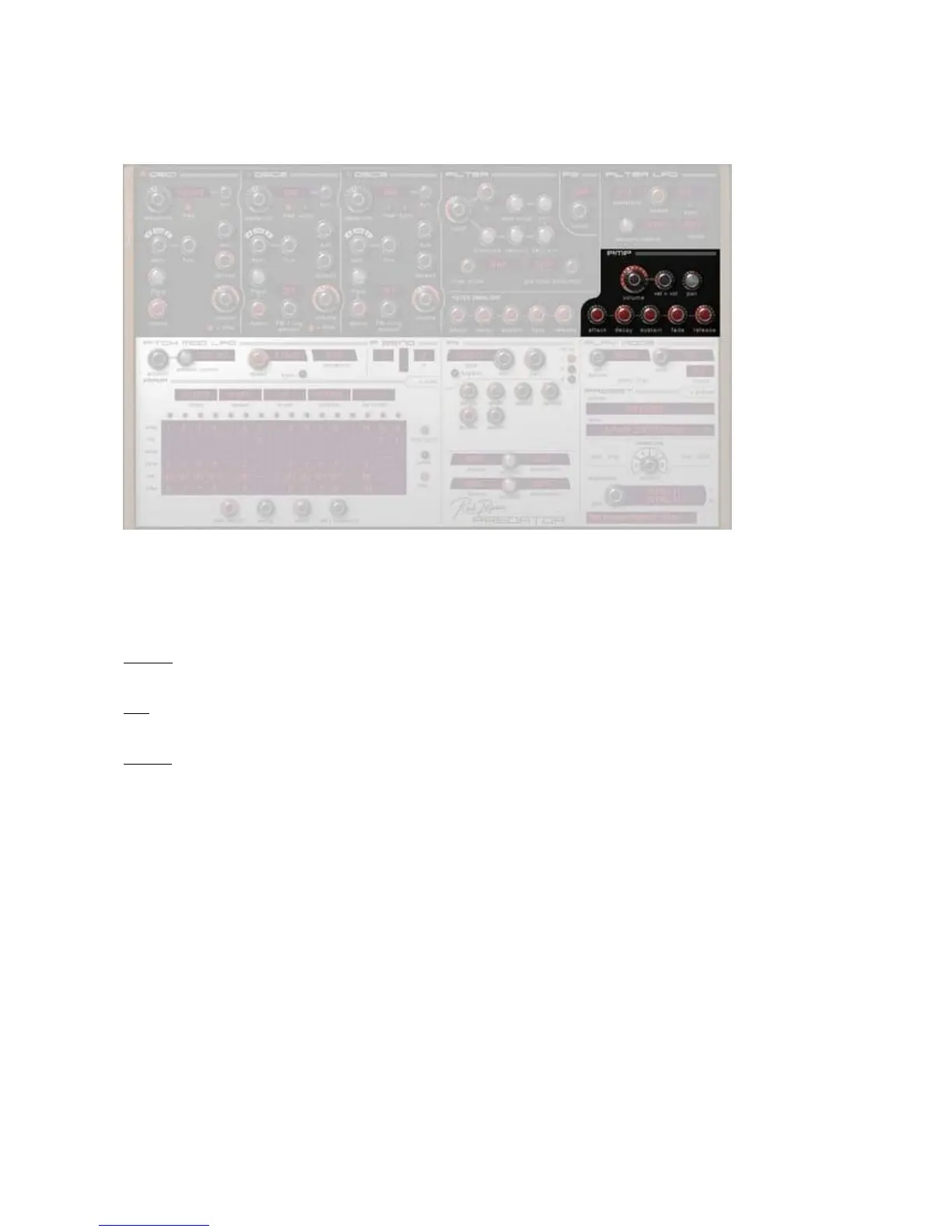
[ Amp ]
The audio that comes from the 'Filter section' moves on to the 'Amp section', this amplifies the signal and
controls the volume and panning.
An important controller of the Volume is the Volume Envelope. This
controls the volume contour over time.
Also in the Amp section is velocity control, this controls the response of Predator to the velocity of the
keyboard or
arpeggiator
.
Volume
This sets the overall volume of the preset.
Pan
This sets the overall pannin
g of the presets, from totally left, to
centered
, to totally right.
Vel>vol
This sets the amount volume depends on the velocity of the keys pressed (how hard you strike the key),
either normally or in the
arpeggiator
if selected.
Volume Envelope
This e
nvelope controls the volume contour over time.
An envelope is a time based modulation inside a synthesizer.
If you press a key it moves from 0% up to 100% and back to 0% when you release the key.
By using the Volume Envelope you can adjust the amount of
time it takes to do this.
The first part is known as the attack stage, this is the time it takes to reach 100%
The second part is know as the decay, this is the time it takes to reach the sustain (the final stage) level. If
this level of sustain is for i
nstance 50, the decay goes down to 50% and stays there.
Finally when you release the key, the envelope goes to 0%, during the period that you have set.
An extra feature inside Predator is Fade. Fade adds a second part to the sustain, when it is positi
ve the
sustain level goes up to 100% over a set period, if it is negative the sustain level falls to 0% over a set
period.
The amp envelope controls how the main volume of each note sounds.



 To Next Page