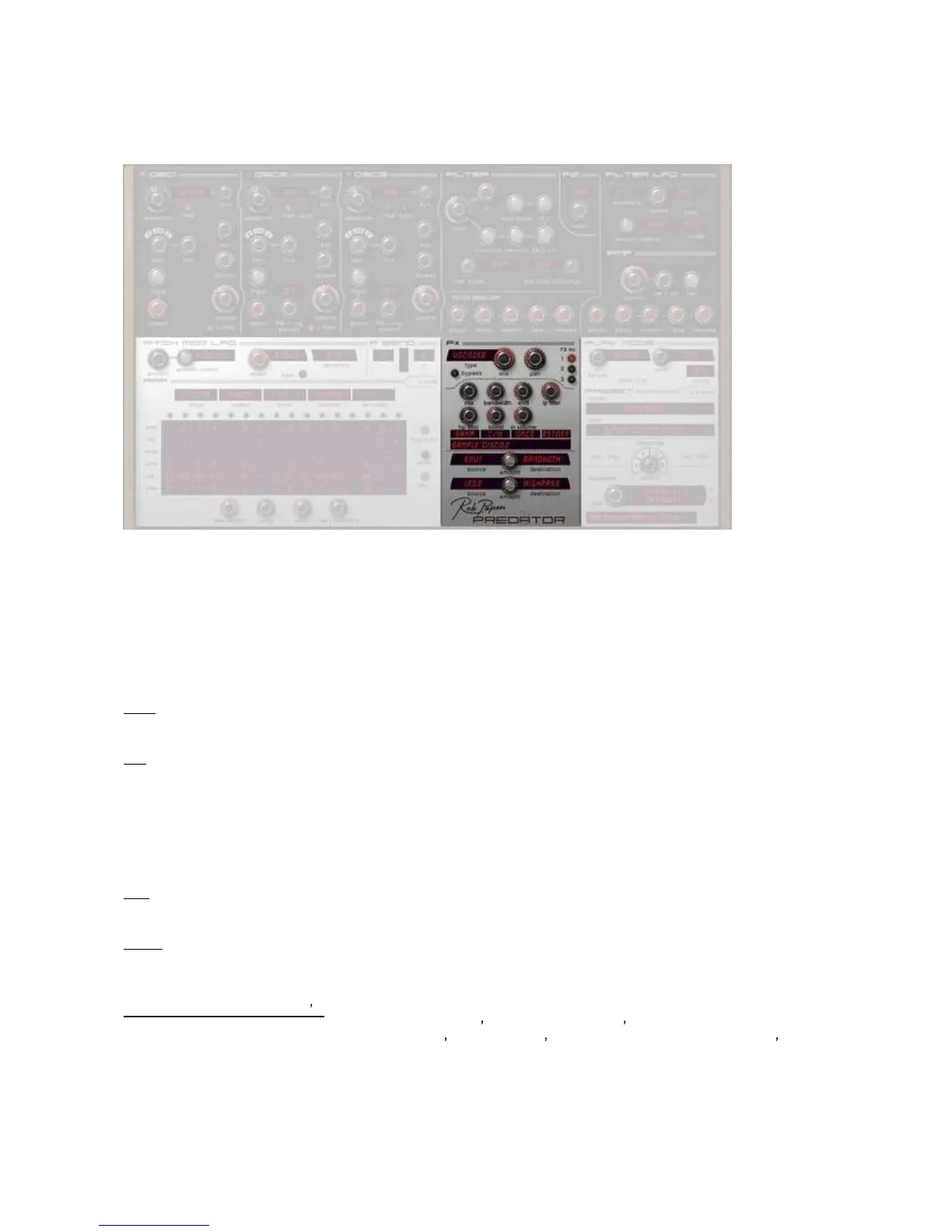
[ Fx ]
In this section you can use up to 3 effects for Predator. These are connected into series.
So that if you use Fx1 it goes into Fx2 and then into Fx3.
A special feature of Predator is t
hat you can control all Fx parameters by midi or use as a Predator
modulation source. The quality of the Fx section is so good that we have created PredatorFX as a fx version
of Predator.
PredatorFX shows up in the FX list of your host and has its own pre
set banks which are stored in the
Predator/FXBanks folder.
Type
Here you can select one of the 24 effects for each of the 3 FX units of Predator.
Mix
This is where you control how much the fx output is mixed with the original signal.
Fully left only the
original signal is output and the more you move the knob to the right, the more the Fx will
be added.
If you use PredatorFX in your host mixer inside an effect send group, it is recommended to set all of the Mix
values to fully right (wet).
Pan
Controls
the Panning of the selected Fx.
Fx No
This is where you can select which one of the 3 Fx units that you want to select or edit.
Right clicking on the FX LED s
This brings up the FX Control Menu. This shows the Fx s used and whether it s bypassed or n
ot, also it
allows you to load / save / copy / paste & clear Fx s, swap the FX s around, and bypass individual FX s .
FX Sync Length allows you to set the delay length in tempo based settings or milliseconds!
The Fx number itself shows if the Fx unit is
used and whether it is bypassed or not. If the Fx unit is not used
the Fx number is shown in gray.



 To Next Page