27
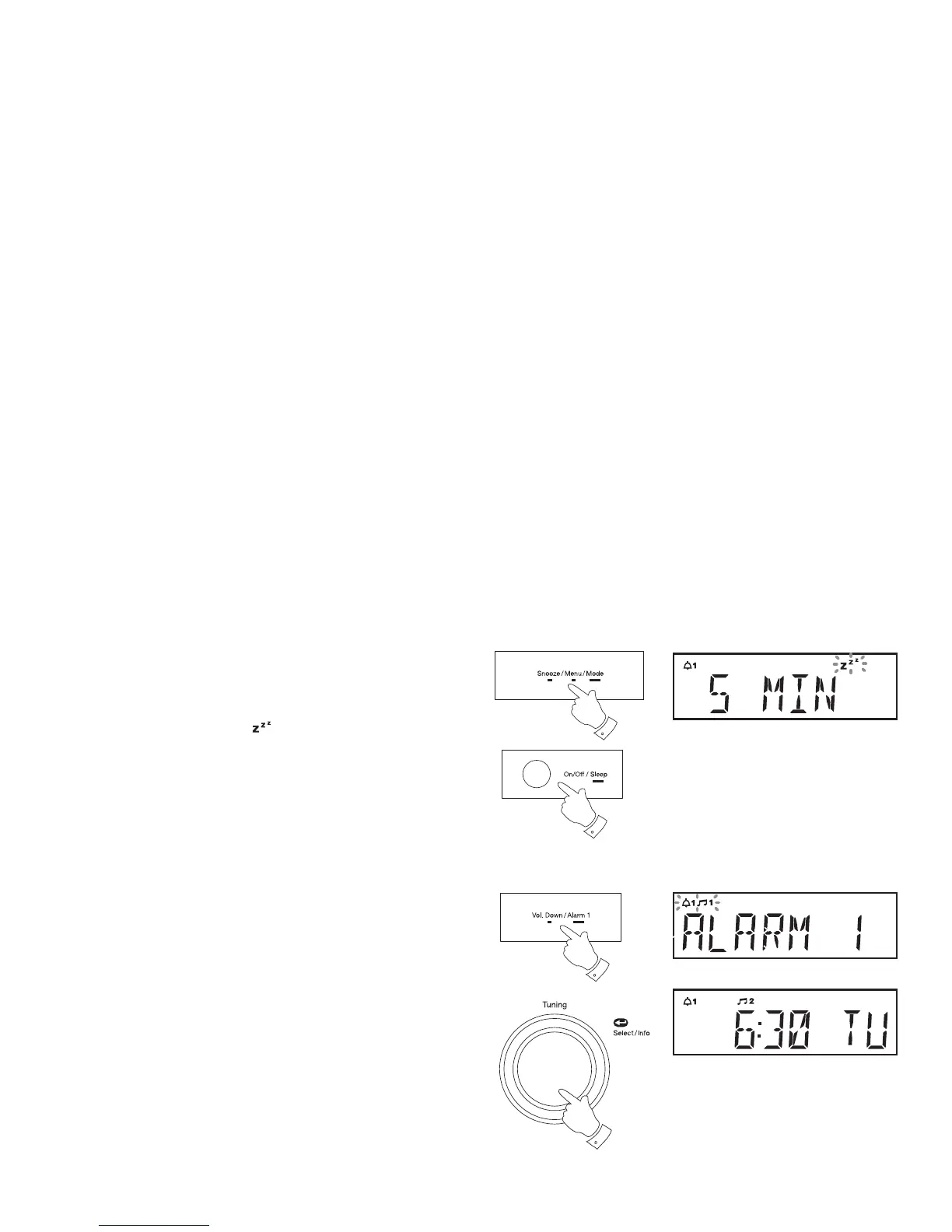
To view the alarm settings
1. Press and release the On/Off button to switch off the radio if needed.
2. Press and hold Alarm 1 or Alarm 2 button to enter the alarm setup.
3. Repeatedly, press and release the Tuning control to cycle through
each of the settings for the chosen alarm.
You may use the Tuning control to modify any particular setting if
desired, using the Tuning control to enter the modifi cation.
3
2
Snooze function
1. When the radio or buzzer alarm sounds, press and release the Snooze
button. This will silence the alarm for 5 minutes.
When the Snooze button has been pressed during an alarm, the display
will show the Snooze symbol
. This sequence can be repeated
during the 60 minute alarm period.
2. To cancel the Snooze function, press and release the On/Off button.
1
2















 To Next Page