If you need any further advice, please call our Technical Helpline on :-
020 8758 0338 (Mon-Fri)
34
Software version
The software display cannot be altered and is just for your reference.
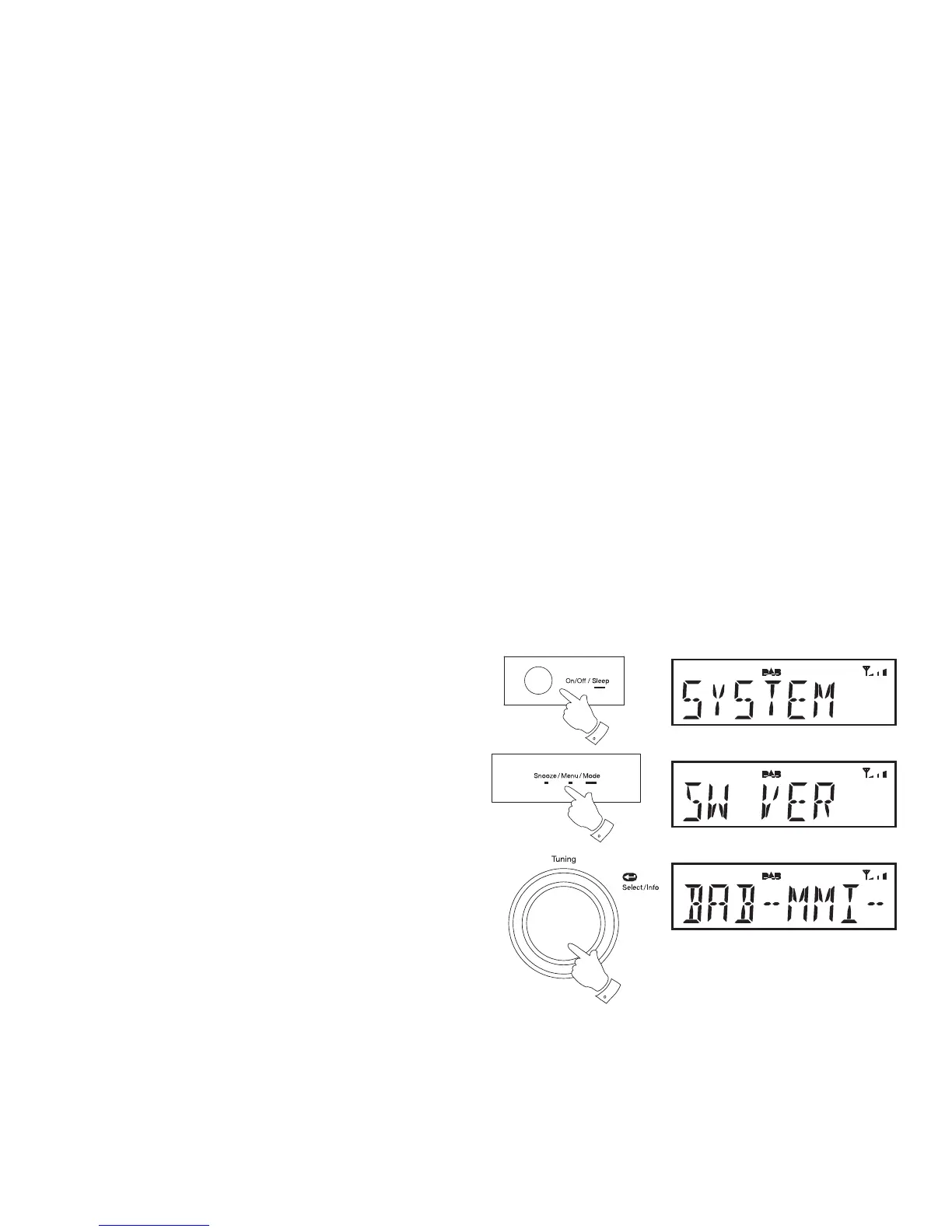
Ensure your radio is switched on.
1. Press and release the On/Off button to switch on your radio.
2. Press and release the Menu button. The advanced menu will show
on the display.
3. Rotate the Tuning control until 'SYSTEM' shows on the display.
4. Press and release the Tuning control.
5. Rotate the Tuning control until 'SW VER' shows on the display.
6. Press and release the Tuning control. The display shows the software
information.
7. Press and release the Menu button to exit the software display.
1
2,7
3-6















 To Next Page