5
Operating your radio
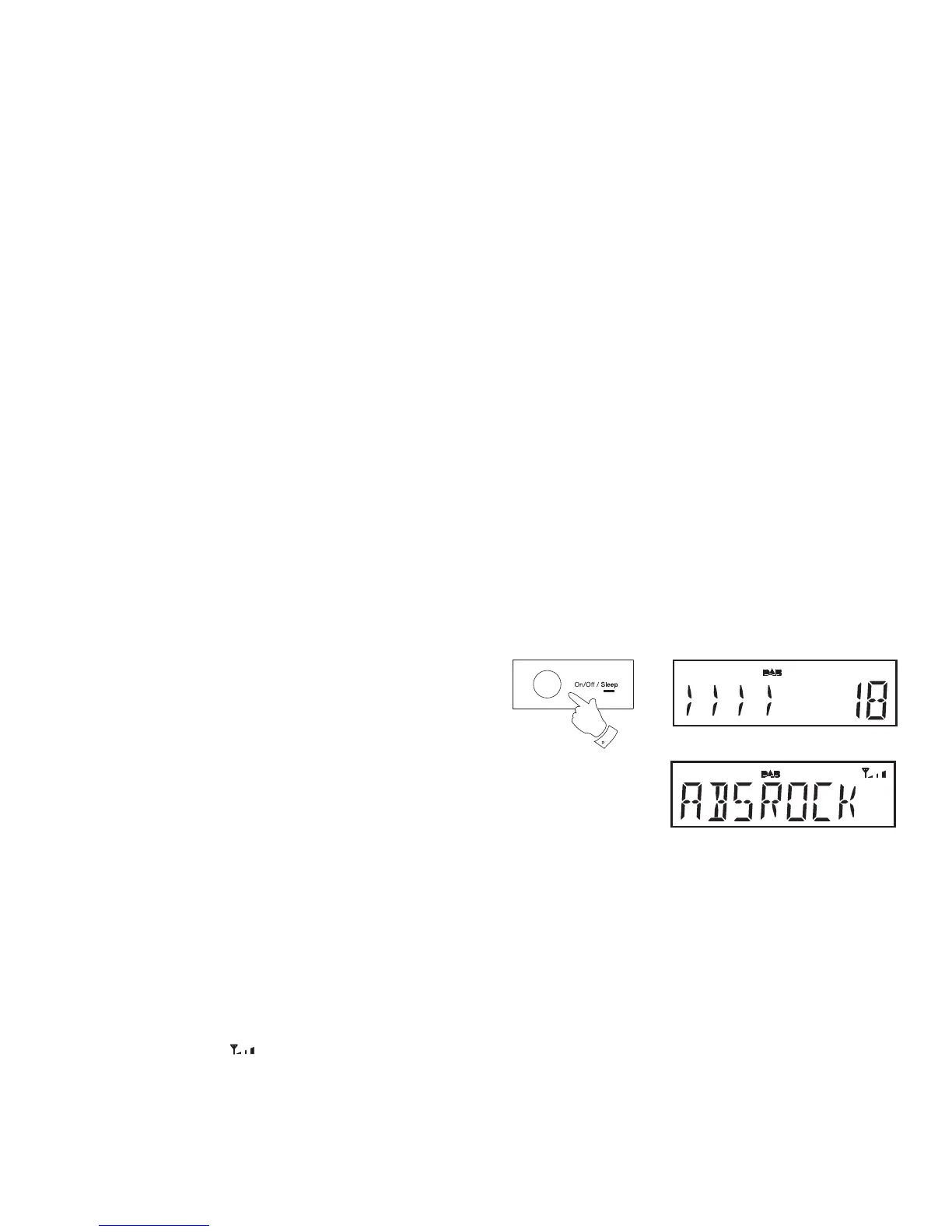
1. Press and release the On/Off button to switch on your radio.
When fi rst switched on, the radio will be in DAB mode. After each use
the radio will remember the mode used and then switch on in that
mode the next time that it is used.
2. If the radio has been used before, the last used station will be selected.
3. If this is the fi rst time that the radio has been used a scan of the Band
III DAB channels will be carried out (depending on whether scanning
was already completed in standby mode). During the scanning process
the display will show the progress of the station search. The number
on the right of the display is the number of stations that have been
found.
4. When the scan is completed the fi rst station (in numeric-alpha order
0...9, A...Z will be selected. The fi rst station in the list of stations found
during scanning will be played. The display will show the station name.
5. If no signals are found then it may be necessary to relocate your radio
to a position giving better reception. You should then carry out a scan
to fi nd stations as described on page 9.
• Your radio has an indicator
on the display to indicate the strength
of the DAB radio signal being received.
Note: When fi rst switched on, the radio will set the volume to a moderately
high level, in case the broadcast is very quiet. After you have set the volume
using the Volume Up or Down buttons, the radio will remember the setting
that you have applied for the next time that it is used.
1















 To Next Page