9
Finding new stations - DAB
As time passes new stations may become available or you may have
moved to a different part of the country. In this case you may need to
cause your radio to scan for new stations.
1. Press and hold the Tuning/Select control. Your radio will perform a
scan of the Band III DAB channels. As new radio stations are found
the station counter on the right-hand side of the display will increase
and the radio stations will be added to the list stored in the radio.
Display options - DAB cont.
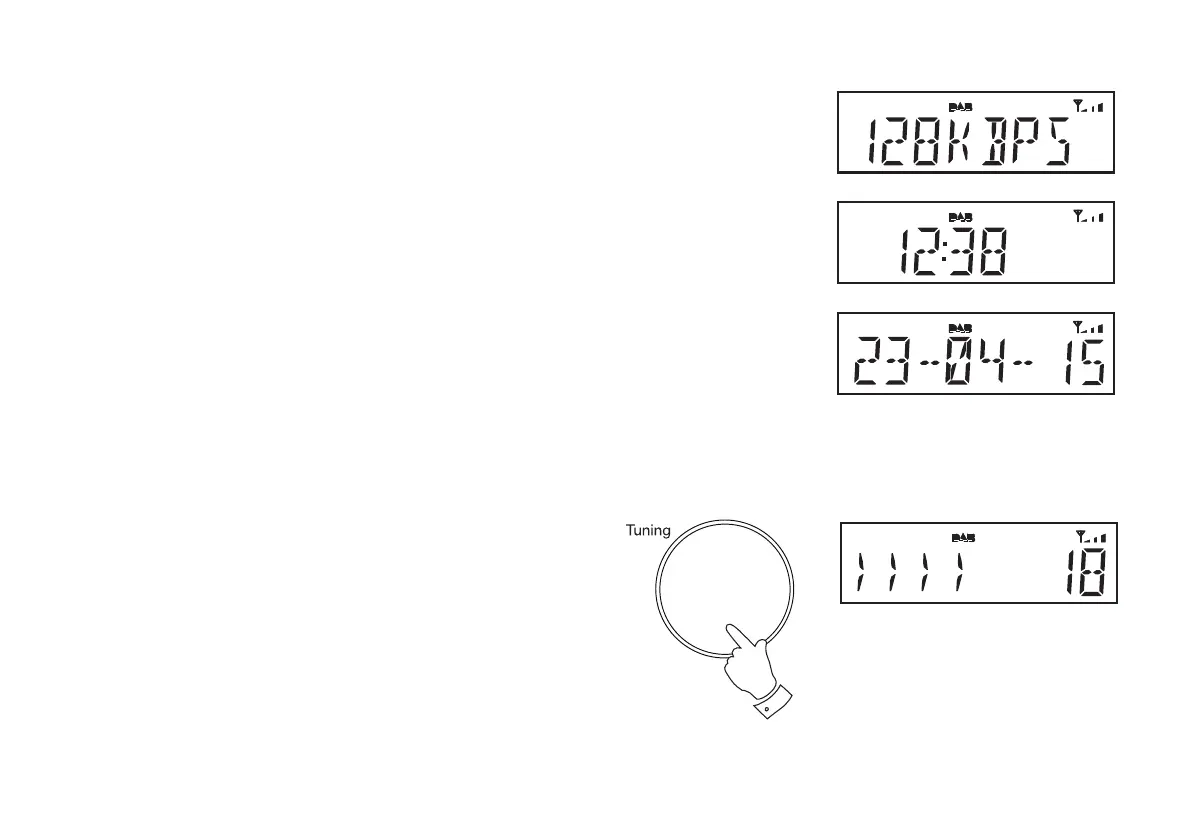
g. Bit rate Displays the digital bit rate for the currently
tuned DAB station.
h. Time Displays the current time.
i. Date Displays the current date.
g
h
i
1











 To Next Page