82
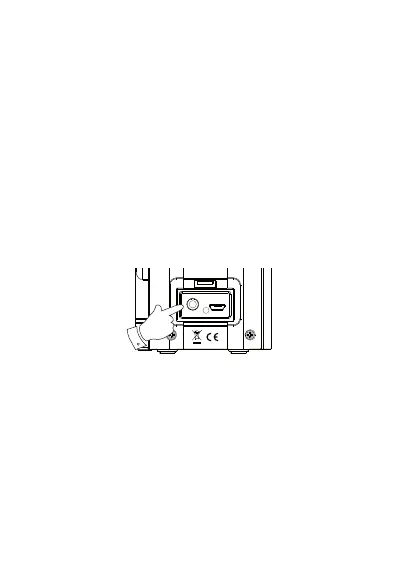
Auxiliary input socket
1. Connect a stereo or mono audio source (i.e. CD
player, MP3 player etc. to the Auxiliary input
socket.
2. Press and release the On/Off button to switch
on the radio. Press and release the Mode button
until the display shows ‘Auxiliary Input’.
3. Adjust the Volume on your player and on the
radio for comfortable listening.
Note: Never use the Aux-In socket in rainy or
moist conditions to prevent moisture entering
the radio.



 To Next Page