41
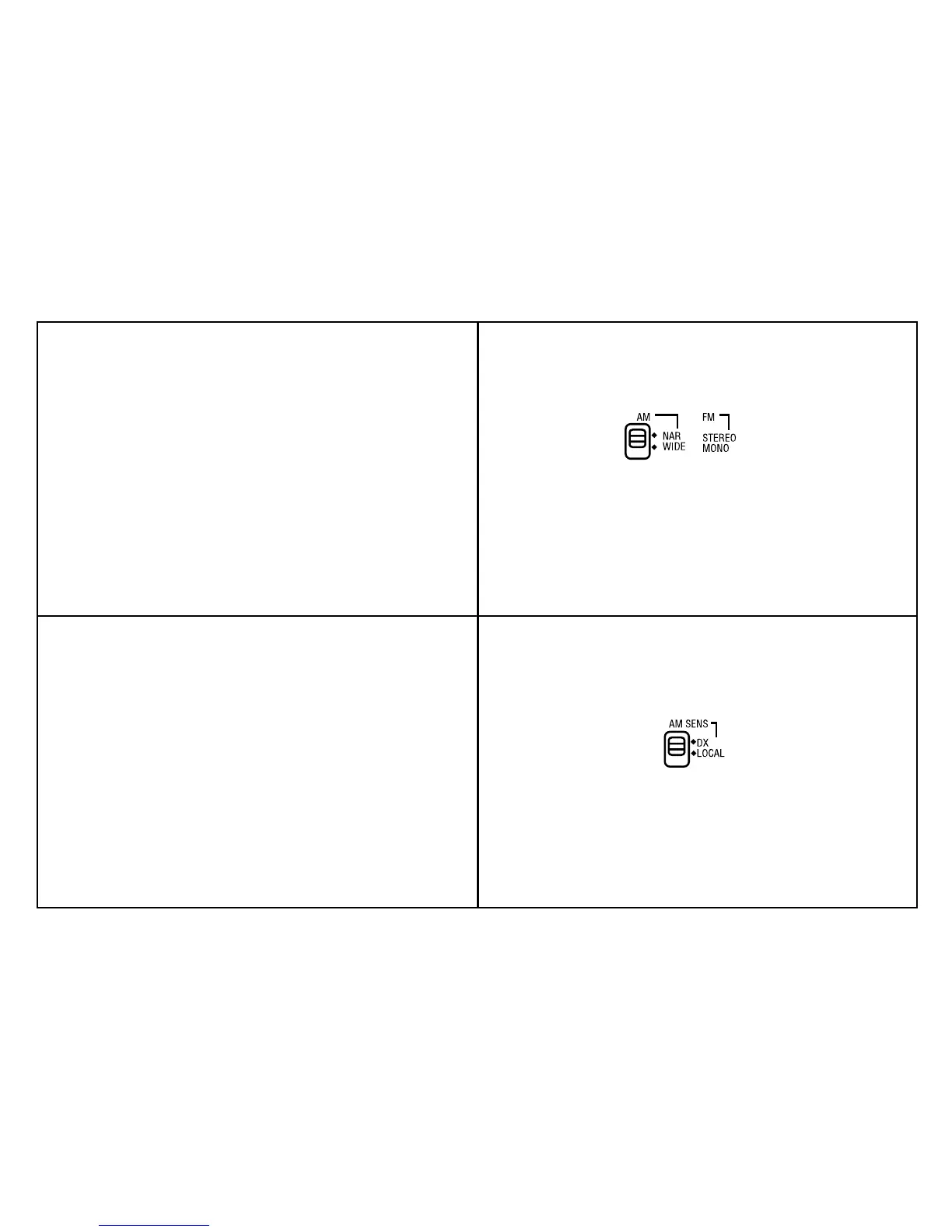
Mono/Stereo and DX/Local switch
1. To listen to FM stereo broadcasts, tune to the required station, plug
in headphones and set the "Mono/Stereo switch located on the left
side of the radio to the "Stereo" position. If the station being received
is weak some hiss may be audible, to reduce the hiss set the "Mono/
Stereo" switch to the "Mono" position to return to mono operation.
Note: FM stereo is only available via headphones.
2. When listening to AM (MW/LW/SW) broadcasts, the "DX/Local"
switch adjusts the radios sensitivity. If you are listening to a strong
station and the signal is distorted, set the "DX/Local" switch to the
"Local" position for best reception. For normal or weak stations set
the "DX/Local" switch to the "DX" position for maximum sensitivity.



 To Next Page