If you need any further advice, please call our Technical Helpline on :-
020 8758 0338 (Mon-Fri)
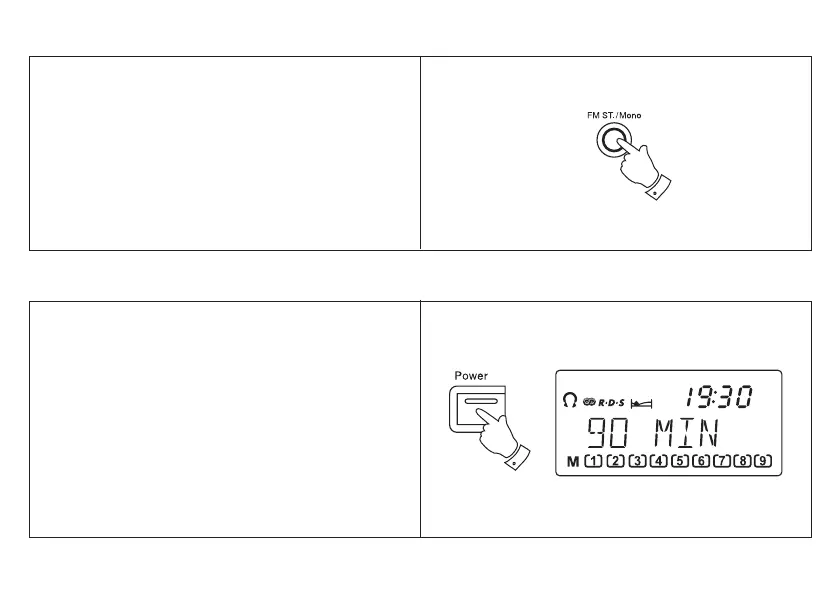
1. If the station being received is weak some hiss may
be audible, to reduce the hiss press the FM ST/
Mono button to switch to mono mode. The stereo
indicator will be removed from the display.
2. Press the FM ST/Mono button to return to FM
stereo operation.
Note: FM stereo is only available when using
earphone/headphones
FM stereo/mono button (FM only)
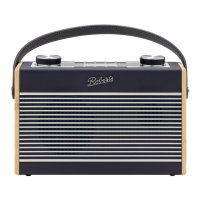
Your radio can be set to turn off after a preset time
has elapsed.
1. Ensure that your radio is switched off.
2. Press and hold down the Power button until the
desired time is reached (maximum 90 minutes in
15 minute steps). The radio will switch off after the
sleep time has elapsed.
3. To cancel the sleep function before the preset time
has expired, press the Power button.
Setting the sleep timer
19



 To Next Page