11
USB Playback
You can plug in a USB memory device in to the USB socket to play back
compatible media files. The USB stick should be formatted on a PC (Fat 32).
Check online for details of compatible media formats - mp3 is the most
commonly used for this purpose.
Important: Your audio system is only designed to work with USB flash memory
devices. It is not intended to be connected to hard disk drives or any other type
of USB device.
Playing files from USB memory devices
Insert the USB memory device into the USB socket on the base of the device.
1. Press MODE and select USB playback mode. The system will start playing
the first track.
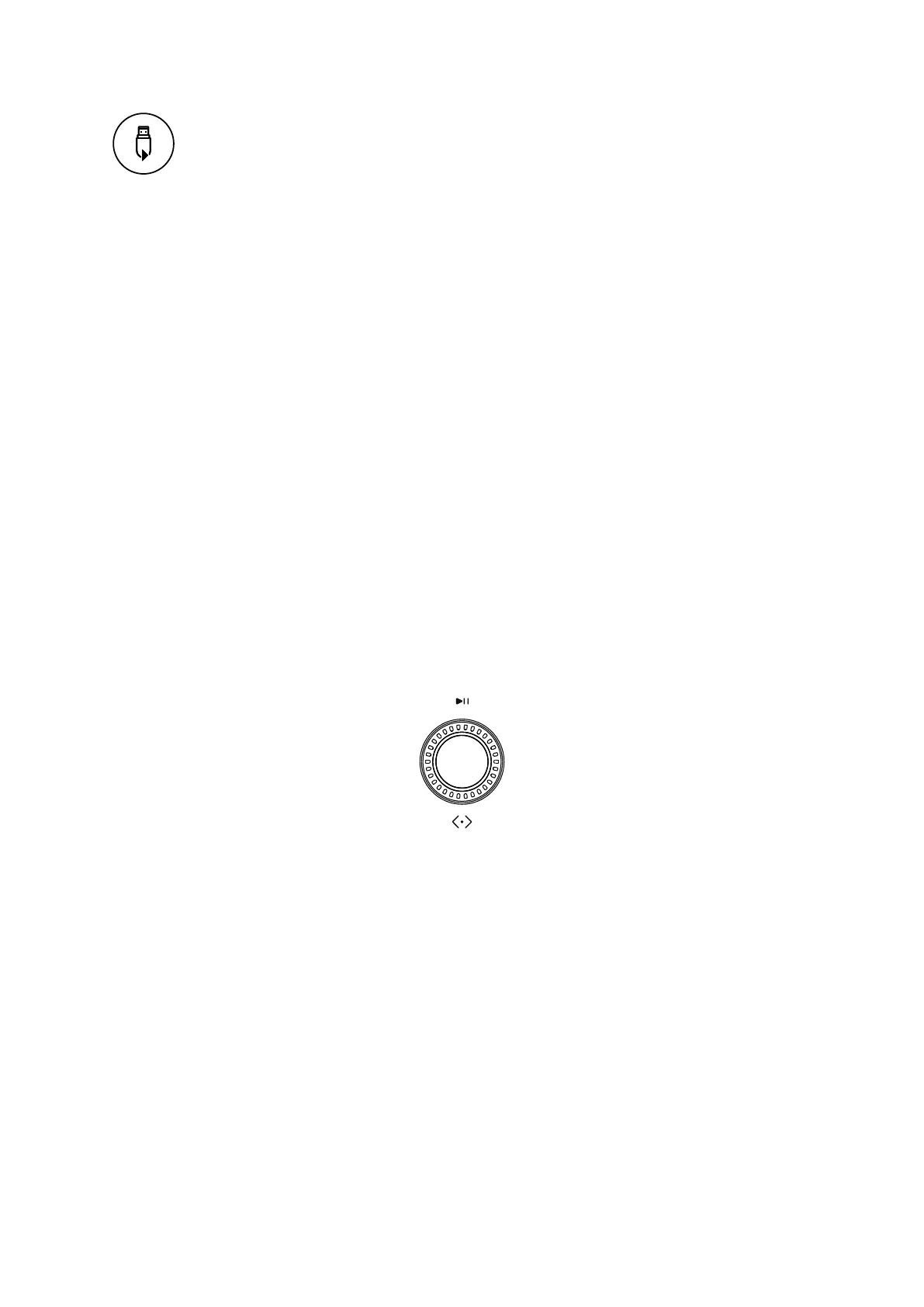
2. Use the Tuning dial to skip tracks forwards and back and play/pause the
audio playback.
3. Press MENU button to choose to shuffle and repeat playback of the audio
files. Use the Tuning dial to skip tracks forward and back and press to
pause.
The app also gives you access to USB content under My Music in the Browse Tab.
The benefit of this is that you can see the tracks as a list to navigate and select.















 To Next Page