6
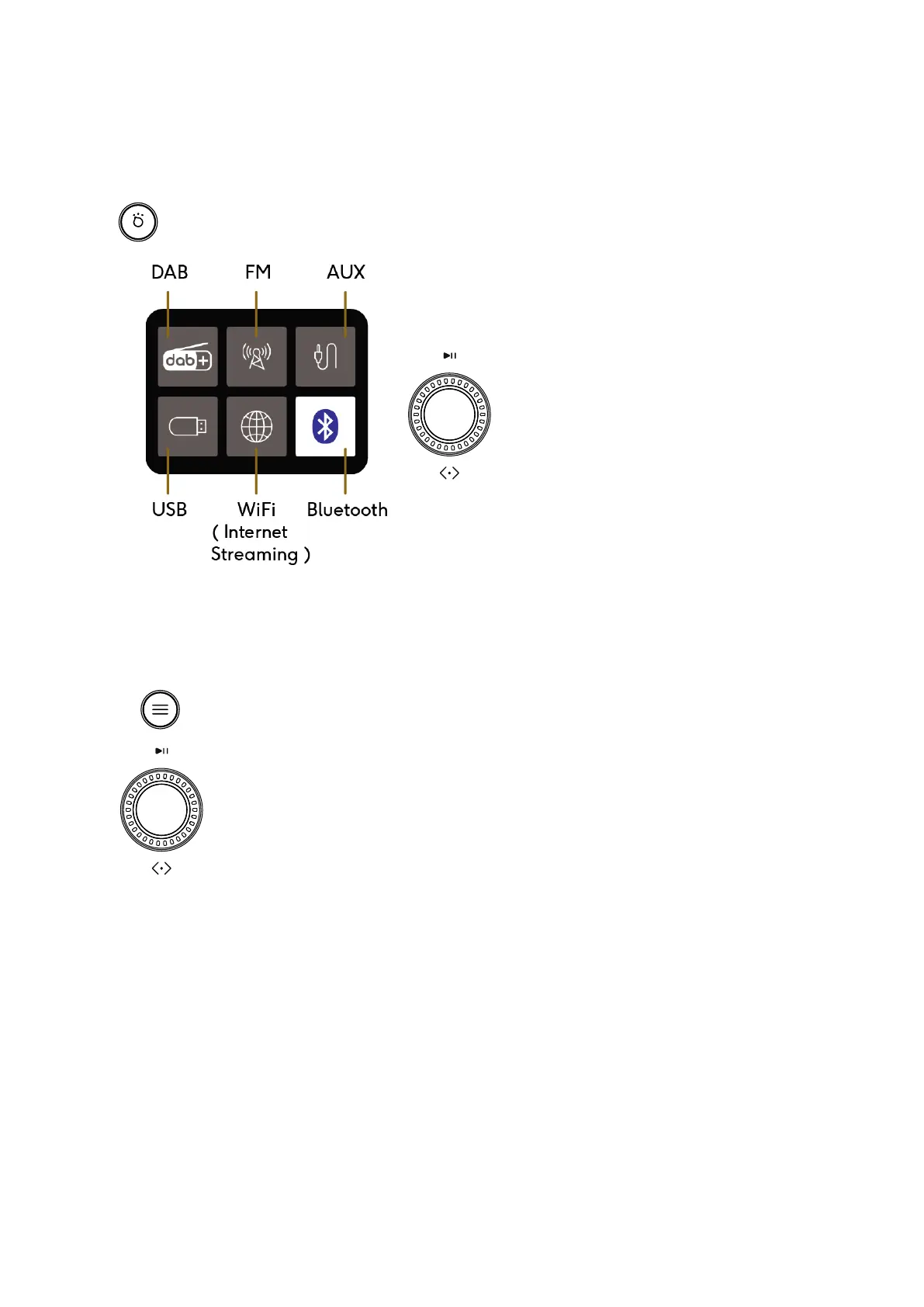
Select Audio Source
Press the MODE button to access the source screen.
Menu
Press the MENU button to access the menu system.
The menu is audio source specific. Turn the Tuning dial to make a
selection from the menu.
Press the Tuning dial to select the chosen selection.
If an error is made when navigating the menus, press the
MENU button to go back.
Your audio system may be configured using the display and buttons on the audio
system. However, to take advantage of all of the audio systems advantages, it
should be configured using the Roberts Radio app and can be voice controlled
using Alexa.
Turn the Tuning dial to choose
a new mode.
Press the Tuning dial to select
the chosen mode.















 To Next Page