23
Device Tab
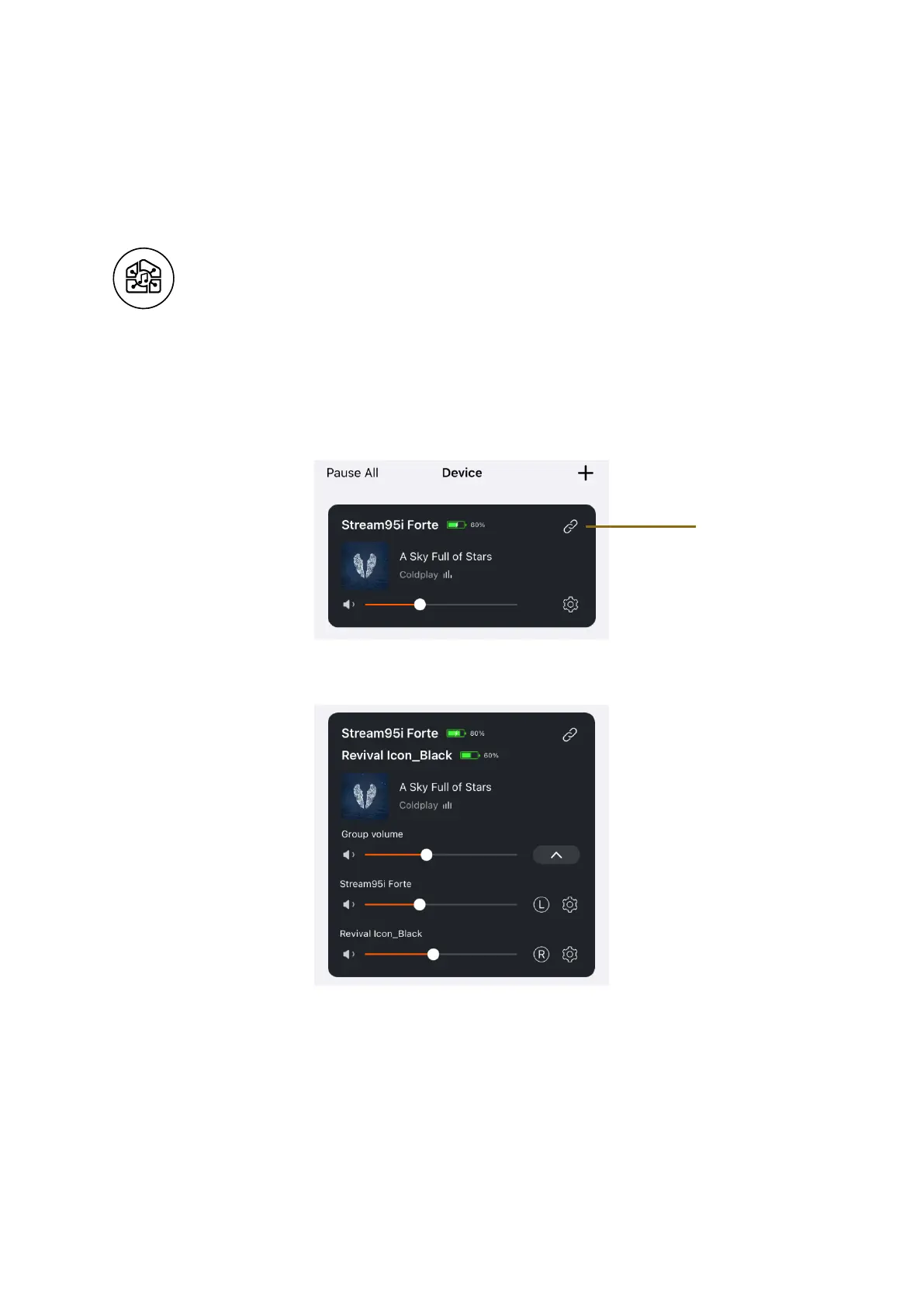
View all your devices and manage volume and grouping settings.
Grouping Devices
Synchronize and play music in a group if you have multiple streaming capable
devices (e.g. Stream95i, Revival Icon, or Linkplay based products) connected to
your WiFi.
1. Click on the chain icon.
2. Tap the devices you want to link together.
3. Control the devices as a group on the Devices page
• Control group volume
• Control volumes for each device individually
• Control the left and right sound by tapping L, R or LR for each
device
4. Ungroup the devices by tapping the chain icon















 To Next Page