24
Configuration
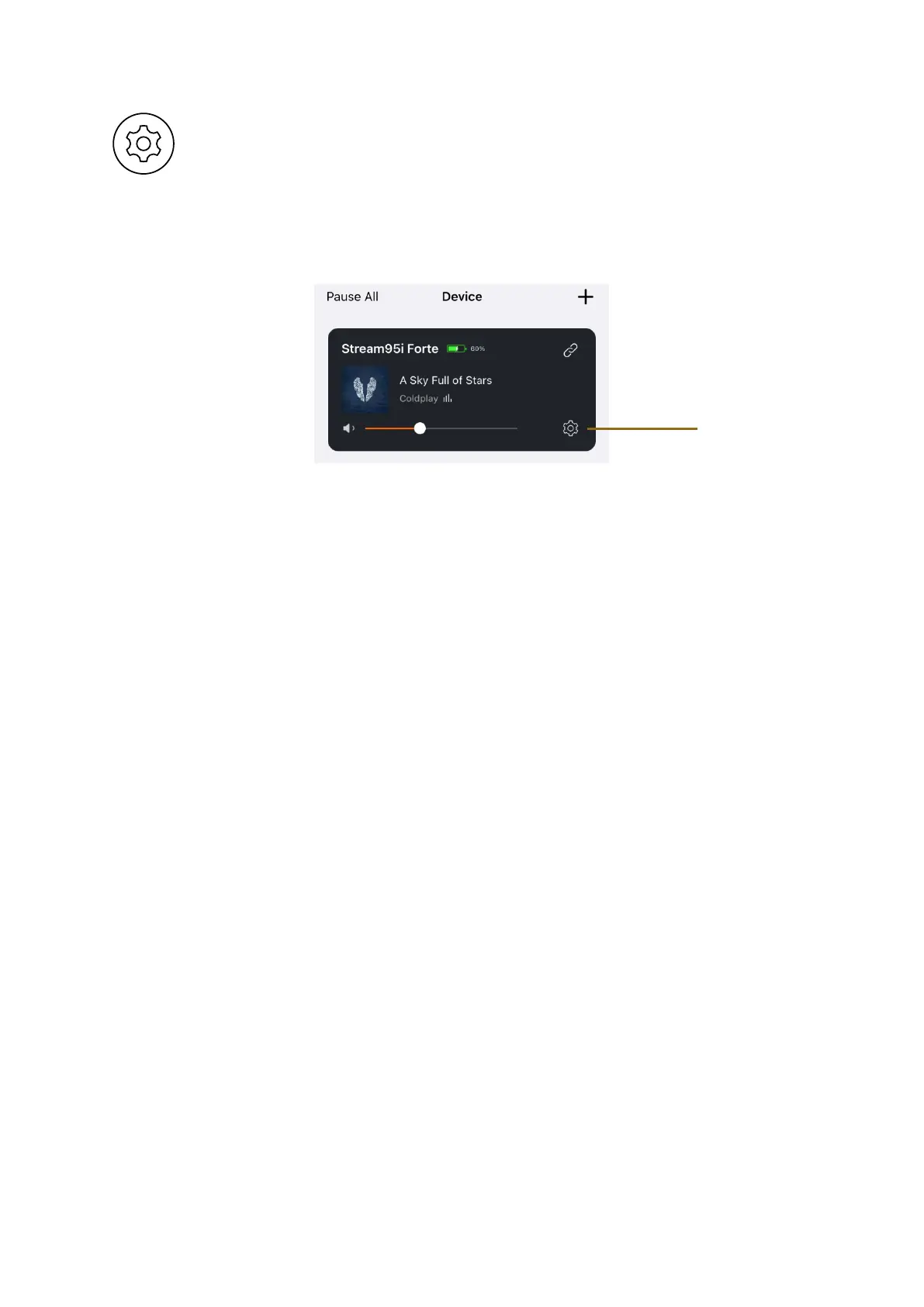
Access the device settings by tapping on the configuration icon.
1. Rename – enter a custom name for your device
2. Speaker Info – WiFi status, Hotspot status and other information
3. Alarm Clock – automatically play music services at a specified time by
tapping the ‘+’ button.
4. Preset Content – Access your favourite content
5. Amazon Alexa Settings
6. Chromecast Audio – Your device is enabled to stream music directly from
hundreds of Chromecast-enabled apps to Stream 95i in the bit perfect
fashion. You can disable this here if you wish.
7. EQ – You may want to change the sound profile of the device. Choose
from a custom User EQ or select from 6 preset EQ settings.
Settings Tab
You can find the app version and leave feedback here.















 To Next Page