25
Amazon Alexa
The voice assistant for controlling the device is Amazon Alexa.
Setting up the voice assistant on the device will allow you to control the device
with your voice. For example, you will be able to change radio stations by
saying,
“Alexa, play BBC Radio 4”,
and change the volume of the device by saying,
“Alexa, volume up”.
Setting up Amazon Alexa
To use the Alexa voice assistant, you need to enter the settings page within the
Roberts Radio app.
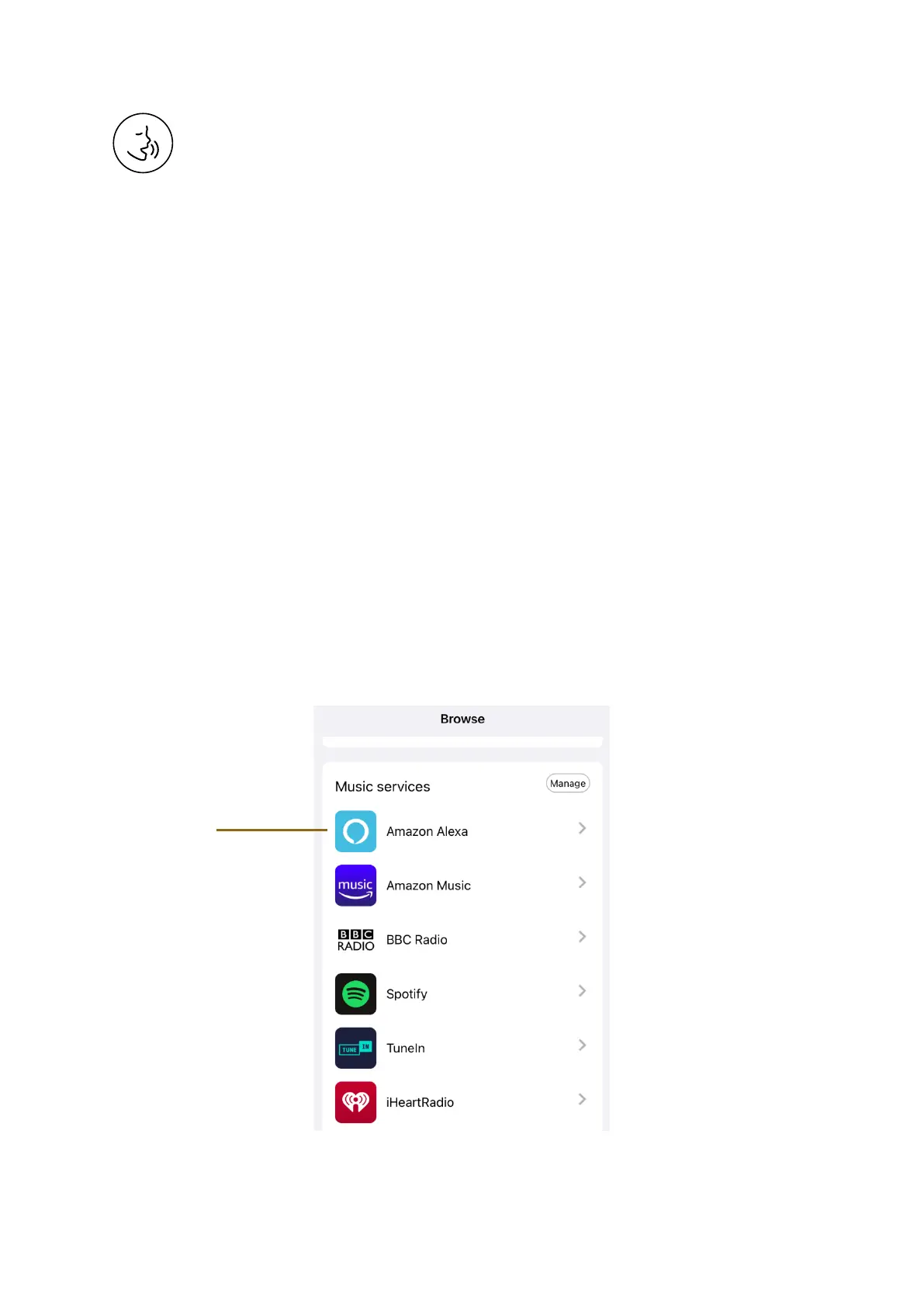
1. Select the BROWSE tab and in the Music services list select Amazon Alexa.















 To Next Page