14
Roberts Radio app
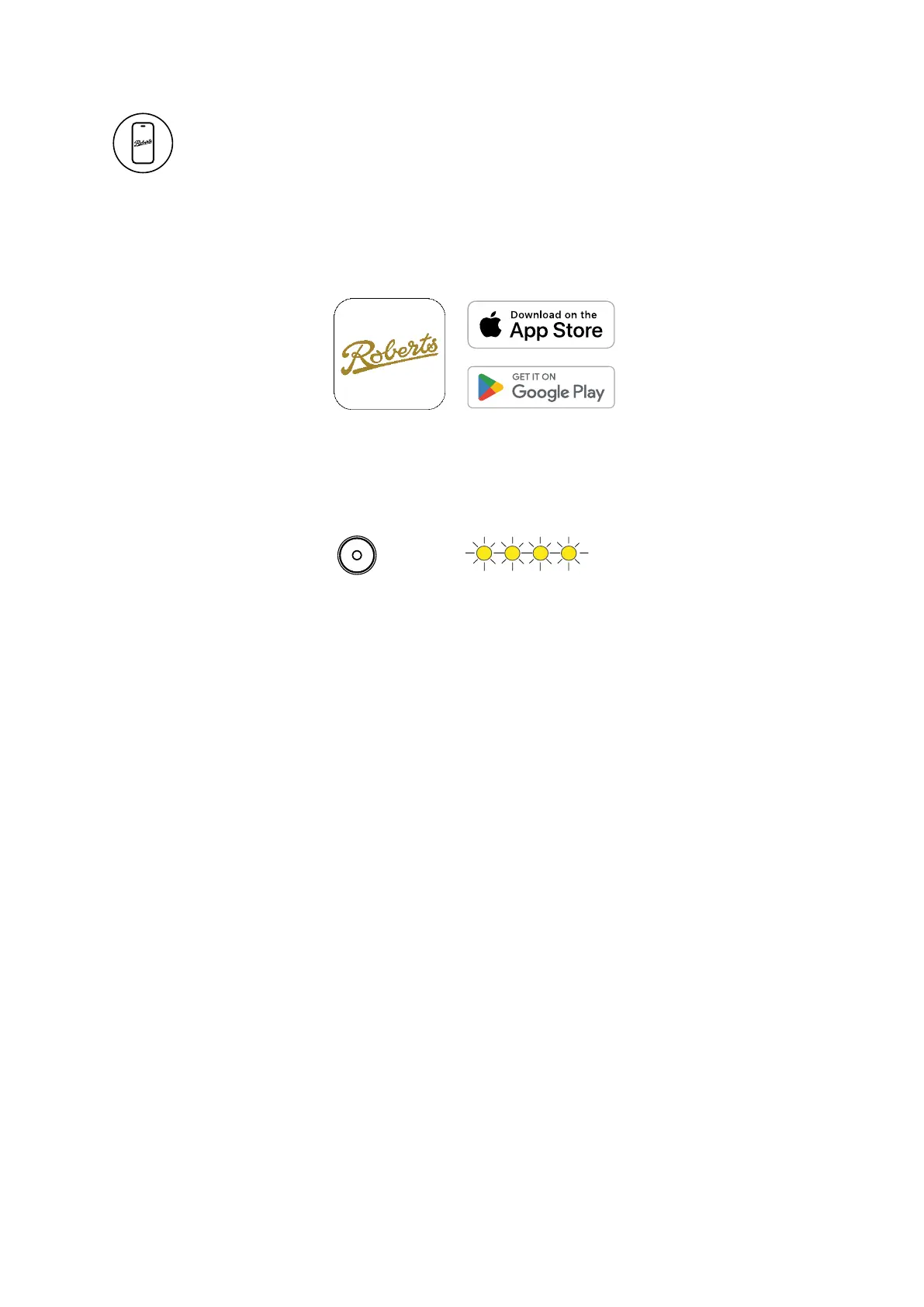
1. Download the Roberts Radio app from the App Store or Google Play Store
on your phone.
2. Press the MODE button to switch the unit to WiFi mode.
3. Press and hold the ACTION button until the 4 indicators are blinking
amber on the device and WiFi setup starts.
4. Open the Roberts Radio app on your phone and choose the ‘+’ button to
add a device to your WiFi network. When the device is connected, it will
check for, and download the latest firmware.
5. You can enter a custom name for your device.
6. Once connected, music services will now be able to stream directly to your
radio when it is connected to your network.















 To Next Page